I Built a Voice App Because I Kept Lying on My Timesheets
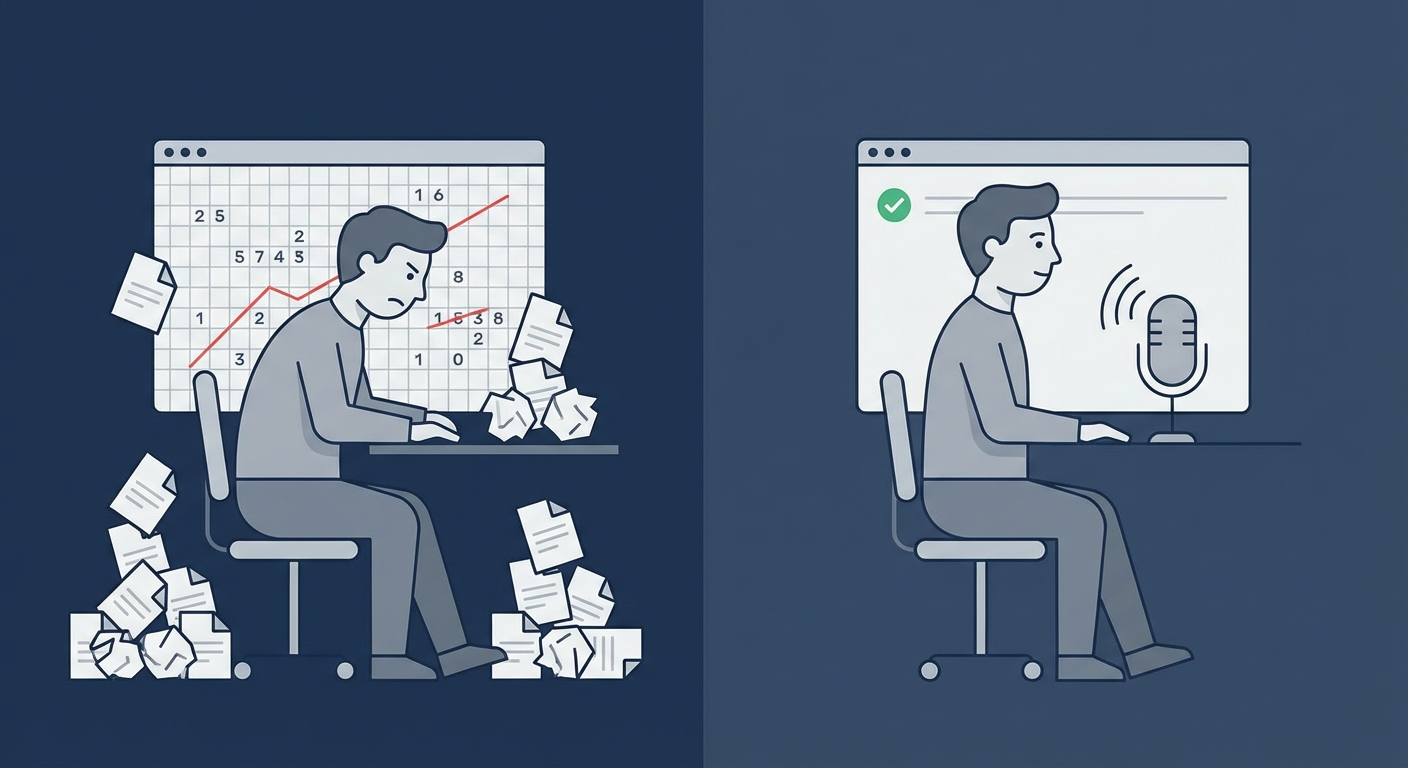
Let me be honest about something. For years, I lied on my timesheets.
Not maliciously. I wasn’t padding hours or making stuff up. I was doing the opposite: consistently underreporting what I actually worked.
Every Friday afternoon, I’d open my time tracker and try to reconstruct the week from memory. I’d stare at my calendar, scroll through Slack, check my git commits. Then I’d take my best guess and round everything to nice clean numbers.
8 hours on Project A. 6 hours on Project B. 4 hours on internal stuff. Done.
Except I’d actually worked 48 hours that week, not 38. The other 10 hours just vanished into the gap between what happened and what I remembered.
The spreadsheet graveyard
Before I built Superscribe, I tried everything:
Toggl. Used it religiously for about 11 days. Then I forgot to start a timer once, then twice, then the data was unreliable, then I stopped opening it.
Harvest. Same story, different UI. The timer model assumes you remember to press a button before every task. I don’t.
A spreadsheet. Lasted 3 days. Filling out a spreadsheet at the end of the day felt like homework.
Calendar blocking. Actually useful for planning, terrible for tracking. My real day never matches my planned day.
Pen and paper. Surprisingly effective, completely unbillable. Good luck turning a notebook full of scribbles into an invoice.
The pattern was always the same: start enthusiastic, hit friction, gradually stop, end up guessing on Friday.
The shower thought
The idea for Superscribe came from a dumb observation.
I was on a call with a client, explaining exactly what I’d worked on that week. I rattled it off perfectly. Projects, tasks, approximate durations, blockers. No notes needed.
Then I hung up and opened my time tracker to log it. And I couldn’t remember half of what I’d just said.
I could describe my work fluently in conversation but not in a form. The information existed in my head but the input method was wrong.
What if the input method was just… talking?
Building the thing
The first version was ugly. A macOS menu bar icon that triggered voice recording, sent it to a transcription API, and dumped the text into a time entry.
It worked immediately. Not because the tech was impressive, but because the interaction was natural. I finished a task, hit a shortcut, said “two hours on the API refactor for ClientCo,” and kept working.
Three seconds. No forms. No dropdowns. No remembering to press start.
Within a week, my tracked hours went from ~30/week to ~38/week. Not because I was working more. Because I was finally counting all of it.
What I learned
The problem with time tracking was never motivation or discipline. It was friction.
Every click, every form field, every app switch is a tiny tax. Each one is small enough to ignore. Together, they add up to “I’ll do it later,” which adds up to “I’ll guess on Friday,” which adds up to leaving real money on the table.
Voice removes the tax entirely. You already know what you worked on. You just need a way to say it that’s faster than ignoring it.
Where it is now
Superscribe lives in your macOS menu bar. Option+Space to dictate. Option+Shift+Space for streaming mode. Escape to cancel. That’s the whole interface.
Your voice becomes text in whatever app you’re in. Time entries get created automatically. At the end of the week, your reports are already done because you’ve been building them all week, 3 seconds at a time.
I still catch myself guessing sometimes. Old habits. But now the guesses are backup, not the primary system.
My timesheets don’t lie anymore. And my invoices are about 25% bigger.
The keyboard is becoming a legacy interface
If you’re curious about the broader shift toward voice-driven productivity, this post captures the vision:
The keyboard isn’t going away. But for input that’s naturally spoken (describing work, logging time, sending quick updates), voice is just faster.
Related reading
Try Superscribe free
Dictate into any app. Track your time automatically. No credit card required.
Get Started