How Superscribe Works in 3 Seconds
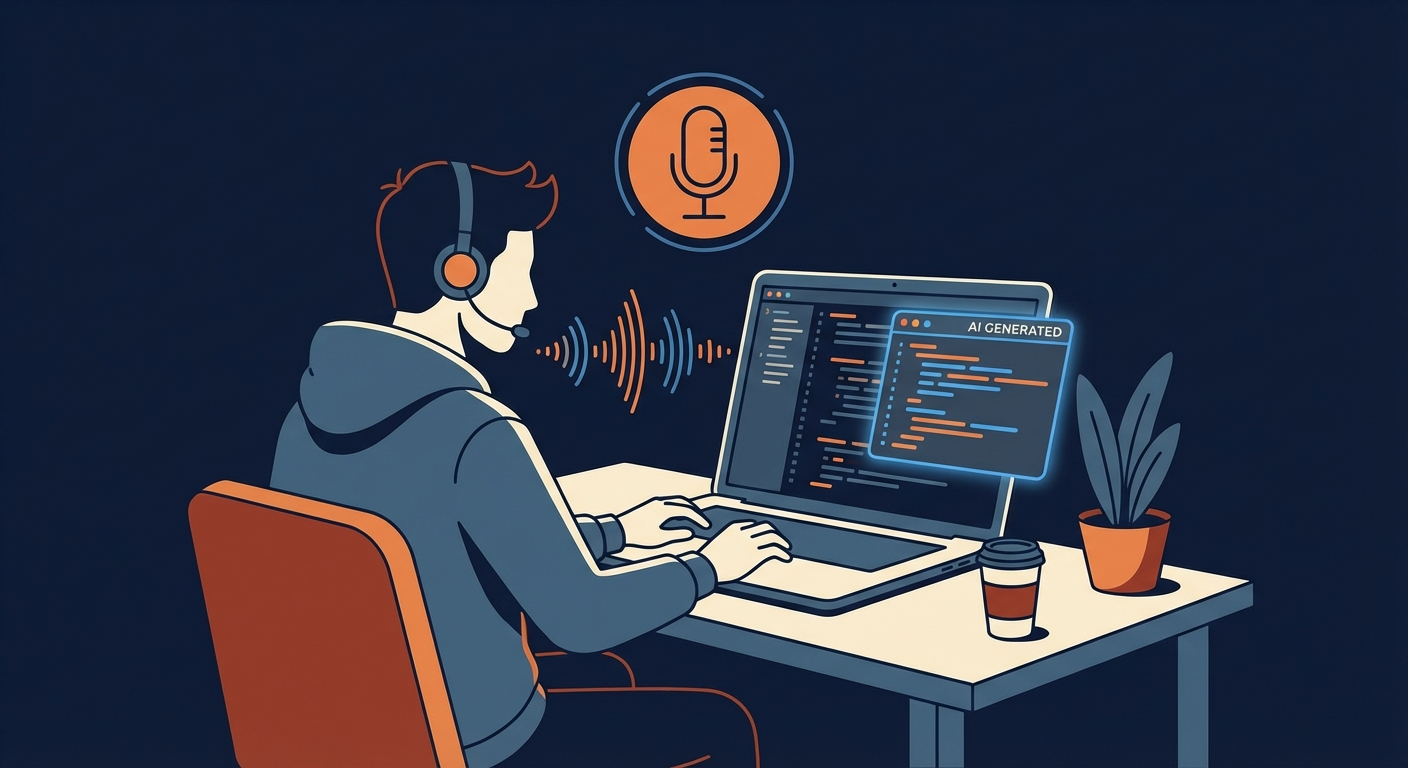
People keep asking the same question: “How does talking for 3 seconds replace my entire time tracking workflow?”
Fair question. Here’s the full breakdown.
The 3-second interaction
You’re working in any app on your Mac. Could be VS Code, Figma, Slack, Google Docs, whatever.
- Press Option+Space
- Say what you just did: “45 minutes refactoring the auth module for Acme Corp”
- Release
Two things happen simultaneously:
The text appears in whatever app is active. If you were typing an email, the transcribed text goes into the email. If you were in a code editor, it goes there. System-wide, no special integration needed.
A time entry gets created in the background. Superscribe’s AI parses your speech, identifies the project (“Acme Corp”), the task (“refactoring the auth module”), and the duration (“45 minutes”), then logs it automatically.
You never opened a time tracker. You never clicked “start.” You never filled out a form. You just talked and kept working.
Two modes, one shortcut
Superscribe has two recording modes:
Auto Paste (Option+Space): You speak, release the shortcut, and the transcribed text gets pasted into your current app. Best for quick entries, dictating messages, or logging what you just finished.
Streaming (Option+Shift+Space): Text appears in real time as you speak, character by character. Best for longer dictation sessions where you want to see the output as it flows. Hit Escape to cancel if you change your mind.
Both modes create time entries. The difference is just how the text reaches your app.
AI does the project matching (semantic search)
This is the part that surprises people. You don’t pick a project from a dropdown. You just mention it naturally.
Say “two hours on the dashboard redesign for ClientCo” and the AI uses semantic matching to connect “ClientCo” to your existing client and “dashboard redesign” to the relevant project. It doesn’t need exact names. Say “working on the Acme website” and it figures out that maps to your “Acme Corp - Website Redesign” project.
It works the same way you’d describe your day to a colleague. No special syntax. No project codes. Just natural speech. The semantic search handles the mapping, even if your wording varies every time.
The transcription engine
Superscribe uses cloud-based real-time transcription. Latency sits around 150ms, which means text appears almost instantly as you speak.
It supports multiple languages with zero configuration. Start a sentence in English, switch to Estonian mid-thought, switch back. The transcription adapts automatically. No language picker, no mode switching.
For the “How is this different from Apple Dictation?” crowd: Apple’s built-in dictation works fine for short bursts but degrades on longer sessions, has no custom vocabulary support, and occasionally stops listening without warning. More importantly, it doesn’t create time entries.
What you see at the end of the week
This is where it pays for itself.
Open the Superscribe dashboard and you’ll see:
- Time entries organized by project and client
- Summaries generated by AI from your raw transcriptions (so “uh, spent like two hours fixing that weird bug in the payment flow” becomes a clean time entry)
- Reports you can export as PDF, ready to attach to an invoice
- Multi-currency support if you bill international clients
No Friday afternoon timesheet reconstruction. No digging through git logs, Slack messages, and calendar entries trying to remember what you did on Tuesday. The data was captured in real time, as it happened.
Custom modes
Power users create custom modes for different types of work. Each mode gets its own AI instructions and keyboard shortcut.
Examples:
- A “meeting notes” mode that formats output as bullet points
- A “standup update” mode that structures text as yesterday/today/blockers
- A “invoice notes” mode that captures billable descriptions in client-ready language
You define the mode once, assign it a shortcut (Cmd+1 through Cmd+9), and switch between them instantly.
The recording history
Every transcription gets saved locally on your Mac. You can search through past recordings, copy text to clipboard, or review what you said versus what the AI processed.
This is useful when a client questions an invoice entry. You have the raw transcript of exactly what you said and when.
Free tier vs Pro
Free: 30 minutes of transcription per month, 1 project, automatic time tracking, multi-language support. Enough to test whether voice tracking fits your workflow.
Pro ($9/mo, $89/yr, or $249 lifetime): Unlimited transcription, unlimited projects and clients, AI-powered summaries, PDF invoices and reports.
The free tier is generous enough to run a real test. Most people know within 2-3 days whether voice tracking clicks for them.
The setup
- Download from superscribe.io
- It lives in your menu bar (macOS) or system tray (Windows)
- Sign in with GitHub or Google
- Create your first project
- Press Option+Space and start talking
The whole setup takes about 60 seconds. The founder actually redesigned the onboarding around this “60-second win” concept after getting feedback from the build-in-public community.
What’s coming: Superscribe Phone
The desktop app is just the start. Superscribe Phone is currently in development, a VoIP feature that will extend voice tracking to phone calls. Forward your number, take calls over internet, and get real-time transcription plus automatic time tracking while you talk.
For freelancers and consultants who spend hours on client calls, this eliminates the entire post-call documentation step. No more writing up notes after hanging up. No more guessing how long the call was. It’s all captured live.
Read more about Superscribe Phone.
Who it’s for
Superscribe was built for people who bill by the hour and hate tracking their time:
- Freelance developers who lose hours to timesheet guessing
- Consultants who need clean client reports
- Lawyers tracking billable hours across cases
- Doctors dictating patient notes between appointments
- Creators and marketers who want to know where their time actually goes
- Vibe coders who dictate prompts to AI coding tools and want that time captured automatically
If you’re salaried and don’t bill anyone, you probably don’t need the time tracking. But the dictation alone might still be worth it.
Try it
Go to superscribe.io. The free tier doesn’t require a credit card. Press Option+Space and see if talking is faster than typing for you.
It was for us. By about 25%.
Try Superscribe free
Dictate into any app. Track your time automatically. No credit card required.
Get Started