Superscribe Phone: VoIP with Live Transcription
What if you could finish a client call and the work was already done?
No notes to write up. No time entry to create. No “let me send you a summary” follow-up email. Just done.
That’s the idea behind Superscribe Phone.
Coming soon. Superscribe Phone is currently in final development. The desktop dictation and time tracking app is available now. Phone features are launching soon for Pro subscribers. Read on for what’s coming.
The problem with client calls
Every freelancer and consultant knows this cycle:
- Hop on a 45-minute client call
- Try to take notes while also paying attention
- Hang up and spend 15 minutes reconstructing what was said
- Open your time tracker and log the call
- Draft a follow-up email summarizing the key points
Steps 2 through 5 are overhead. You already did the work on the call. Everything after is just documentation, and it eats into your next billable hour.
According to the Bureau of Labor Statistics, Americans spend an average of 10 minutes per day on telephone calls and emails. For professionals who bill by the hour, that communication time is often the hardest to capture accurately.
How Superscribe Phone works
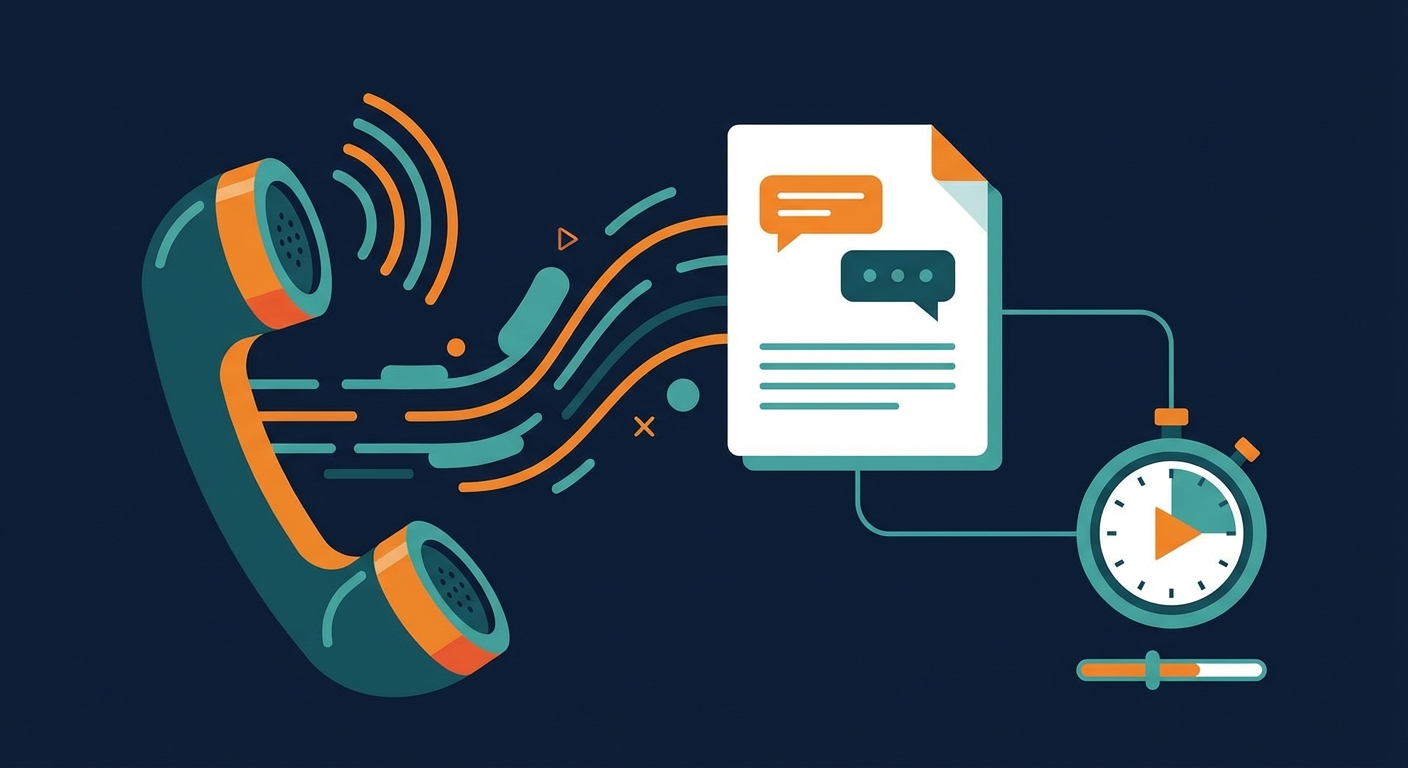
Superscribe Phone is a VoIP service built into Superscribe. You get a phone number that you can forward your existing calls to. When a call comes in:
- Real-time transcription runs throughout the call
- Time tracking starts automatically when you pick up
- AI summarization generates a clean recap when you hang up
The transcription happens live, so you can focus on the conversation instead of scribbling notes. When the call ends, you have:
- A full transcript
- A time entry logged to the right project
- An AI-generated summary of key points and action items
No extra steps. No “I’ll log it later.” It’s captured because you were already using the phone.
The digital nomad angle
There’s a secondary benefit that wasn’t part of the original plan but turned out to be valuable: Superscribe Phone gives you a persistent number regardless of where you are in the world.
If you’re a freelancer who travels (or a digital nomad), keeping a consistent business phone number is surprisingly annoying. Local SIM cards change. International forwarding is expensive. Clients lose track of how to reach you.
With Superscribe Phone, your number stays the same whether you’re in Tallinn, Bangkok, or Buenos Aires. Calls come through over internet, transcription works in any language, and your time tracking doesn’t care about time zones.
Who this is for
Consultants who spend half their day on calls and need every minute billed. The automatic time tracking alone pays for itself if you bill $100+/hour and currently lose 15 minutes of logging per call.
Doctors and lawyers who need detailed call records for case files. The full transcript serves as documentation, and the time entry maps directly to the client matter.
Sales teams of one (indie founders, freelancers wearing all hats) who jump between prospect calls and need to track which conversations led where.
Remote teams who do async standups and want a voice-first way to capture updates that automatically logs the time spent.
The speakerphone trick
Even without Superscribe Phone’s VoIP, the desktop app has a useful workaround for call transcription:
Put your phone on speaker next to your Mac. Start Superscribe’s streaming mode (Option+Shift+Space). It picks up the audio from the room and transcribes both sides of the conversation.
It’s not as clean as the dedicated VoIP integration, but it works surprisingly well for capturing the gist of a call. Several users discovered this workflow independently.
The bigger picture
The keyboard and the timer button are both friction points from the same era. Both assume you’ll stop what you’re doing to input data manually.
Voice removes that assumption. You speak naturally (which you’re already doing on calls, in meetings, at your desk) and the data gets captured as a side effect.
Superscribe started as a menu bar dictation tool with time tracking. Superscribe Phone extends that to the one place where you’re already talking: phone calls.
Getting started
Superscribe Phone is part of the Superscribe platform. The desktop dictation and time tracking app is available now for macOS and Windows. Phone features are currently in development, with launch planned for Pro subscribers.
If you’re currently losing billable time to post-call documentation, try the speakerphone trick with the free tier first. If it clicks, the dedicated VoIP integration makes it seamless.
Related reading
Try Superscribe free
Dictate into any app. Track your time automatically. No credit card required.
Get Started