Superscribe vs Superwhisper for Mac Dictation
You talk to your computer now. That is just the reality of 2026. The question is not whether you should use a dictation app. The question is which one actually fits the way you work.
Two apps keep coming up in the conversation: Superscribe and Superwhisper. Both sit in your Mac menu bar. Both turn your voice into text. But the similarities mostly stop there.
Here is an honest breakdown of how they compare and where each one shines.
The Big Difference Nobody Talks About: Real-Time Streaming
Most dictation apps work the same way. You press a button, you talk, you stop, and then the app processes your audio and pastes a block of text. There is a delay. Sometimes a few seconds, sometimes longer. You are left staring at a cursor, waiting.
Superscribe does not work that way.
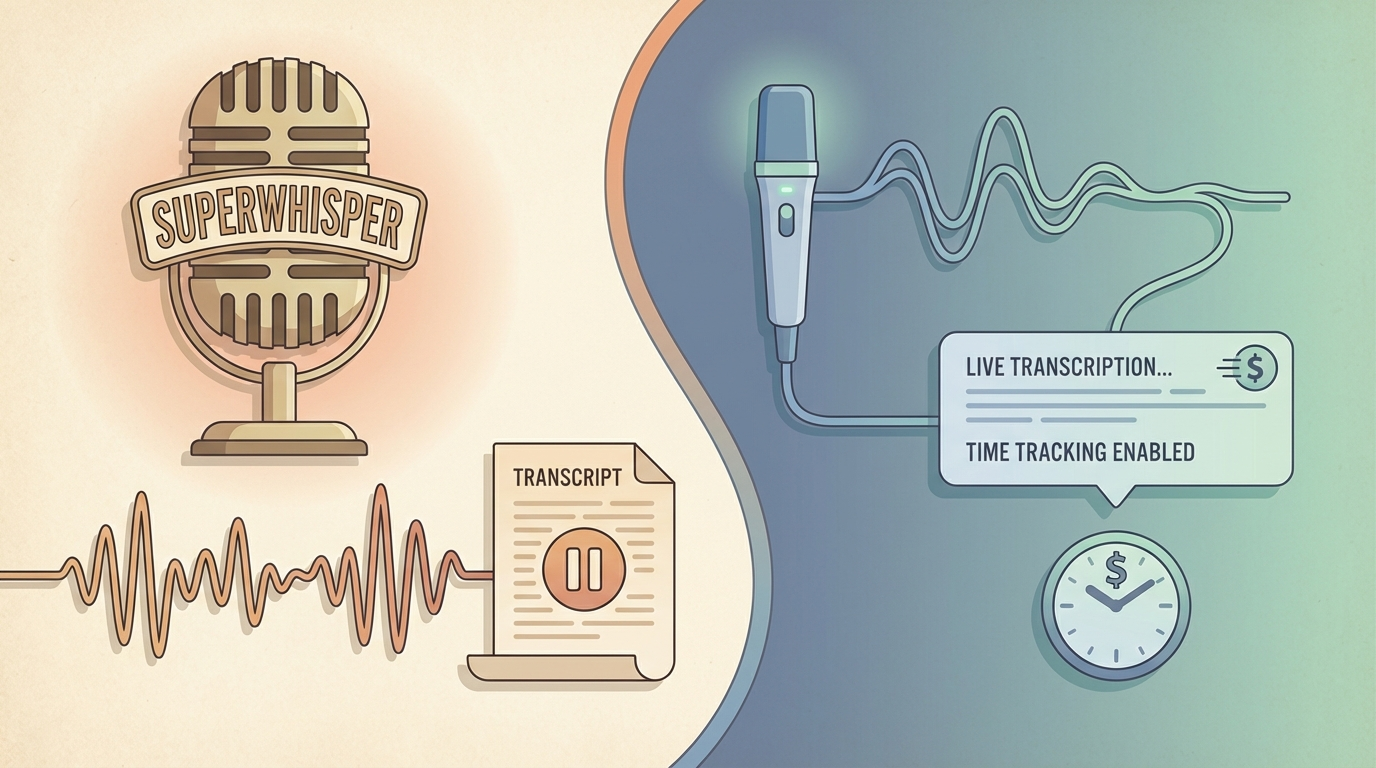
When you hold Option + Shift + Space, Superscribe streams your words directly into whatever input field you are using. In real time. You see the text appear as you speak, character by character, right where your cursor is. Slack, email, code editor, browser search bar. It does not matter. The text flows in live.
This sounds like a small thing until you try it. There is something fundamentally different about watching your words appear as you say them versus waiting for a text dump after the fact. You catch mistakes immediately. You can pause, think, and continue without losing your place. It feels like the app is reading your mind.
Most other dictation tools, including Superwhisper, follow the traditional “record then paste” model. You speak, the app processes, then it drops the result. For short snippets that is fine. For anything longer than a sentence, the lag starts to feel like a bottleneck.
What Superwhisper Does
Superwhisper is a Mac dictation app that focuses on transcription. You speak, it processes, it gives you text. It supports local Whisper models and offers some prompt customization for formatting output.
That is the core product. If you need basic voice-to-text on macOS and you do not need much beyond that, it works.
What Superscribe Does Differently
Superscribe was built for people who use their voice as a primary work tool, not just an occasional convenience.
Real-Time Streaming Into Any App
Already covered this above, but it bears repeating. No other Mac dictation app streams live text directly into your active input field the way Superscribe does. This is the feature that makes people switch.
Automatic Time Tracking
Here is the other thing. Superscribe knows how long you spent dictating. It tracks the time automatically.
If you are a freelancer, consultant, or anyone who bills for their time, this is not a nice-to-have. It is money. Every voice session gets logged. Instead of finishing a three-hour work block and trying to reconstruct what you did from memory, you just check your Superscribe history. The minutes are already there.
No other dictation app does this. Not Superwhisper, not Wispr Flow, not anything. You either track your time separately in Toggl or Harvest (and forget half the time), or you use Superscribe and it just happens.
Keyboard Shortcuts Built for Flow
Three shortcuts. That is it.
- Option + Space: Hold it, speak, let go. Text auto-pastes wherever your cursor is. Zero friction.
- Option + Shift + Space: Streaming mode. Watch your words appear in real time.
- Escape: Cancel. Changed your mind? Gone. Like it never happened.
You build muscle memory in about ten minutes. After that, dictating feels as natural as typing.
Feature Comparison
Superscribe:
- Real-time streaming to any input field: Yes
- Automatic time tracking: Yes
- macOS menu bar: Yes
- 3 optimized keyboard shortcuts
- Works in any app (any input field)
- Processing: Cloud-based (fast, accurate, no model downloads)
- Free tier: Yes
- Target: Freelancers, consultants, professionals
Superwhisper:
- Real-time streaming: No (transcribe then paste)
- Automatic time tracking: No
- macOS menu bar: Yes
- Configurable shortcuts
- Works in any app: Yes
- Processing: Local Whisper models (on-device)
- Limited free tier
- Target: General users, privacy-focused users
Who Should Use What
Use Superscribe if:
- You want to see your words appear in real time as you speak
- You bill clients and want automatic time tracking from your voice sessions
- You dictate frequently throughout the day (emails, Slack, docs, code comments)
- You want three shortcuts and zero configuration
- You are tired of guessing your hours at the end of the month
Use Superwhisper if:
- You only need occasional transcription
- You do not care about tracking your time
- You prefer to configure model settings yourself
- Real-time streaming is not important to your workflow
The Bigger Picture
The Mac dictation market in 2026 has a lot of options. Most of them do the same thing: record, process, paste. They compete on transcription accuracy, which at this point is basically a commodity. Every app uses great models. The accuracy differences are marginal.
The real question is: what happens after the transcription?
Superwhisper stops at the text. Superscribe keeps going. It streams your words live, tracks your time, and turns your voice into billable data. For anyone who makes money from their time, that difference adds up to thousands of dollars per year.
Try It
Superscribe lives in your menu bar. Download it, press Option + Space, and say something. That is the whole onboarding.
Get Superscribe at superscribe.io
Speak. Track. Bill.
Related reading
Try Superscribe free
Dictate into any app. Track your time automatically. No credit card required.
Get Started