Why Most Voice Notes Fail and How to Fix Them
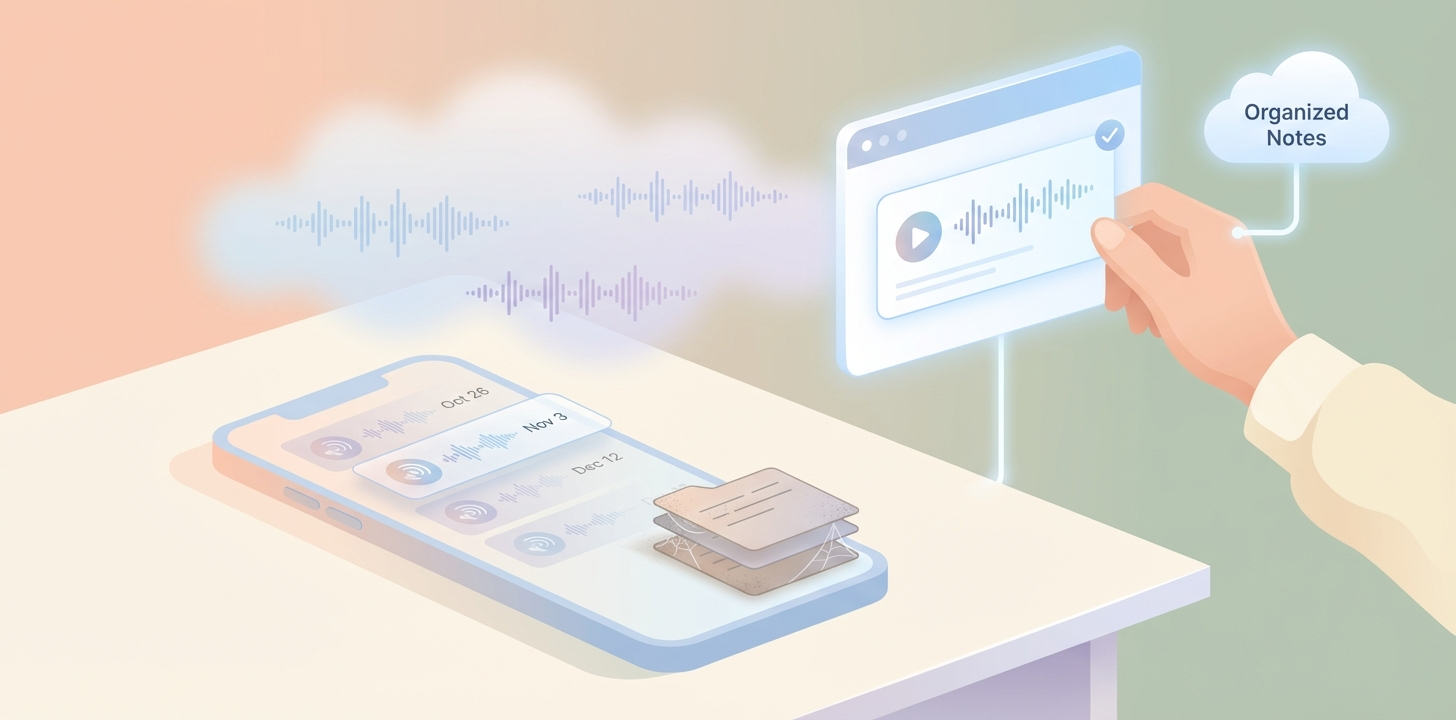
We have all been there. You are driving, walking the dog, or paced around your office when a “breakthrough” idea hits. You grab your phone, open the voice memos app, and talk for three minutes. You feel productive. You have “captured” the thought.
Then, you never listen to it again.
Welcome to the Voice Memo Graveyard. It is where brilliant ideas go to die, buried under filenames like “New Recording 42” and “Meeting Notes (Copy)”.
In 2026, the problem isn’t capturing your voice—it’s what happens after you stop talking. Here is why the traditional voice memo is a failed productivity tool and how to fix your workflow.
The Cognitive Friction of Listening
The reason voice memos fail is simple: listening is high-friction, while reading is low-friction.
To get the value out of a 5-minute voice memo, you have to spend 5 minutes listening to it. You cannot “skim” an audio file. You cannot “command+f” a sound wave. If you’re looking for that one specific project detail you mentioned in the middle of a rant, you are stuck scrubbing through a timeline, hoping to catch the right keyword.
Most professionals are too busy for that. So, the memo sits there until your storage is full, at which point you delete it without ever extracting the value.
The “Brain Dump” Trap
The second reason voice notes fail is the “Messy Middle.” When we talk, we don’t speak in bullet points. We ramble. We say “um” and “uh.” We repeat ourselves. We go on tangents about why the neighbor’s dog won’t stop barking before getting back to the client’s logo feedback.
A raw transcript of a brain dump is often just as useless as the audio file. It is a wall of text that requires 10 minutes of editing to make sense of.
How to Fix the Workflow
To make voice actually work for your career, you need to move from Recording to Streaming and Structuring.
1. Stop Recording, Start Streaming
The “Record, Save, Export, Transcribe” workflow is dead. It has too many steps. The fix is real-time streaming. Tools like Superscribe allow you to talk directly into the app you are already using.
If you’re in Slack, don’t record a memo to yourself. Use a shortcut, speak your thought, and see it appear character-by-character in the chat box. You see the result immediately. There is no “after” to worry about.
2. The “Action-First” Prompt
If you must record a long brain dump, use AI to find the needle in the haystack. Instead of just transcribing the words, use a tool that automatically identifies:
- Action Items: “I need to send that invoice.”
- Project Context: “This is for the Acme redesign.”
- Time Logs: “I spent two hours on this today.”
3. Billing as You Think
For freelancers, the greatest value of voice isn’t the ideas—it’s the unbilled time.
When you “talk through” a problem to get it out of your head, that is work. In the old world, that time was invisible. In the new world, your dictation tool should be smart enough to see that you’ve been talking about “Project X” for ten minutes and automatically log that time to your timesheet.
From Graveyard to Engine
Voice shouldn’t be a storage locker for ideas you’ll never see again. It should be the engine that powers your documentation, your communication, and your billing.
Stop letting your best thoughts die in your phone’s storage. Start using a tool that turns your voice into structured data the moment you open your mouth.
If you’re ready to stop burying your ideas, try Superscribe for free. It’s the difference between a graveyard and a goldmine.
Related reading
Try Superscribe free
Dictate into any app. Track your time automatically. No credit card required.
Get Started