Fixing Estonian Dictation and Windows Streaming
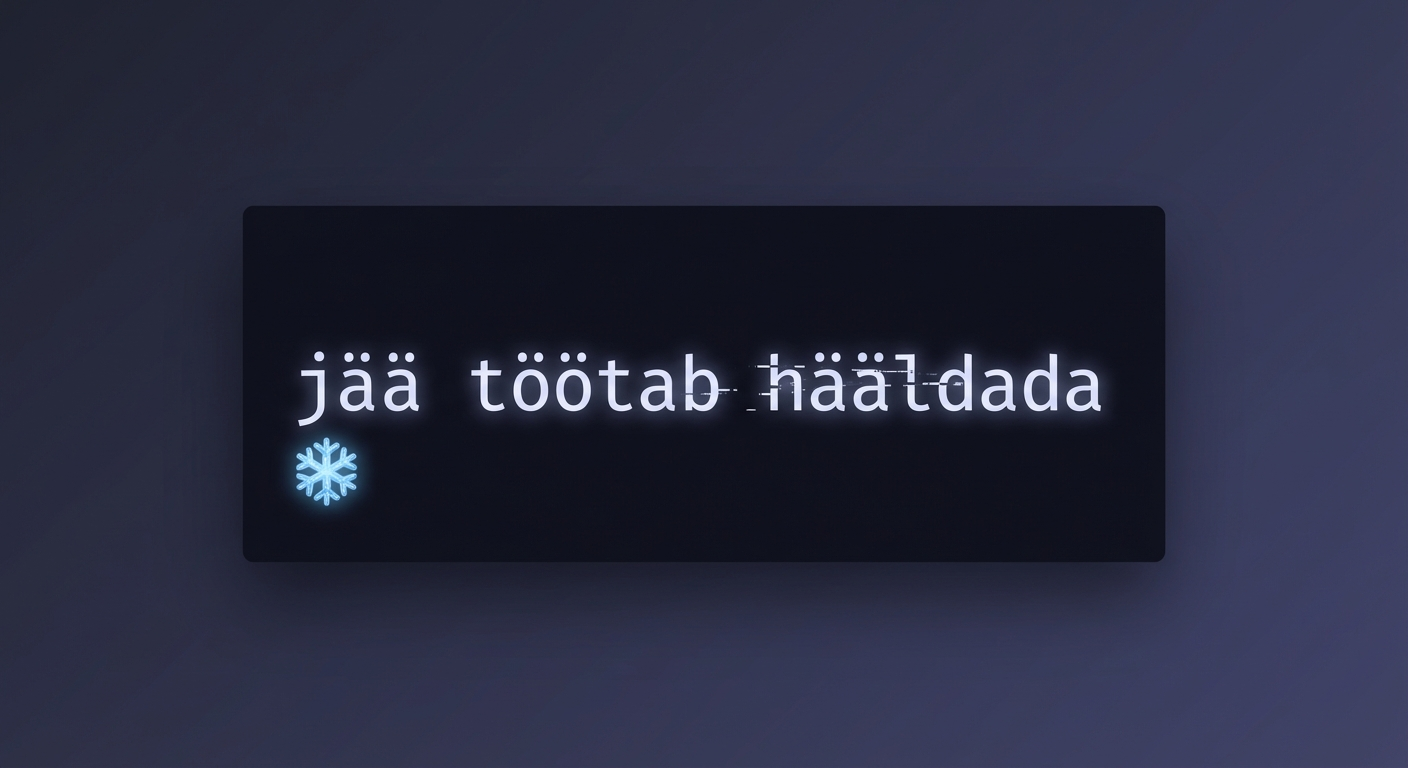
Yesterday we shipped Smart Transcription. Today we spent the entire day fixing the things it broke.
Three releases. Three bugs that all trace back to the same reality: building a real-time voice to text app is harder than it looks.
Estonian Words Were Disappearing
A user dictating in Estonian noticed something wrong. The word “jää” (ice) was showing up as “j “. The word “töötab” (works) became “t tab”. “Hääldada” (pronounce) turned into “h ldada”.
Letters were vanishing mid-word.
It took us a while to find it. The filler word filter — the feature we shipped yesterday to strip out “um” and “uh” and “hmm” from your AI dictation — had entries for common Estonian hesitation sounds. Sounds that also happen to appear inside normal Estonian words.
The filter could not tell the difference between a standalone filler and the same letters sitting inside a real word. So it ripped them out.
Every Estonian word containing those letter combinations was getting mangled.
The fix: remove the problematic entries from the fast filter entirely. The smart AI transcription layer can still catch Estonian fillers using context. The fast filter just cannot handle them safely.
Estonian, Finnish, and every other language with characters outside the English alphabet now transcribes correctly. Superscribe supports dictation in 99 languages — and now all of them actually work the way they should.
Windows Streaming Was Landing in the Wrong Place
The second bug was specific to our dictation app for Windows. You place your cursor in the middle of a paragraph. You start dictating. The new words appear — at the end of the document.
On our dictation app for Mac, cursor position just works. The system handles it natively. Windows does not give you that for free.
Our original approach worked fine for simple cases. But when you start streaming voice text in real time — words appearing as you speak them — things get complicated fast. The text needs to land exactly where your cursor is, update smoothly as you keep talking, and handle every language and character correctly.
We rewrote the streaming engine twice in one day to get it right.
The first attempt fixed the cursor drift but still had issues with special characters and visual flickering. The second attempt took a completely different approach: instead of inserting characters one by one, we now update the text all at once. No flicker. No character corruption. No cursor jumping around.
It took some effort to get it smooth, but the result is worth it. Voice to text on Windows now feels the way it should — words appear where your cursor is, the moment you say them.
The Stale Paste Bug
There was a third, smaller bug. If you recorded a transcription, then started a new recording and cancelled it, pasting would insert the old transcription instead of nothing.
Simple fix, but the kind of thing you only catch when someone uses the speech to text app differently than you expected.
Three Versions in One Day
Here is how the day went:
v0.2.34 — Fixed the stale paste bug.
v0.2.35 — First streaming rewrite for Windows. Fixed cursor drift but still had rough edges.
v0.2.36 — Second streaming rewrite plus the Estonian character fix. Everything smooth.
All three versions are signed and shipped through our normal release pipeline. Update to the latest and it is all there.
What This Means for You
If you dictate in Estonian, Finnish, or any language with special characters — it works now. No more missing letters.
If you use Superscribe on Windows and like to dictate into the middle of existing text — it works now. Your cursor position is respected.
If you just want smooth, clean voice typing on your desktop — that is what you get.
Superscribe is a voice to text app with automatic time tracking for Mac and Windows. Hit a keyboard shortcut, talk, and your words appear instantly in any input field. Time tracks itself while you dictate — no timers, no spreadsheets, no forgetting what you worked on.
And if something else broke — tell us. We will ship the fix before you finish writing the bug report. By talking, obviously.
Related reading
Try Superscribe free
Dictate into any app. Track your time automatically. No credit card required.
Get Started