Apple Dictation Fails Multilingual Users
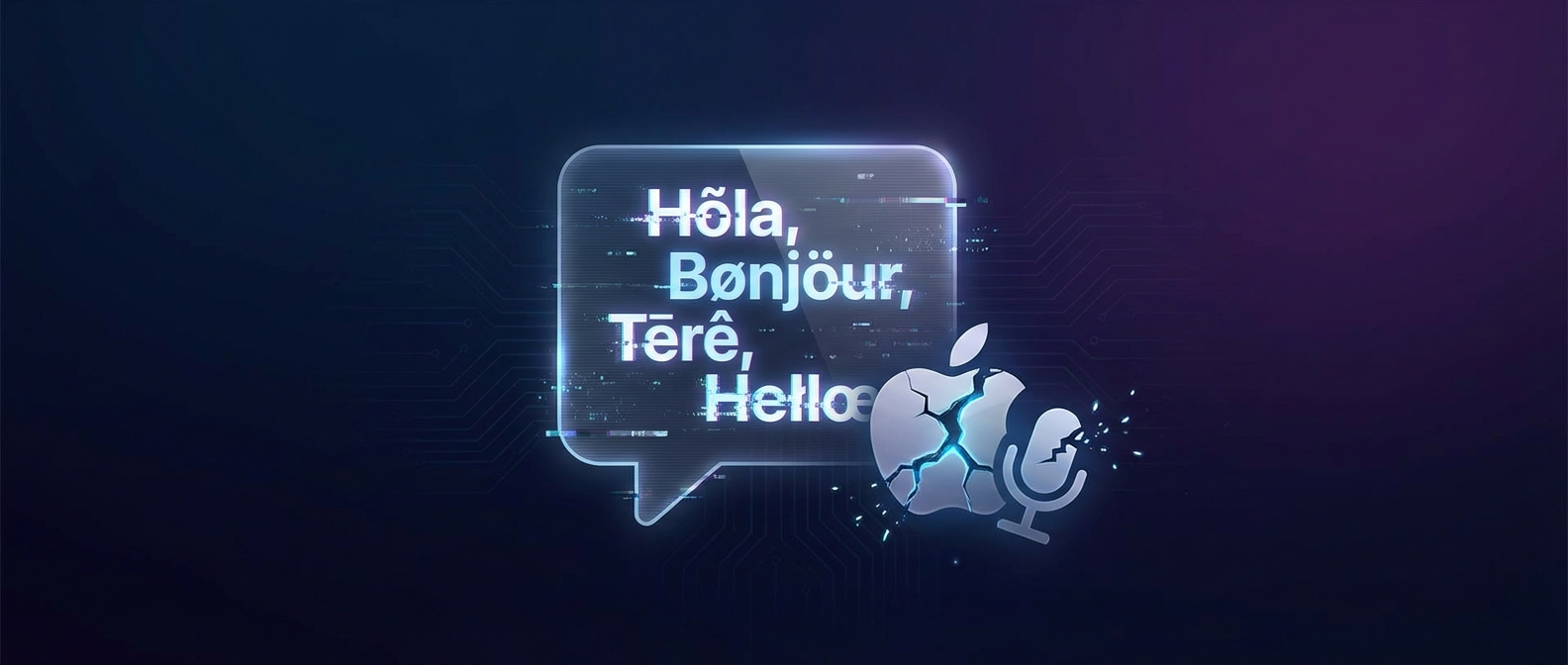
If you speak more than one language, Apple Dictation is a coin flip. You start a sentence in English, switch to Spanish mid-thought, and get bilingual gibberish back. The language picker vanishes after a few seconds. Miss it, and you’re restarting the whole thing.
This isn’t a niche complaint. People are calling it out:
I hate how discriminatory Apple's voice-to-text is against my amazingly beautiful northern accent
— Jasper Lewis (@jasperlewis_) February 28, 2026
Voice dictation is so bad on a Mac I cannot do it anymore. 60% of the time it works none of the time
— Burke Holland (@burkeholland) March 1, 2026
Apple trained their dictation on California English. If you’re anywhere outside Cupertino, with an accent, or switching between languages, good luck.
The Real Problems
Language switching is painful. You click the tiny ISO code by the mic icon, but the popup disappears in seconds. Miss it and you’re stuck dictating in the wrong language until you restart.
Accents get destroyed. Northern English, Scottish, Australian, non-native speakers. Reddit threads are full of people whose perfectly clear speech gets mangled into nonsense.
Filler words stay in. Every “um,” “uh,” and “ehm” makes it into the transcript. Apple doesn’t filter these in English, let alone other languages.
Keyboard layout jumps around. Switch dictation language and suddenly your keyboard layout changes too. Great when you need to type code right after dictating notes.
For anyone who works across languages, this wastes real time every day.
The Real Cost Nobody Talks About
Here’s the thing most dictation complaints miss. Bad transcription isn’t just annoying. It’s expensive.
A freelancer on a call with a French client, taking notes in English, switching to German for the invoice. Every time Apple Dictation garbles the output, that’s 5 minutes re-typing. Three calls a day, that’s 15 minutes lost. Over a month, that’s an entire workday gone to fixing what should have been right the first time.
And that’s just the transcription part. The real pain is what happens after. You finish the call, the notes are a mess, and now you have to remember how long it took, which project it was for, and log it somewhere before you forget. Most people don’t. Studies show freelancers lose 30% of billable hours because they forget to track them.
The dictation problem and the time tracking problem are the same problem. You’re doing real work, but none of it gets captured properly.
What Actually Fixes This
The fix isn’t just better speech recognition. It’s capturing the whole picture while you work.
Auto-detect, don’t ask. You shouldn’t have to tell your computer what language you’re about to speak. Start in English, switch to Estonian mid-sentence, throw in some French. The tool should figure it out. That’s what Superscribe does. No popups, no language picker, no restarting.
Strip the garbage before you see it. Every “um,” “uh,” and filler across 20+ languages gets filtered out before the text hits your screen. You get clean output without editing.
Track time without thinking about it. This is the part Apple will never solve. While you dictate, Superscribe runs a timer in the background, figures out which project you’re working on based on context, and logs the hours automatically. No separate app, no forgetting to click start.
Shape the output to what you need. A client email doesn’t look like meeting notes. Meeting notes don’t look like an invoice. Pick a template, dictate naturally, get structured output. Not raw transcription you have to reformat.
The Pain is Real, The Fix is Simple
You’re already talking. The words are already there. The problem is that your tools throw most of that information away.
Apple gives you broken text in one language. Traditional time trackers make you stop working to log that you were working. Neither captures what actually happened.
Superscribe sits in your menu bar, listens when you tell it to, and handles the rest. Your words come out clean, your hours get tracked, your projects get matched. You just keep working.
Try It
Head to superscribe.io and test it yourself. The multilingual detection works out of the box, no setup needed.
Your voice, your languages, your time tracked.
Related reading
Try Superscribe free
Dictate into any app. Track your time automatically. No credit card required.
Get Started