MacWhisper Alternative for Live Dictation
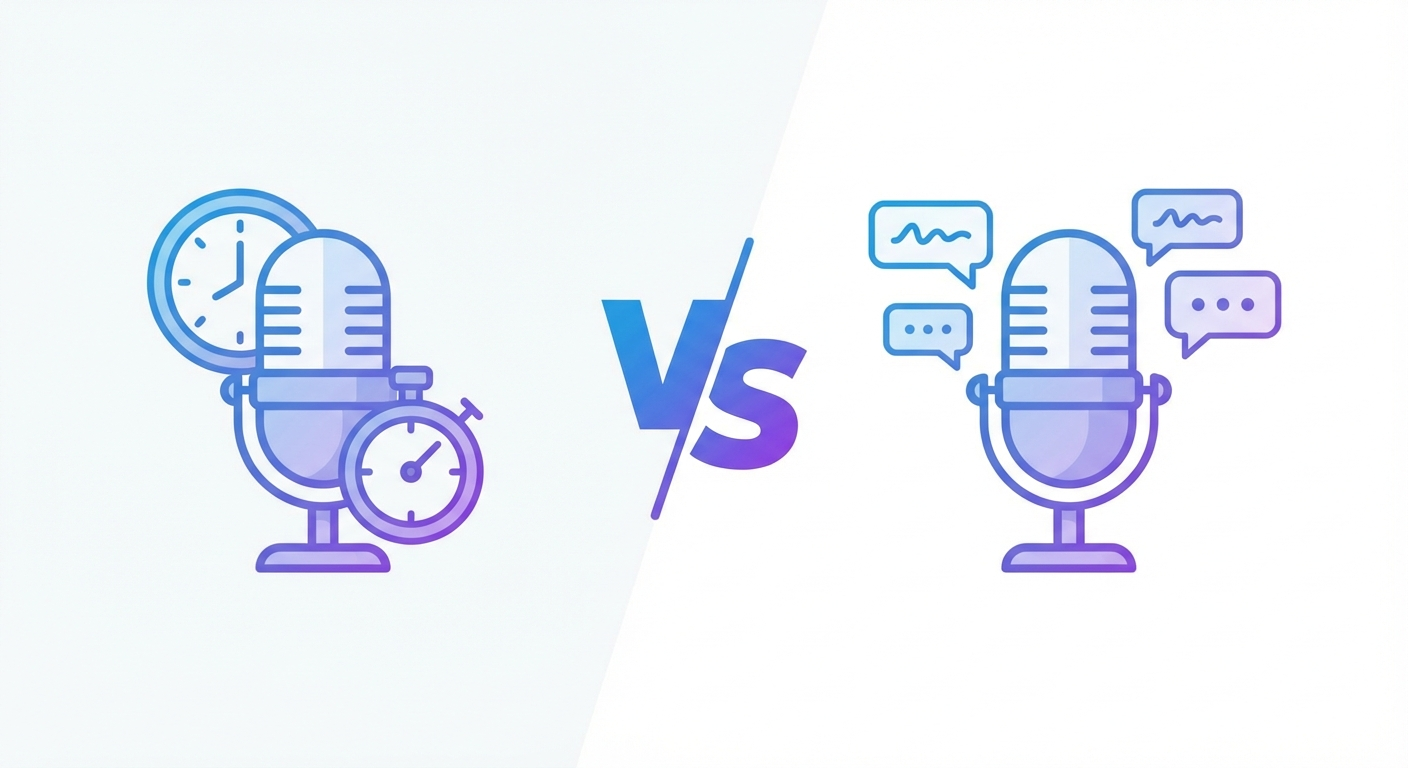
MacWhisper is easy to respect.
It gives Mac users something a lot of voice tools still do not: local transcription and dictation that stays on device. If privacy, offline use, or one-time licensing matter most, it has a real case.
But many people searching for a MacWhisper alternative are not trying to build a local transcription stack.
They are trying to get through real work faster.
Email replies. CRM updates. Client notes. Project docs. Support messages. The question is not just “which app turns speech into text?”
It is “which one fits the way I actually work all day?”
What MacWhisper Does Well
MacWhisper has a clear lane.
Its direct-download version supports dictation into any text field on Mac, and the official docs also separate that from a “Global” overlay mode for quick microphone transcription on top of other apps. That matters because MacWhisper is not just a file transcription app anymore. It is trying to cover day-to-day dictation too.
A few real strengths stand out:
- local, on-device transcription is the core story
- the direct-download Mac version supports dictation into any text field
- the separate Global feature gives you a floating transcription overlay
- the app supports AI dictation prompts and app-specific prompts
- there is a free direct-download version, plus a Pro upgrade for advanced features
If your top priority is keeping audio local and you are happy with a push-to-talk, process, then insert workflow, MacWhisper is a legitimate option.
Official references: MacWhisper dictation docs, Global feature docs, and version differences.
Where MacWhisper Stops Being the Best Fit
The problem is not that MacWhisper is weak.
The problem is that local transcription and workflow-native dictation are not the same product shape.
MacWhisper is strongest when you care about local processing, flexible transcription, and promptable cleanup.
Superscribe is strongest when you care about speed inside the app you already have open.
That sounds subtle until you use both styles for a week.
1. The dictation model is different
MacWhisper is built around capturing audio, processing it, and inserting the result.
That can be perfectly fine if you mainly want accurate local output. But if your ideal workflow is “hold shortcut, speak, watch text land in the active field while you are still talking,” this is where the difference shows up.
Superscribe is built around live dictation into the field you already have focused.
You do not dictate into a separate workflow and then wait for delivery. The words stream where you are already working.
If that distinction is what you care about, read Live Dictation Into Any Input Field next.
2. Local transcription is not the same thing as work capture
A lot of people shopping for Mac dictation tools have a second problem hiding behind the first one.
They are not just tired of typing.
They are also tired of losing the trail of what they worked on.
MacWhisper helps with transcription. It does not turn the work session into a time record.
Superscribe does.
Every dictation session is tracked by project and duration automatically. If you are a freelancer or consultant, that changes the value of the tool completely. Your notes, drafts, updates, and client messages leave behind a usable record of time without another timer app living on top of your day.
That is why Superscribe fits better for billable work.
3. Advanced AI dictation in MacWhisper has more setup weight
MacWhisper offers AI dictation prompts and app-specific prompts. That is useful.
But according to its official dictation docs, those AI dictation features require an active Pro license and your own OpenAI API key with billing set up. That is a fair trade for people who like configurable local tools.
It is also extra setup.
Some users want that control. Some just want to hold a shortcut and keep moving.
MacWhisper vs Superscribe
| Feature | MacWhisper | Superscribe |
|---|---|---|
| Primary angle | Local transcription and dictation on Mac | Live workflow-native dictation |
| Platform focus | Mac | Mac and Windows |
| Dictation into text fields | Yes, on the direct-download Mac version | Yes |
| Floating global overlay | Yes | Not the core interaction |
| Live streaming into active field while speaking | No, not the core dictation model | Yes |
| Automatic time tracking | No | Yes |
| AI prompts | Yes, with Pro plus API setup for advanced dictation AI | Yes, built into the workflow |
| Best for | Privacy-first Mac users and local transcription fans | Freelancers, consultants, and operators doing real work in many apps |
Choose MacWhisper If
MacWhisper is the better pick if:
- you want local, on-device transcription as the main priority
- you prefer a one-time-license style tool over another SaaS subscription
- you are mostly on Mac and do not care about Windows support
- you like configuring prompts, models, and transcription behavior yourself
- privacy and local processing matter more than live workflow speed
Choose Superscribe If
Superscribe is the better pick if:
- you want text to stream into the active field while you speak
- you dictate directly into client work, browser fields, docs, CRMs, and project tools
- you want automatic time capture as a side effect of doing the work
- you are a freelancer or consultant who loses money in small untracked bursts
- you care more about finishing work in place than tuning a local transcription setup
The honest takeaway
MacWhisper is not the wrong tool.
It is the right tool for a different kind of buyer.
If you want local transcription on Mac, like controlling your own setup, and value privacy above everything else, MacWhisper makes sense.
If you want dictation to feel native inside actual work, especially when that work is billable, Superscribe is the better alternative.
That is the real split.
Local transcription utility versus live workflow output.
For many people, both are impressive. Only one solves the problem that shows up at the end of the week when you are trying to remember what you actually did.
Try Superscribe at superscribe.io
Speak where you already work. Let the text land there. Keep the time.
Related reading
- Dictation App for Mac That Types Where You Work
- Live Dictation Into Any Input Field
- How to Track Billable Hours Automatically Without Timers
- Superscribe vs Superwhisper for Mac Dictation
Frequently asked questions
Is MacWhisper a dictation app or a transcription app?
It is both, depending on which feature you use. MacWhisper supports dictation into text fields on the direct-download Mac version, and it also offers broader transcription workflows and a separate Global overlay mode.
What is the main difference between MacWhisper and Superscribe?
MacWhisper is centered on local transcription and configurable dictation on Mac. Superscribe is centered on live dictation directly into the app you are already using, with automatic time tracking attached to the work session.
Does MacWhisper stream text live into the active field while you speak?
Its official docs describe dictation and a separate Global overlay flow, but the core model is not positioned around live streaming into the field as you speak. That is where Superscribe is different.
Who should pick Superscribe over MacWhisper?
Freelancers, consultants, and operators who want dictation to happen inside real work, with the time captured automatically, are a better fit for Superscribe.
Try Superscribe free
Dictate into any app. Track your time automatically. No credit card required.
Get Started