Fathom Alternative for Freelancers Who Need Live Work Output
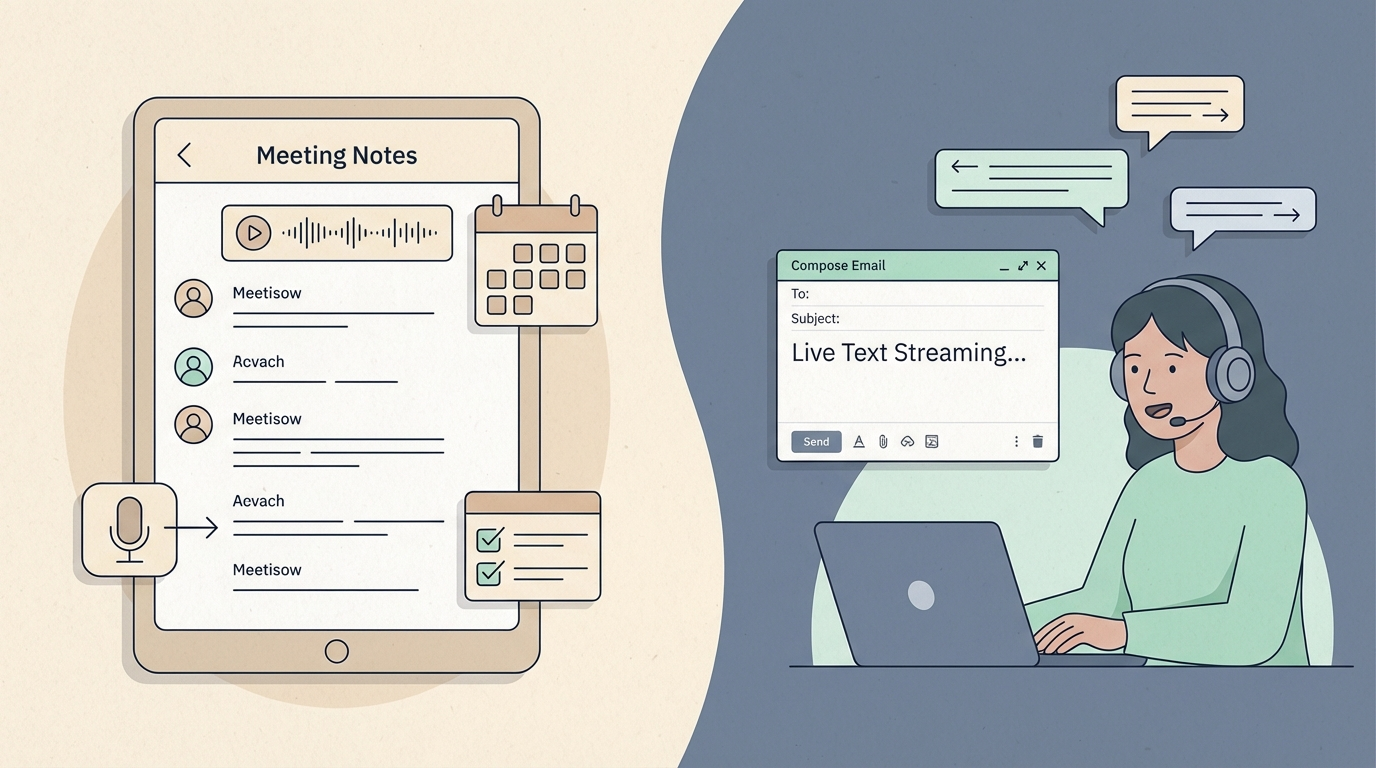
Fathom is one of the most recommended meeting notetakers around.
It joins your calls, records them, and hands you a clean summary when the meeting ends. For teams that run a lot of structured calls, that is a genuinely useful thing to have.
But if you search for a Fathom alternative, you are usually not looking for a better meeting notes app.
You are looking for something that helps you produce real output. Not a summary of a conversation. The email you need to send. The CRM entry that needs updating. The client recap that has to be written. The invoice note that should exist before you forget what you just did.
That is a different category.
Fathom captures what was said. Superscribe helps you do the work that comes after it.
What Fathom Does Well
Fathom is built for one thing and it does it well.
It attends your meetings, transcribes them in real time, generates highlights, and delivers a structured summary when the call ends. It is free at the individual tier, which is part of why it spread so fast.
For consultants and freelancers who have discovery calls, client check-ins, and team syncs, Fathom solves a real problem: you can stop taking notes and just be present in the conversation.
Its strengths are legitimate:
- high-quality live transcription during calls
- automatic highlights and summaries at the end
- free individual plan with generous limits
- integrations with Zoom, Google Meet, and Teams
- meeting history you can search and revisit
If your biggest pain is walking out of calls without notes, Fathom is a strong answer.
Where Fathom Is Not the Right Tool
The issue is not that Fathom is bad.
The issue is that meeting capture and workflow-native dictation are two completely different things, and they solve different problems.
A meeting notetaker helps after a conversation. A live dictation tool helps while the actual work is happening.
Most of a freelancer’s day is not in meetings.
It is in the work around the meetings. Writing the brief. Updating the tracker. Logging what you did. Sending the follow-up. Recording the hours. Moving the project forward between calls.
That is where Fathom stops being relevant.
1. A meeting summary is one layer away from the work
Fathom gives you a transcript and a summary.
That is valuable if you need to remember what happened.
But you still have to translate it into something usable. A client email. A project update. A CRM note. A deliverable. An invoice-ready record of what the project involved.
That translation step is work. It adds time, and it requires you to revisit content that is already one step removed from the output you actually need.
Superscribe skips that layer. You speak directly into the field where the work belongs. The email reply, the CRM field, the brief, the project note — it lands there as you say it. No transcript to interpret, no summary to rewrite.
If this is the workflow you care about, Live Dictation Into Any Input Field shows exactly how it works.
2. Most billable work does not happen in meetings
This is the part that costs freelancers the most money without them noticing.
You have the call. Fathom handles the notes. But after the call, you spend 45 minutes on follow-up: writing the recap, updating the project, revising the brief, answering the client’s follow-up questions, logging what you actually worked on.
None of that shows up in a meeting transcript.
And if you are not tracking it somewhere, it disappears. You worked. You just cannot invoice it clearly.
Superscribe tracks every dictation session by project and duration automatically. When you speak a client update, that session is logged. When you dictate notes after a call, that gets logged too. The time trail builds itself as you work.
For freelancers who lose money to untracked gaps between tasks, that matters more than better meeting summaries.
How to Track Billable Hours Automatically Without Timers goes into this in more detail.
3. Fathom is for conversations. Superscribe is for the output.
This is the simplest version of the difference.
Fathom records and organizes what was said.
Superscribe helps you produce what needs to be written.
Both are voice-adjacent tools. But they sit in completely different parts of the freelance workflow.
Fathom vs Superscribe
| Feature | Fathom | Superscribe |
|---|---|---|
| Primary angle | Meeting transcription and summaries | Live workflow-native dictation |
| Best use case | Active calls and post-call review | Any input field where work is happening |
| Live transcription | Yes, during meetings | Yes, into whatever field is focused |
| Automatic summaries | Yes | No, different job |
| Live dictation into any app | No, not the core workflow | Yes |
| Automatic time tracking | No | Yes |
| Free plan | Yes | Trial available |
| Best for | Teams and freelancers who want better meeting notes | Freelancers doing real written work across many apps |
| Platforms | Web, Zoom, Meet, Teams | Mac and Windows |
Choose Fathom If
Fathom is the better pick if:
- you need searchable notes and highlights from your calls
- you run a high volume of client calls and lose context between them
- you want to be fully present in meetings without taking manual notes
- your primary pain is forgetting what was said after meetings end
- you are primarily optimizing the meeting layer of your work
Choose Superscribe If
Superscribe is the better pick if:
- you want to speak directly into email, CRM fields, client tools, docs, and support apps
- you need live dictation that streams into wherever your cursor already is
- you want to capture billable time automatically without a separate tracker
- most of your work happens outside of structured calls
- you are a freelancer or consultant losing hours to untracked written work
The honest takeaway
Fathom is not a bad tool.
For the problem it solves, it is one of the best free options available.
But if you are a freelancer who spends most of your day in written output — emails, client updates, CRM entries, proposals, project notes — Fathom is solving a problem that sits adjacent to your actual work, not inside it.
The alternative that fits that workflow is live dictation that types where you already are, with the time tracked automatically as you go.
That is where Superscribe is built to win.
Meeting notes help you remember. Live workflow dictation helps you deliver.
For freelancers, delivery is where the money is.
Try Superscribe at superscribe.io
Speak where you already work. Let the text land there. Keep the time.
Related reading
- Fireflies Alternative for Work You Can Use
- Otter Alternative for Freelancers Who Need Usable Output
- Live Dictation Into Any Input Field
- How to Track Billable Hours Automatically Without Timers
Frequently asked questions
Is Fathom a dictation app?
No. Fathom is a meeting notetaker. It records and transcribes calls, then generates summaries and highlights. That is different from live dictation that streams text into your working apps as you speak.
What is the main difference between Fathom and Superscribe?
Fathom captures what happens during meetings. Superscribe captures the work you do outside of meetings — writing, updating, logging — by letting you dictate directly into any field with automatic time tracking built in.
Can Superscribe replace Fathom for meeting notes?
They are different tools with different jobs. If you need meeting summaries and call transcripts, Fathom is strong at that. If you need live voice-to-text for written work across all your apps, Superscribe is the better fit. Many freelancers use both for different parts of their workflow.
Does Fathom track billable time?
No. Fathom is focused on meeting capture. Superscribe tracks time automatically as you dictate, attaching sessions to projects so your work trail builds itself without a separate time tracking app.
Try Superscribe free
Dictate into any app. Track your time automatically. No credit card required.
Get Started