Voice to Text for Email: Type Less, Send More
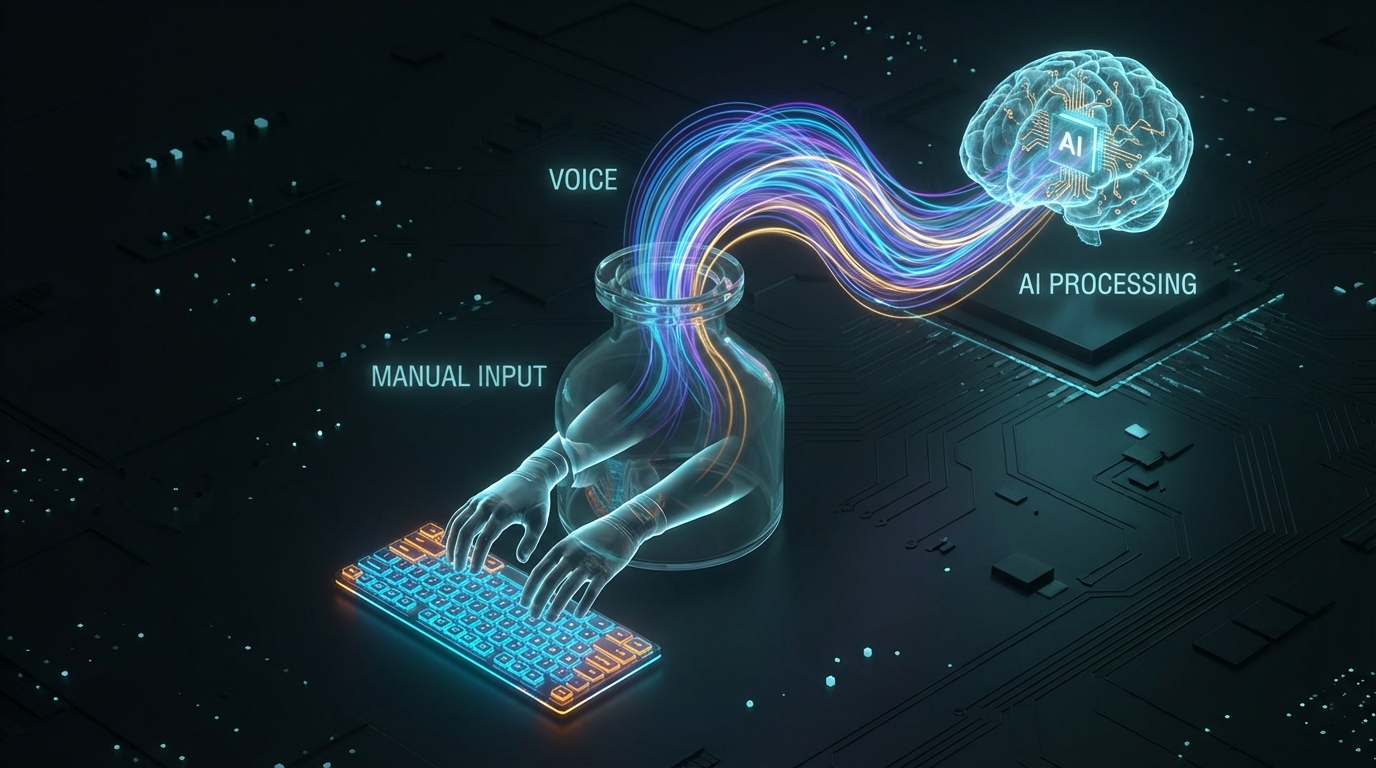
If email is a significant part of your day, you have probably noticed something uncomfortable.
You know what you want to say before you start typing. The words are already formed. The thought is clear. But it still takes two or three minutes to get a medium-length reply written, formatted, and sent. Then you do it again. And again. By mid-afternoon, a substantial chunk of your productive day has gone into a task that your brain solved in seconds.
Typing is not the bottleneck your brain is. Speaking removes that bottleneck.
Voice to text for email is not a novelty. For people who send a lot of email, it is one of the fastest practical workflow improvements available.
The real cost of typed email
Most professionals send somewhere between 20 and 60 emails on a typical workday. On the low end, at two minutes per email, that is 40 minutes. On the high end, it is over two hours.
The uncomfortable part is that most of that time is mechanical. Your brain finishes the thought well before your fingers catch up. You are not thinking while you type. You are transcribing a thought that already happened.
That gap between thought-speed and typing-speed is where dictation reclaims time.
At 130 to 150 words per minute speaking versus 60 to 80 typing, the math is not subtle. A 200-word reply that takes three minutes to type takes closer to 90 seconds to speak. At volume, the difference compounds fast.
What voice to text for email actually looks like
The version worth using does not ask you to stop what you are doing.
You are in Gmail. In Outlook. In HEY or Fastmail or whatever client you use. Your cursor is in the reply field. You hold a shortcut, speak your reply, and the words appear in that field as you talk. No switching apps. No copying from a transcript. No paste step.
The text lands where your cursor already is, in real time, as you speak.
This is the key detail most people miss when they first try dictation. There are two categories of voice tools:
Tools that record then paste. You speak into the app’s interface, it processes your audio, and then pastes a result. The delay is usually short, but the model is stop-then-deliver. The text arrives after you finish, as a single block.
Tools that stream live into your active field. Transcription runs while you are speaking. Words appear in your reply box one by one, character by character, as they are recognized. You watch your voice become text in real time, inside the email itself.
The second approach changes how email dictation feels at a fundamental level. You are not speaking into a void and waiting. You are watching the words land exactly where they need to be, as you produce them.
Superscribe works this way. You hold Option+Space, speak your reply directly into the email field, and the text is already there before you release the key. No handoff. No uncertainty about where it went.
Live Dictation Into Any Input Field explains the technical reason this matters more than it sounds.
Which email clients work with voice dictation
The practical answer depends on what your dictation tool is doing under the hood.
Tools that paste a transcript after the fact work with almost any text field, because they are just triggering a standard paste event. But live-streaming tools only work if the underlying transcription engine can inject keystrokes into a focused field in real time, which most desktop platforms handle well.
On Mac and Windows, live dictation into any focused text field is standard behavior for apps like Superscribe. That means Gmail in Chrome, Outlook desktop, Apple Mail, Spark, HEY, Superhuman, Missive, Fastmail in the browser, Notion email blocks, anywhere you have a cursor.
You do not need a dedicated integration with each app. The dictation tool does not need to know you are in email. It just needs to know where your cursor is, and the text appears there.
The edge: client emails and billable time
For freelancers and consultants, email is not just communication. It is documentation.
The follow-up after a client call. The scope clarification. The project recap. The polite-but-firm boundary-setting message. These emails carry real weight. They establish the record of what was agreed, what was delivered, what comes next.
Those emails also tend to be the ones that take the longest to write. Because the content matters, you labor over them. You rewrite the opener. You second-guess the tone. And then you send something that took 15 minutes to write and reads about the same as what you would have said in 60 seconds if you had just picked up the phone.
Voice to text removes the friction from the draft. When you speak the email, you produce something closer to the natural version of your voice. The tone tends to be cleaner. The sentences tend to be shorter. You stop overthinking and start communicating.
The automatic time tracking that comes with Superscribe also means that the 12-minute client recap you just dictated gets logged against the right project. You worked. You have a record of it. No separate timer needed.
How to Track Billable Hours Automatically Without Timers goes deeper on why this matters for consultants who bill by the hour.
Common objections, answered honestly
“Dictated emails sound less professional.”
They sound different from emails written by someone who has overthought every word for five minutes. Whether that is less professional depends entirely on what your emails currently sound like.
In practice, most dictated emails are more direct and warmer than typed ones. The over-polished corporate tone that makes email feel robotic tends to come from rewriting. Spoken first drafts are often better.
“I will make too many mistakes.”
Modern dictation accuracy, using Whisper-based models, is high enough that editing one or two words per email is typical, not the rule. You will make fewer mistakes than you expect after the first few days.
More importantly: you are not replacing typing with dictation for every single email forever on day one. You start with the easy ones. The replies you already know how to write. The short updates. The confirmations. Then you expand from there.
“I work in an open office.”
This is the real constraint, and it is worth being honest about. Open offices make any voice work awkward. If you share a room, dictation is not a fit for emails that involve sensitive content.
But the same office that makes dictation embarrassing during a phone call makes it embarrassing during dictation. If you can take a call at your desk, you can probably dictate an email. If you cannot, that constraint predates the dictation tool.
When voice-to-text email is the wrong call
Some emails are not dictation-friendly:
- Emails that require careful legal phrasing or formal documentation
- Highly sensitive messages where you need to choose every word deliberately
- Short two-word replies where typing is already faster than reaching for a shortcut
- Anything requiring significant formatting, tables, or embedded links you need to look up
Voice to text is best for emails where you already know what to say and the bottleneck is throughput. If the bottleneck is actually deciding what to say, dictation does not help that.
The setup that makes it work
The fastest way to try this:
- Install Superscribe at superscribe.io
- Open your email client, click into a reply field
- Hold Option+Space (Mac) or the Windows equivalent
- Speak the reply
- Release the key, review, send
The first email will feel slightly unnatural. The third one will feel normal. By the tenth one, you will not understand why you were typing medium-length emails all those years.
Adjust punctuation rules in the settings if you want automatic periods and commas, or leave it off and edit manually. Both approaches work. Most people settle on light punctuation mode after a few days.
What this actually changes
The argument for voice to text for email is not that it is clever or interesting. It is that the time math is compelling and the friction of starting is low.
You probably spend an hour or more on email today. That time is dominated by mechanical throughput, not thinking. Voice to text for email can cut that throughput cost in half without changing the quality of what you write.
The emails land faster. The follow-ups go out before you forget the context. The client recap from this afternoon gets written this afternoon, not tomorrow morning when the details are blurry.
That is not a productivity hack. That is just removing a bottleneck that was always there.
Try Superscribe at superscribe.io
Hold a key. Say what you mean. Let it land in the right place.
Related reading
- Live Dictation Into Any Input Field
- Voice to Text for Customer Support Teams
- Dictation App for Mac That Types Where You Work
- How to Track Billable Hours Automatically Without Timers
- Time Tracking for Consultants Who Hate Timers
Frequently asked questions
Can you use voice to text in Gmail? Yes. With a live dictation tool like Superscribe, you click into the Gmail compose or reply field, hold the shortcut key, and speak. The text streams directly into the email body in real time. No copy-paste step required.
What is the best app for dictating emails on Mac? Superscribe is the strongest option for Mac users who want live dictation into any email client. It streams text directly into whatever field is focused, works across Gmail in Chrome, Outlook, Apple Mail, and other clients, and includes automatic time tracking for dictation sessions.
Does voice to text work in Outlook? Yes. Superscribe works in Outlook desktop and Outlook on the web because it types directly into the focused text field using your system keyboard input. No special Outlook integration is required.
How accurate is voice dictation for email? With modern Whisper-based transcription, accuracy is high enough that most emails need one or two word corrections at most. Proper nouns and uncommon names are the most common error type. For standard business email language, accuracy is typically above 95%.
Is dictated email less professional? Not in practice. Dictated emails tend to be more direct and natural in tone than heavily-edited typed versions. The main quality difference is that dictation encourages shorter sentences and clearer phrasing. Whether that reads as less professional depends on your current style.
Try Superscribe free
Dictate into any app. Track your time automatically. No credit card required.
Get Started