Apple Dictation Alternative for Multilingual Mac Users
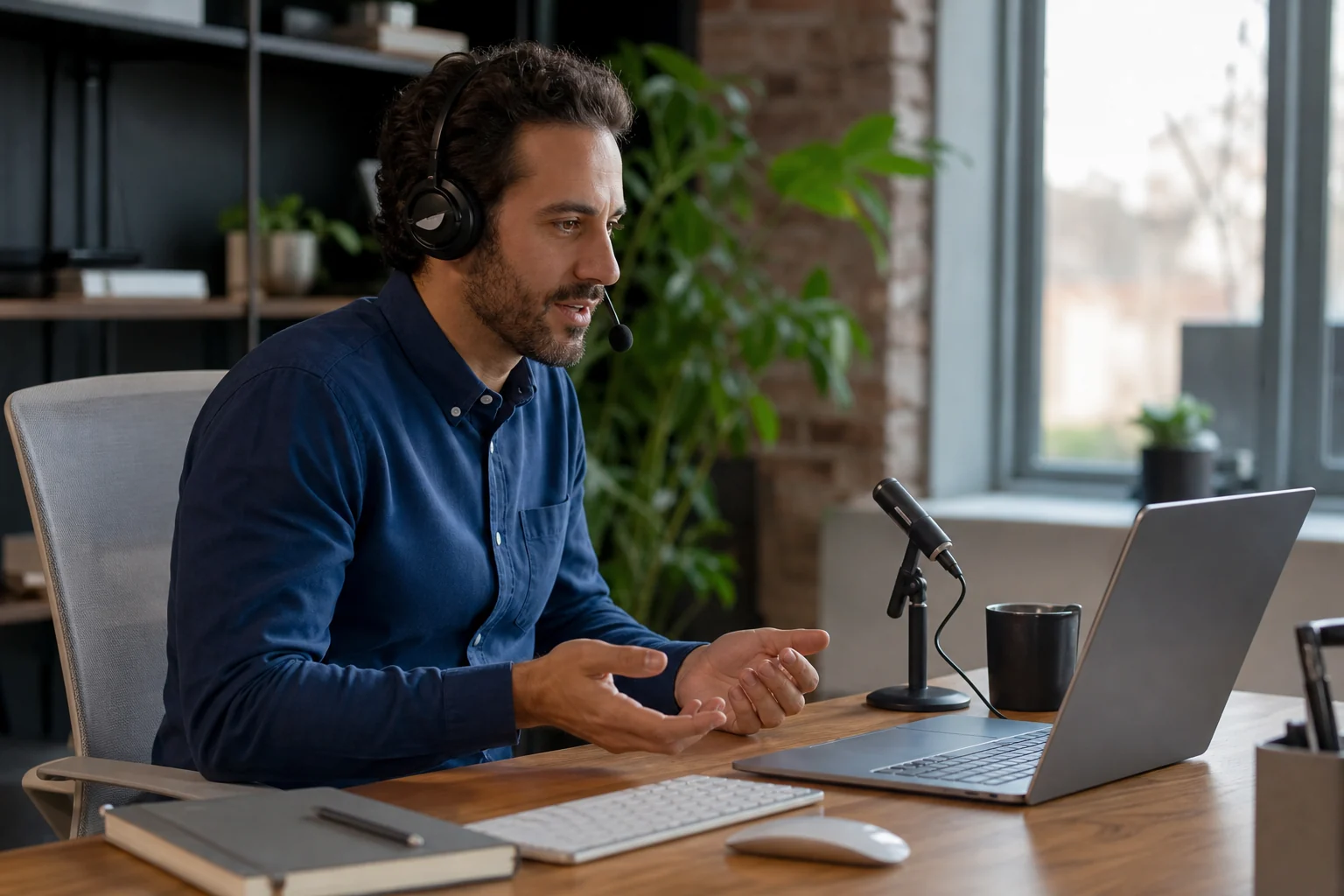
If you are looking for an Apple Dictation alternative, the issue usually is not that Apple Dictation exists.
It is that it breaks the moment your real workflow gets messy.
If you only dictate short notes in one language, Apple Dictation can be fine.
If you move between English, Estonian, Spanish, German, or any mixed-language workflow, the cracks show up fast.
Words get mangled. Punctuation gets weird. Language switching becomes guesswork. And the whole thing starts feeling like a feature you test, not a tool you trust.
That is where an Apple Dictation alternative starts to matter.
The short answer
Apple Dictation is fine if you want lightweight built-in dictation for simple one-language use on a Mac.
If you need multilingual dictation that types where you work, feels reliable in real client workflows, and does not force you into cleanup after every sentence, Superscribe is the better fit.
What Apple Dictation does well
To be fair, Apple Dictation has a few obvious advantages.
- it is built into the Mac
- it is easy to try
- it works well enough for short bursts
- it feels convenient if your needs are basic
That is why people keep coming back to it.
You do not need to buy another tool just to test voice input. For casual use, that matters.
Where multilingual users hit the wall
The problem is that multilingual work is not casual.
If your day includes:
- client emails in one language
- notes in another
- names, product terms, and borrowed phrases mixed together
- quick context switching across tabs and apps
then built-in dictation stops feeling reliable.
And reliability is the whole job.
The issue is not just recognition quality. It is workflow breakage.
You stop trusting the output, so you slow down, self-edit mid-sentence, or switch back to typing.
That is exactly why Apple Dictation Fails Multilingual Users exists.
The real split: built-in convenience vs real workflow reliability
This is the decision that matters.
Apple Dictation is strongest when you want a free built-in feature for occasional speech input.
Superscribe is stronger when dictation is part of actual work.
That means work like:
- replying to clients
- updating project notes
- dictating live output after calls
- capturing work logs while context is still fresh
- speaking into the field you already have open
This is less about “AI” and more about whether the workflow holds up when your day is moving fast.
Why Superscribe is the better Apple Dictation alternative
Superscribe takes a more practical angle.
It is built for live dictation into the active input field, not just for speech capture as a system feature.
That matters for multilingual users because the goal is not just to get text onto the screen.
The goal is to get usable text into the place where work already lives.
1. It types where you are already working
This sounds small until you use it every day.
Instead of bouncing between a separate voice workflow and your actual tools, you dictate into:
- Gmail
- Notion
- Linear
- Google Docs
- your CRM
- support tools
That is the difference covered in Live Dictation Into Any Input Field and Dictation App for Mac That Types Where You Work.
2. It is built for real work, not just one-off notes
Most built-in dictation tools are fine until the task becomes messy.
Messy is normal work.
A client update is messy. A email is messy. A bilingual note is messy. A work log with names, products, and half-finished thoughts is messy.
Superscribe is better when your goal is not a perfect demo sentence, but a workflow you can trust all week.
3. Dictation leaves behind useful time context
This is where Superscribe becomes meaningfully different.
While you speak, the session can also leave behind time context tied to the work you were doing.
That matters if your work touches billing, consulting, support, or client delivery.
It connects directly with How to Track Billable Hours Automatically Without Timers and How to Track Client Work Without Timers.
Side by side: Apple Dictation vs Superscribe
| Feature | Apple Dictation | Superscribe |
|---|---|---|
| Core strength | built-in Mac convenience | live dictation for real work |
| Best for | occasional one-language dictation | multilingual workflows and active work output |
| Where text goes | system dictation | the input field you already have focused |
| Workflow fit | lightweight personal use | client work, notes, live output, updates |
| Time context | no | yes |
| Best fit for multilingual Mac users | limited | yes |
Choose Apple Dictation if
Choose Apple Dictation if:
- you only need simple built-in dictation on a Mac
- you mostly work in one language
- you do not mind occasional corrections
- dictation is a convenience, not part of your core workflow
Choose Superscribe if
Choose Superscribe if:
- you switch between languages or mixed-language inputs
- you want live dictation into the app you already have open
- you need the output to be usable immediately, not cleaned up later
- you do client work and want a better trail of what happened
- you are tired of dictation tools that feel fine until real work starts
The honest takeaway
Apple Dictation is useful because it is there.
But “already installed” is not the same as “good enough for real work.”
If you are multilingual and using dictation for client communication, project updates, notes, or billing context, the weak point is not convenience.
It is trust.
Superscribe is the better Apple Dictation alternative when you need live dictation that holds up inside your actual workflow instead of falling apart the moment your language use gets real.
FAQ
Is Apple Dictation good enough for multilingual users?
Sometimes for light use, yes. But many multilingual users run into reliability problems once they switch languages often, mix terms, or use dictation for longer work sessions.
What makes Superscribe different from Apple Dictation?
Superscribe is built around live dictation into the field where work already happens. It is more workflow-native, and it adds useful time context instead of acting like a one-off system feature.
What is the best multilingual dictation app for Mac?
If your workflow is multilingual and work-heavy, the best tool is usually the one you can trust in real apps, not just in short demos. That is where Superscribe has the stronger angle.
Is this really an Apple Dictation alternative or a different category?
A bit of both. It replaces Apple Dictation for people who outgrow it, but it also pushes into a more workflow-native category: live dictation into any input field with time context.
Related reading
If this starts with a call
Use live input instead of cleanup
Capture the conversation, then turn it into notes, follow-ups, CRM updates, and billable context without rebuilding it from memory.
Test live input