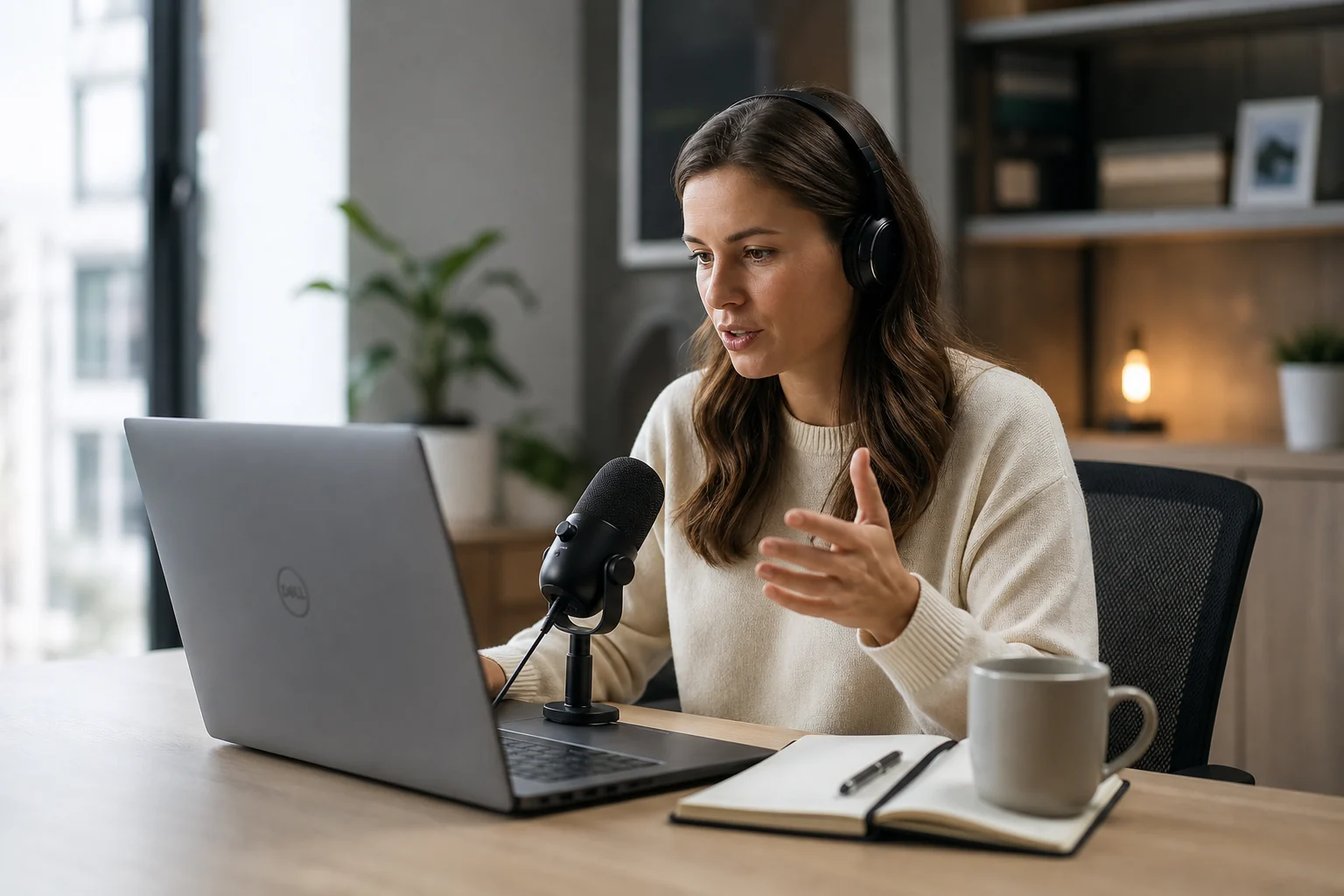
An automatic work log from dictation is not about narrating your whole day like a diary.
That would be annoying.
The useful version is smaller and sharper: when you speak while doing client work, the words leave behind a timestamped trail of what happened.
Not later. Not on Friday.
If the work log starts with your voice
Create the record while the task is happening
Superscribe streams dictation into the field you are already using and keeps project/time context attached, so the work log is not a separate chore.
Not after you dig through Slack, commits, tickets, and calendar events.
</div> While the work is still happening.
That distinction matters if you are a freelancer, consultant, or developer who keeps losing billable context between tasks.
The work happened, but the record did not
Most missing billable time is not dramatic.
It is the ten-minute fix after a client ping. The short cleanup pass before sending a handoff. The note you wrote after a call. The quick bug check that turned into half an hour.
You did the work.
The problem is proving it later.
Traditional time tracking asks you to create a record before the work starts. Pick a project, start a timer, remember to stop it, clean up the entry afterward.
That works when your day has clean edges.
A lot of client work does not.
One Slack message becomes a task. One AI prompt becomes a debugging session. One call becomes notes, follow-up, a scope decision, and a ticket update. By the time you realize the work was billable, the moment to track it has already passed.
Why a work log is better than a perfect timer
A timer answers one question:
How long was this block?
For client work that never becomes a neat timer block
Speak the missing context before it disappears
Use Superscribe during quick fixes, AI coding sessions, call follow-ups, and client updates so the billable trail starts while the details are still fresh.
A work log answers better questions:
- what was the work?
- which client or project was it for?
- why did it happen?
- what changed because of it?
</div>
- what should be billed or followed up on?
That context is what freelancers usually lose.
A two-hour timer entry that says “client work” is technically a record, but it is not very useful. It does not help you write the invoice line. It does not remind you what you fixed. It does not make the client update easier.
A short dictated note does.
“Looking into the webhook issue for Dana. The payload is arriving, but the retry logic is failing after the first timeout. Going to patch the handler and add a test.”
That sentence is not polished. It does not need to be.
It gives you a project, a problem, a reason, and a timestamped marker for the work.
Dictation only works if it lands where the work is
The weak version of a voice work log is a folder full of recordings.
That creates another inbox.
Now you have to transcribe the audio, clean it up, decide where it belongs, and turn it into something useful. The voice note helped you capture the thought, but it did not finish the workflow.
The better version is live dictation into the field you already have open.
If the work is a ticket update, dictate into the ticket. If it is a client email, dictate into the email. If it is a project note, dictate into the note. If it is an AI prompt, dictate into the prompt box.
The work log should not be separate from the work.
It should be a byproduct of doing it.
That is why live dictation into the active field matters. The words become usable output first, and the work trail comes along with it.
When spoken work becomes invoice proof
Keep the useful record beside the output
Use Superscribe to dictate the client-facing note, implementation summary, or follow-up while the project/time context is still attached.
What an automatic dictation work log looks like
A practical workflow can be simple.
At the start of a work block, say one sentence about what you are doing.
“Starting on the billing import bug for Ryan. Checking whether the duplicate rows are coming from Stripe or our parser.”
During the work, dictate the updates that would be useful anyway.
“Parser is fine. The duplicate comes from the retry job. Adding an idempotency check before the insert.”
</div> At the end, dictate the handoff.
“Fixed the duplicate import issue, added a regression test, and left a note in the ticket explaining why old imports need a one-time cleanup.”
You now have more than a time entry.
You have the raw material for:
- an invoice line
- a client update
- a task comment
- a daily work summary
- your own memory when the project comes back later
And you did not stop to fill out a timesheet.
For freelancers who lose the trail
Turn spoken work into the record
Superscribe streams dictation into the active field and captures project/time context while you speak, so useful work output and the billing trail happen together.
Where Superscribe fits
Superscribe is built around the useful version of this workflow.
You put your cursor where the text belongs, press the shortcut, and speak. The text streams into the active field as you talk. At the same time, Superscribe can capture the session as project/time context.
That means the dictated output is not trapped in a recorder.
It can become the actual work artifact:
- a Linear update
- a GitHub issue note
- a Notion project log
- a client email
- a CRM note
- an AI prompt
- an invoice description draft
This is the important part for freelancers: the log is created during the work, not reconstructed after the work.
The honest trade-off
An automatic work log from dictation is not for people who want to silently click timers all day and fill out perfect structured timesheets.
Classic time trackers are still better if you need manager approvals, team reporting, rigid categories, or audit-heavy workflows.
Dictation-based work logs are better when the failure point is capture.
If your invoice problem is that the work was never recorded clearly in the first place, more reports will not fix it.
You need the work to leave a trail while it happens.
Speak the useful parts. Let the words land where they belong. Use the log later instead of rebuilding the week from memory.
That is the real value of an automatic work log from dictation.
If your invoice starts from memory
Try capturing the work while you speak it
Use Superscribe during your next client work block and see what gets easier when the record is created live.
Related reading
- How to Track Client Work Without Timers
- Voice Time Tracking for Freelancers
- Superscribe vs Clockify for Freelancers
- Live Dictation Into Any Input Field
Frequently asked questions
What is an automatic work log from dictation?
It is a workflow where spoken project context becomes a timestamped work record while you work. The goal is to capture what happened, why it happened, and where it belongs without rebuilding the record later.
Is this the same as voice time tracking?
They overlap. Voice time tracking focuses on billable time. A dictation work log also captures task context, client notes, handoffs, and the words you can reuse in invoices or project updates.
Do I have to dictate everything I do?
No. Short task-start notes, meaningful updates, and handoff summaries are enough. The point is not constant narration. The point is capturing the moments you usually forget.
Why not just use a voice memo app?
Voice memos create another inbox. Live dictation into the active field puts the output where the work already lives, which makes the log useful immediately.