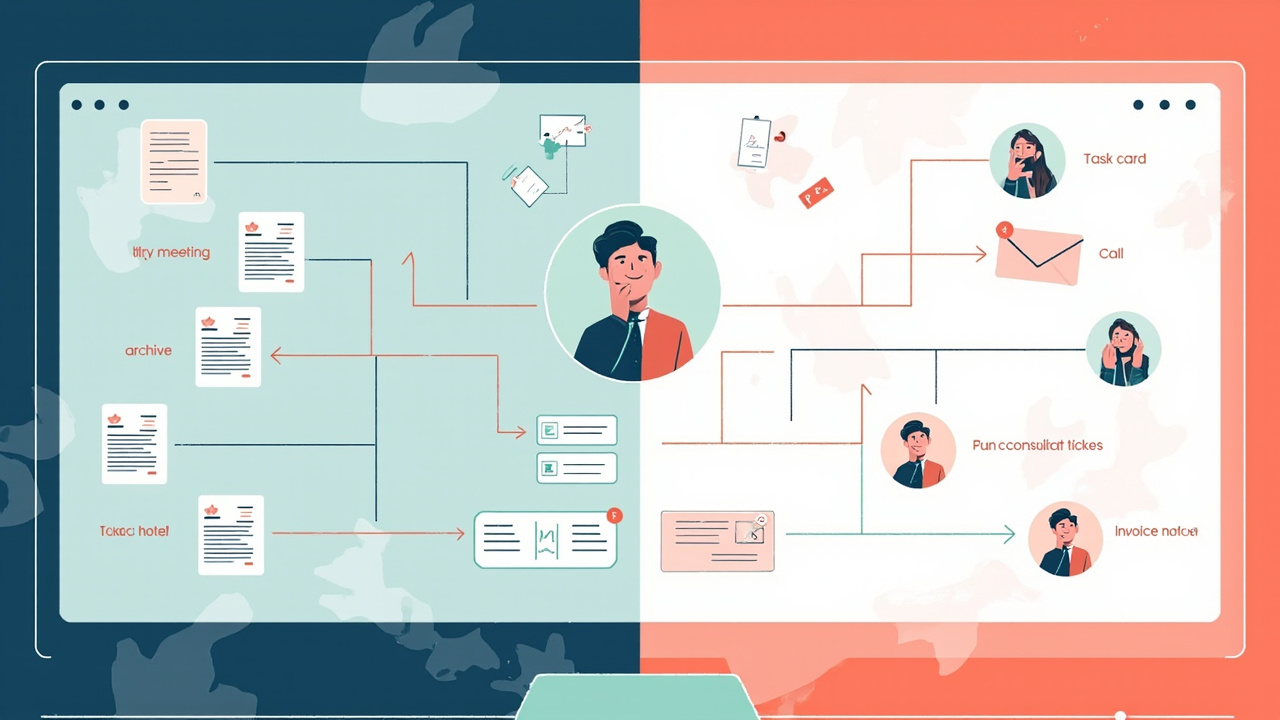
Otter is built for meetings.
Solo work is messier than meetings.
That is the difference that matters when you compare Superscribe vs Otter for solo work. If your main problem is recording a Zoom call, getting a transcript, and sharing meeting notes with a team, Otter is a strong tool. It is well known for AI meeting notes, live transcription, summaries, action items, and searchable meeting history.
But many consultants, freelancers, and solo operators do not just need a better meeting archive.
They need the work that came out of the conversation to survive.
The solo operator problem
A client call does not end when the call ends.
It turns into a follow-up email, a task list, a bug report, a quote change, a CRM note, a support ticket, a GitHub issue, or a billing entry. Sometimes it turns into all of those.
That is where solo work gets painful.
You may have the transcript. You may even have a summary. But if the useful pieces still need to be copied, rewritten, routed, and billed manually, the cleanup work is still yours.
For a team, a meeting note is often enough to keep everyone aligned.
For a solo consultant, the note is only useful if it helps you do the next thing.
Where Otter fits well
Otter is strongest when the source material is a meeting or recorded conversation.
Its public product pages focus on AI meeting transcription, live words as people speak, summaries, decisions, action items, AI chat across meetings, and ways to capture meetings through a notetaker, desktop app, browser, or mobile.
That is valuable.
If your workflow is mostly meetings, lectures, interviews, sales calls, or internal team conversations, Otter gives you a searchable record and a cleaner summary than raw audio.
The question is not whether Otter is useful. It is.
The question is whether a meeting-first transcript tool matches the shape of solo client work.
Where solo work needs a different tool
Solo work usually has three capture surfaces:
- the call where the client creates the work
- the field where the follow-up needs to be written
- the task, ticket, document, prompt, or invoice where the work gets executed
A transcript tool helps with the first surface.
Superscribe is designed to connect the surfaces.
Superscribe Phone captures client calls, transcribes them, structures the output, and can forward useful pieces into workflows, APIs, OpenAI, MCP, or agents. That matters when the call should become a task, ticket, CRM note, follow-up draft, or billing context.
Superscribe Desktop handles the other side of the day. You put your cursor where the work belongs and speak. The words stream into the active field as you talk. That can be a client email, Linear issue, GitHub comment, document, CRM field, AI coding prompt, or internal note.
The dictation is not a separate inbox. It lands where you are already working.
Meeting notes vs work output
The practical difference looks like this.
With a meeting-first tool, you may end the call with:
- transcript
- summary
- action items
- searchable conversation history
That is useful recordkeeping.
With a solo-work workflow, you want the call to become usable output:
- a client-safe follow-up
- a task list you can actually work from
- a ticket with the bug report in the right place
- a project note that explains the decision
- billable context you can review later
- dictated execution notes while you do the work
The value is not just remembering what was said.
The value is reducing the gap between conversation and finished work.
Choose Otter if your problem is meetings
Otter makes sense if your main need is:
- meeting transcription
- meeting summaries
- shared notes for a team
- searchable recordings
- a general AI notetaker for calls and meetings
That is a real use case. Do not force a different tool if the meeting record is the job.
Choose Superscribe if your problem is follow-through
Superscribe makes more sense if your calls create work you personally have to execute.
That includes consultants, freelance developers, IT operators, solo founders, and call-heavy specialists who need to turn conversations into tasks, follow-ups, project context, and billable work.
The important question is simple:
After the call, where does the useful output need to go?
If the answer is “into the meeting archive,” Otter may be enough.
If the answer is “into my tasks, tickets, client updates, CRM, invoice notes, and the field I am already typing in,” Superscribe is built closer to that workflow.
A transcript is helpful.
A transcript that becomes work is better.