Project time tracking without switching timers is not about being too lazy to click a button.
It is about not breaking the work just to describe the work.
Freelancers rarely lose billing context in one dramatic failure. They lose it in tiny project switches.
You answer one client in Slack. You review a pull request for another. You dictate a prompt into an AI coding tool. You update a ticket. You write half an invoice note, then jump back into the browser tab where the bug first appeared.
A timer wants a clean project boundary.
Your workday does not always give you one.
When project switching breaks the billing trail
Capture project context while you write
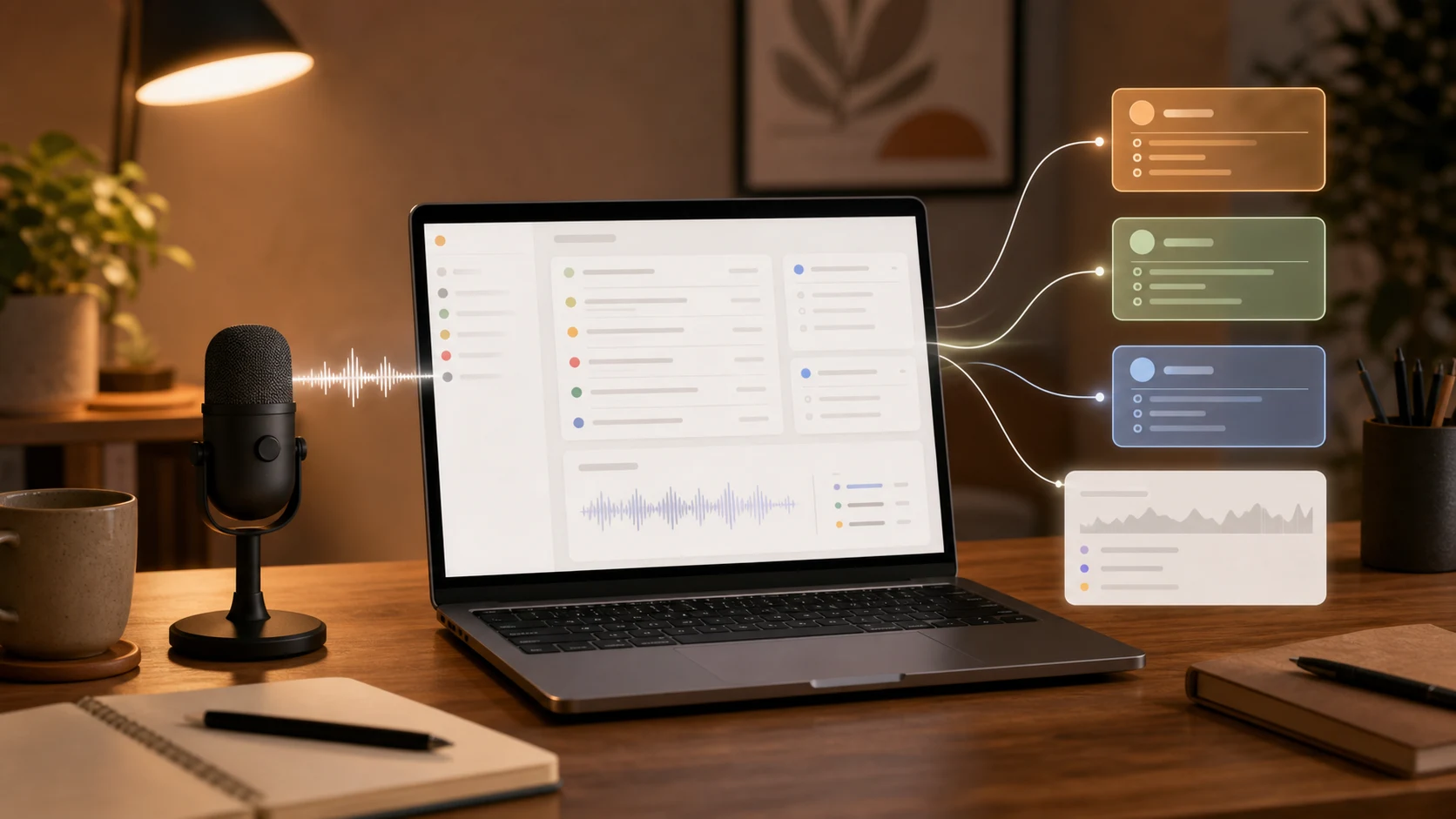
Superscribe streams live dictation into active desktop fields and keeps time and project context close to the work as it happens.
The short version
Project time tracking without switching timers should help you capture:
- which client or project the work belongs to
- what you were doing when the context was fresh
- why the task changed direction
- what note, prompt, ticket, or update you created
- what time should be reviewed later
- what the invoice line should say
The goal is not perfect minute accounting.
The goal is a useful project record that does not depend on memory.
If the only way to track a project is to stop, open a timer, pick a project, switch a task, and write a note, the habit will fail in the exact moments where the context matters most.
Why project timers break during real client work
Classic project time tracking assumes a neat loop:
- Choose the client.
- Choose the project.
- Start the timer.
- Do the work.
- Stop the timer.
- Add a note.
That loop is fine for planned blocks.
It is weaker for the work freelancers actually bill.
A freelance developer might start in Linear, move to GitHub, open a terminal, ask Claude Code to inspect a file, revise the generated patch, answer a client question, then write a short update explaining why the fix needs a safer rollout.
When the note belongs in the workflow
Dictate it into the app you already have open
Use Superscribe for client updates, task comments, CRM notes, prompts, and follow-ups without moving the work into a separate transcription inbox.
Which part was the task?
The whole chain.
Which app proves the value?
None of them alone.
This is the same problem behind automatic time tracking for freelance developers. App history can show activity. A timer can show duration. Neither automatically explains the client value.
Switching timers creates its own tax
The manual timer is supposed to reduce admin.
In practice, it often creates another project-switching tax.
You have to remember the current client before you can write the note. You have to decide whether a small reply deserves its own entry. You have to split one messy work chain into clean categories. You have to stop the thing you were doing to maintain the system that describes it.
That is why manual timer fatigue is not a character flaw.
It is a tool asking for attention at the wrong layer.
When the billing trail depends on timer hygiene, short pieces of work disappear:
- a client-specific AI prompt
- a quick bug investigation note
- a GitHub review comment
- a support-ticket update
- a Slack explanation
- a short invoice detail
- a follow-up after a call
Those moments are small enough to skip.
They are also the moments that make invoice day easier.
The better signal is the work note
Project time tracking gets easier when the note starts where the work already is.
Not in a separate tracker.
Not in a transcript inbox.
In the field where you are already writing.
For billable context, not just text
Capture the explanation while you are doing the work
Superscribe helps turn spoken work into usable notes and time context, so later review starts from a record instead of memory.
Useful project notes are short:
- “Checking the webhook retry issue for Northwind before changing the import rule.”
- “Writing the client update for the checkout delay.”
- “Prompting Cursor with the old API constraint and reviewing the safer patch.”
- “Turning the support call into two implementation tasks.”
- “Documenting why the migration needs a staged rollout.”
- “Adding invoice context for the extra QA pass.”
Each line gives a future reviewer enough context to understand the project, task, and billing reason.
That is why a dictation app with time tracking fits this workflow better than a standalone timer for many freelancers. The note and the time context are created closer together.
What project tracking should capture
Useful project time tracking without timer switching should capture three things.
1. The active work context
The strongest clue is often where you are writing and what you are saying.
A note in GitHub means something different from the same note in a CRM. A dictated prompt in Cursor means something different from a dictated invoice line. The system should preserve that context instead of treating every minute as an isolated block.
2. The client explanation
Clients do not buy “42 minutes in browser.”
They buy the investigation, fix, review, communication, judgment, and follow-through.
Your project record should help explain those pieces in plain language.
3. A reviewable time trail
Automatic tracking still matters.
The point is to reduce manual timer switching, not to remove review. Freelancers still need to look over the day, clean up entries, and decide what is billable.
The difference is that review starts from captured context instead of a blank timesheet.
Where Superscribe fits
Superscribe is built for live dictation into active desktop fields.
You put the cursor where the words belong, trigger dictation, and speak. The words can land in a client email, task update, GitHub comment, AI prompt, support note, CRM field, or invoice description.
For freelancers, that means the useful project note can appear while the work is happening. The time and project context can stay close to that note, instead of depending on a separate timer ritual after the fact.
This is not about narrating your whole day.
It is about catching the pieces of client work that normally vanish between tools.
You did the work.
Project time tracking should help future-you understand it without rebuilding the day from tabs, commits, chats, and guesses.
For client work that crosses tools
Keep the project note with the time
Use Superscribe to dictate client updates, prompts, task notes, and invoice details where the work already happens.
FAQ
What is project time tracking without switching timers?
It is a workflow where project context is captured while work is happening, instead of requiring a manual timer switch every time you move between clients, tools, tasks, or notes.
Is automatic project time tracking enough by itself?
Not usually. Automatic tracking can help with duration and activity history, but freelancers still need context that explains what the work was and why it was billable.
How does dictation help with project time tracking?
Dictation lets you capture a short project note while the context is fresh. If the note lands in the active app, it can describe the work without creating another cleanup step.
Does this replace reviewing time entries?
No. It improves the review. You still decide what is billable, but you review captured project context instead of guessing from memory.