dictate timesheets
Dictate Timesheets, without turning Friday into archaeology
timesheets feel simple until typing them breaks the flow of real work. Superscribe helps capture the spoken context, notes, and time trail before the details go cold.
Superscribe
Stop rebuilding work after the fact
Use Superscribe to capture the words, context, next steps, and time while the work is still happening.
The work isn’t the hard part. The hard part is getting paid for it. Every Friday, freelance developers turn into forensic accountants. We dig through commit logs, Slack messages, and tickets, trying to piece together a week that already happened. This billing archaeology costs real money.
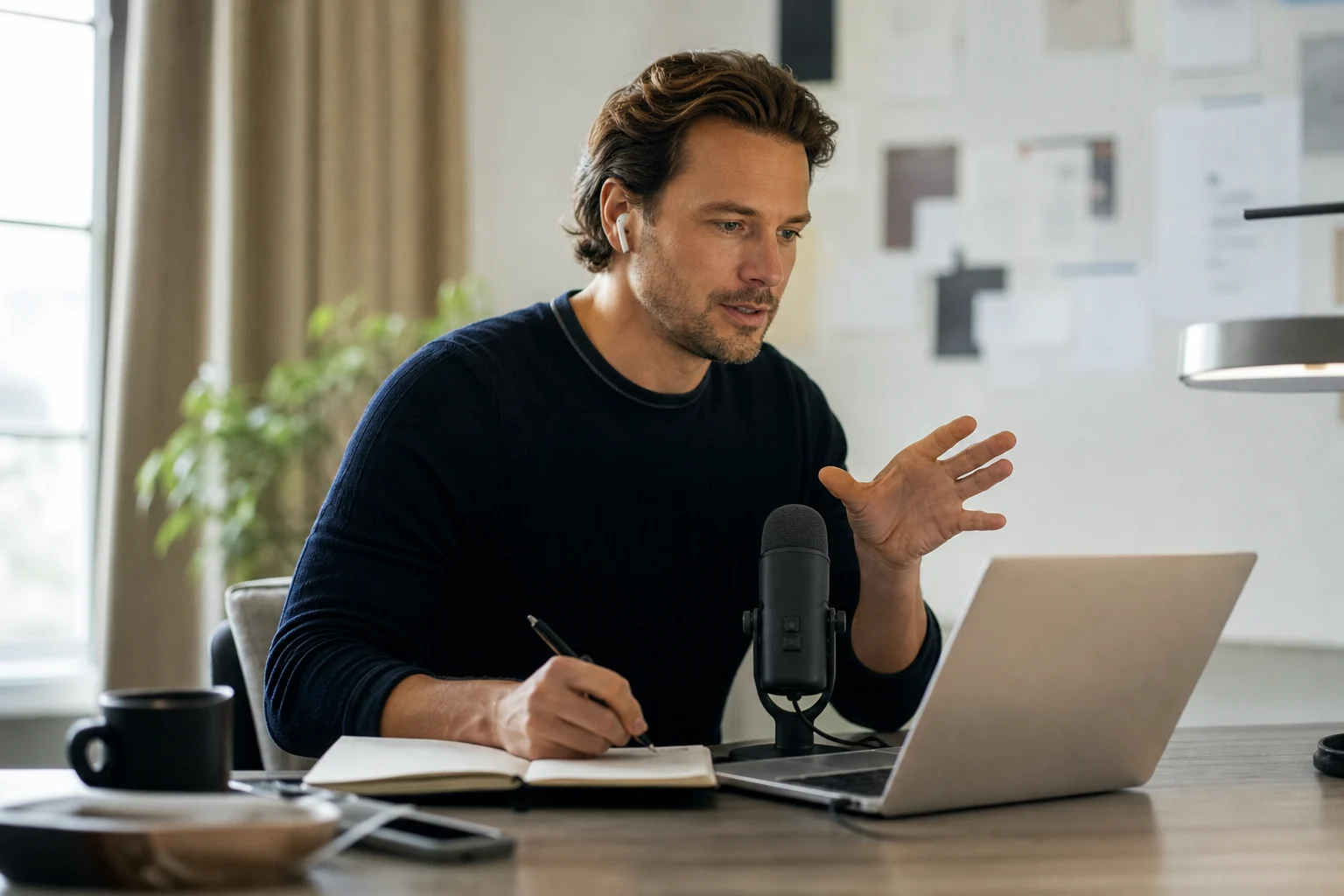
The idea to dictate timesheets feels like a simple fix. Stop typing, start talking. But if speaking just creates another text file you have to clean up later, you haven’t solved the problem. You’ve just changed the format of your homework.
The real problem is the gap between doing the work and recording the work. The longer that gap gets, the more context, detail, and billable time you lose. Capturing the work note, the follow-up, and the time needs to happen in the same motion, while the details are still fresh.
Try it on the real workflow
Turn the next spoken note into finished work
Use Superscribe while the context is still fresh. Speak naturally, keep working, and let the output land where it belongs.
The Real Cost of “I’ll Log it Later”
“I’ll log it later” is the most expensive phrase in freelancing. It sounds efficient in the moment. You’re deep in a problem, and switching to your time tracker or project management app feels like a distraction. So you don’t. You push forward.
But later never comes with the same clarity. By Friday, the week is a blur of small tasks and interruptions.
- That quick 15-minute fix for a client? You remember doing it, but not exactly when, or for how long. It gets logged as a vague “bugfix” or worse, forgotten entirely.
- The research you did for a new feature? Lost in a sea of browser tabs and scribbled notes. It’s hard to justify the time when you can’t show the work trail.
- The context switching between three different clients? Classic start-stop timer failure. You forget to hit start, or you forget to hit stop, and the whole record is useless.
The result is underbilling. You round down because you’re not confident in your numbers. Your invoice descriptions are generic, which can lead to client questions and delayed payments. You’re losing money not because you aren’t working, but because you’re doing a poor job of recording it.
Why You Can’t Just Dictate Timesheets into a Notes App
Using your computer’s built-in voice-to-text to dictate timesheets seems like a step forward. You speak a few lines into a draft, and the words appear. It’s faster than typing.
But it just moves the bottleneck. Now you have a .txt file full of raw dictation. You still have to stop what you’re doing, open that file, copy the relevant text, open your time tracker, paste it, format it, and add the time.
You’ve traded one admin task for another. It doesn’t solve the core issue of context switching. It doesn’t capture the time automatically. And it definitely doesn’t help when you’re in the middle of writing code. You need a tool that lets you speak where you work, and handles the rest in the background.
Get the workflow
Download the Billable Hours Recovery Checklist
A simple guide to finding and logging the time you're probably leaving on the table every week. Stop guessing and start getting paid for all your work.
My Own Billing Mess Sent Me on a Three-Year Detour
I built Superscribe because I got tired of guessing my hours at the end of every month. I’d look through emails, code, chat messages and random notes trying to remember what I actually did. The numbers were never right and I knew I was losing money. As a developer, it felt absurd that I could build complex systems but couldn’t solve my own billing.
Three years ago, I had this idea for a phone app that could automatically catch client calls and log the time. It seemed too hard back then, so I gave up on it. I kept working on other voice tools, and each one taught me something new about turning spoken words into structured data.
The real missing piece became clear when I added automatic time tracking to the main desktop app. It started capturing the time I spent in different apps, which was a huge step. But the context was still missing. I realized I needed that original phone app idea to connect everything without extra work. After all those other voice projects, what once seemed impossible was finally practical.
This is the tool I always wanted. It’s for people like us-coders, consultants, anyone who gets paid for their thinking-who want to stay in creation mode instead of doing paperwork later.
A Practical Workflow That Sticks
The goal isn’t to just dictate timesheets. It’s to capture the narrative of your work as it happens, with time tracking as a natural byproduct.
Here’s how it works in practice. Let’s say you just finished fixing a bug.
- The Trigger: You’re about to write your commit message in your IDE.
- The Action: Instead of typing, you press a global hotkey. You speak the note: “Fixed the navbar z-index issue on mobile safari. The modal was appearing underneath the overlay. Pushing to staging for review.”
- The Result: The clean text appears directly in your commit message field. In the background, Superscribe has created a time entry, logged the active application (your IDE), and attached your spoken note.
There is no “later”. There is no second pass. The act of documenting your work is the act of creating your timesheet entry. It’s one motion. That’s how you stop the bleeding from billing archaeology and build invoices that reflect the real work you did.
See it in action
Test this on your next real work note
Don't just read about it. The next time you go to type a work note, a commit message, or a client update, speak it instead. See how it feels.
Frequently Asked Questions
How is this different from my Mac or Windows built-in dictation? Operating system dictation is a pure utility-it turns voice into text. Superscribe is a workflow tool. It combines high-accuracy dictation with automatic time tracking and application context, so the note, the time, and the work itself are all linked without extra steps.
Does this work offline? Yes. The core dictation and time tracking happens locally on your machine. You don’t need an internet connection to capture your work, which is perfect for when you’re traveling or just want to focus without distractions.
Can I export my time data for invoicing? Absolutely. The goal is to make billing easier, not to trap your data. You can export your time logs to use with FreshBooks, Harvest, or whatever invoicing tool you already use. The entries will have the clean, detailed descriptions you dictated.