Call Notes App for Freelancers: What Actually Matters
Avatar: Solo Call Simon
A call notes app for freelancers has one job: help the work survive the call.
Not store a perfect transcript. Not create a pretty meeting recap. Not give you another dashboard full of recordings you promise to review later.
Freelance calls create tasks, follow-ups, scope changes, client promises, and billable context. If the useful parts do not land somewhere you can act on them, the app is only capturing evidence of work you still need to process.
The better test is simple: after the call, can you start doing the next thing without rebuilding the conversation from memory?
When client calls create work
Turn calls into notes, tasks, and follow-ups
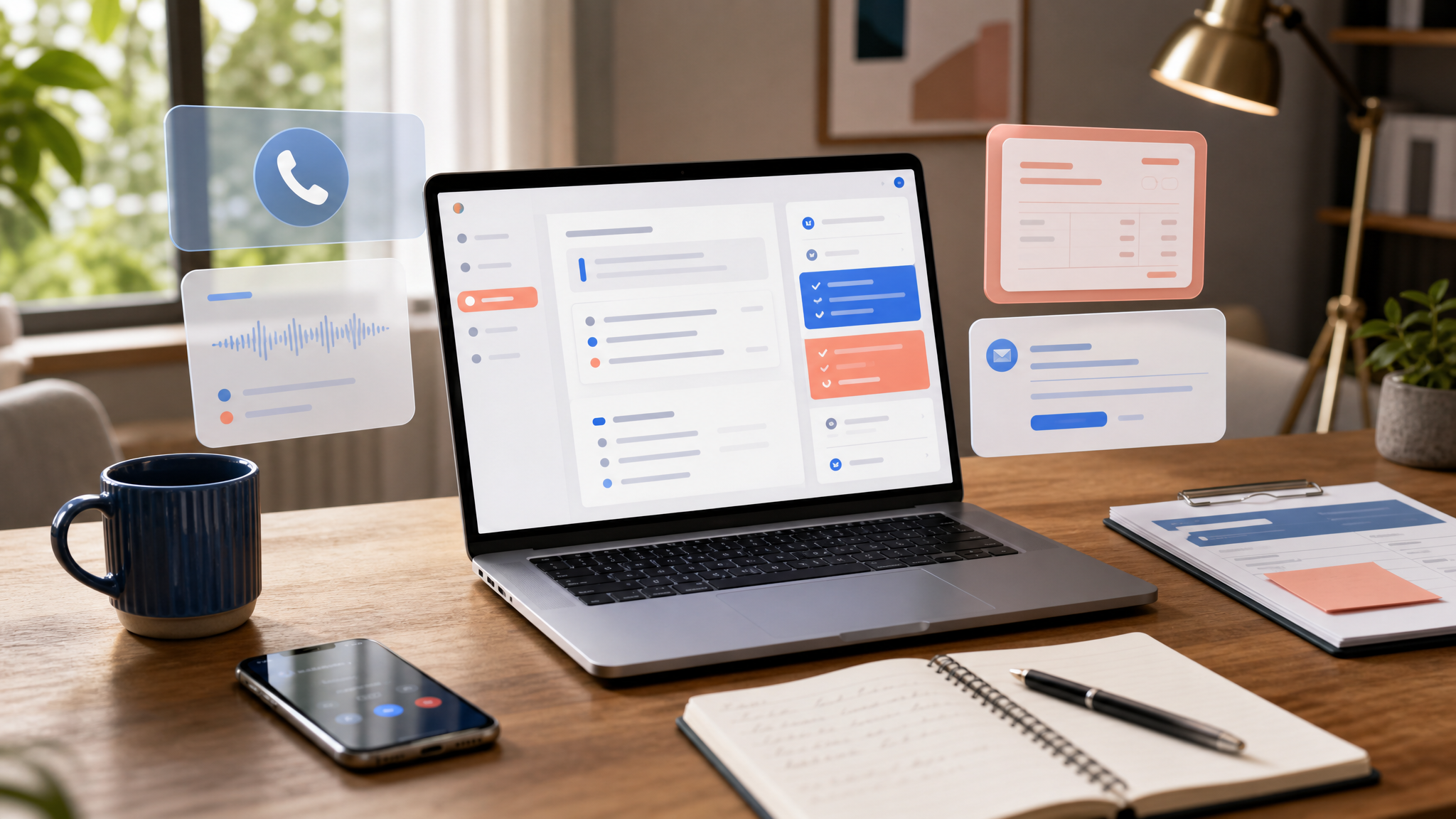
Superscribe Phone captures client calls and helps move the useful output toward summaries, task lists, the action items you write your follow-up from, CRM notes, and billable context.
Freelancers need working notes, not archive notes
A freelancer call note is not a historical record first.
It is a working object.
It should help you answer questions like:
- What did the client approve?
- What changed in the scope?
- What did I promise to send?
- What needs to become a task?
- What should be remembered for the invoice?
- What context will I need when I come back to this tomorrow?
That is why generic call transcription often feels useful in the demo but weak in the actual workday.
The transcript exists. The problem is that you still have to mine it.
The freelancer failure mode is context switching
Freelancers rarely get a clean admin window after a call.
You hang up and move straight into delivery. Or another client messages. Or you have to fix the thing you just discussed. Or you take the next call before the previous one is properly processed.
The detail loss is not dramatic. It is small and expensive.
You remember the general call, but not the exact follow-up. You remember the problem, but not the scope note. You remember the client was happy, but not the detail that explains why 45 minutes of work belongs on the invoice.
That is how notes turn into invoice archaeology at the end of the week.
What a good call notes app should capture
A strong freelancer call notes workflow should capture fewer things better.
Decisions
A decision explains why the work changed.
Examples:
- Client approved the smaller launch scope.
- The integration moves after the onboarding fix.
- The homepage rewrite waits until the product screenshots are ready.
- The bug is not urgent if the workaround is documented.
Without decisions, your task list loses the reason behind the task.
Action items
The note should turn vague discussion into specific work.
Weak:
- onboarding
- website changes
- proposal
Useful:
- Draft onboarding checklist with import steps and permission notes.
- Send two revised homepage headline options by Thursday.
- Add integration estimate as a separate line in the proposal.
If the task is not clear enough to do, it is not captured yet.
Follow-up promises
Small promises create trust or quietly damage it.
A good note should preserve the things you said you would send:
- revised estimate
- Loom walkthrough
- project timeline
- access checklist
- intro to a teammate
- answer to an edge-case question
The app should make these hard to miss.
Billable context
Freelance calls often contain billable work in disguise.
You diagnose a bug, explain a technical tradeoff, review a client request, or sketch the next implementation step. If that context disappears, the invoice later looks weaker than the work you actually did.
A useful call note gives future-you a clean explanation, not just a timestamp.
The best workflow has three layers
For freelancers, the best call notes app should support three layers.
- Capture the call.
- Structure the useful parts.
- Move the output toward action.
Layer one is recording or transcription. It answers, “what was said?”
Layer two turns the call into decisions, tasks, follow-ups, and billing context.
Layer three sends that output somewhere useful: task manager, CRM, client email, ticket, work log, project note, or agent workflow.
Most tools stop too early. They give you the transcript and leave you with cleanup.
That is better than forgetting everything, but it is not the real win.
The real win is ending the call with the next step already close to done.
Where Superscribe fits
Superscribe Phone is built for calls that create work.
It captures the conversation, transcribes the call, and helps structure the output into summaries, tasks, follow-ups, CRM notes, tickets, and billing context. The useful parts can move toward the workflow you already use instead of staying trapped in a recording archive.
For a freelancer, that might mean:
- a client recap draft
- a task list for the next work block
- a scope note for later
- a CRM or project note
- a cleaner invoice explanation
- the action items you write the follow-up email from
If your main issue is general call capture, read Phone Call Notes for Freelancers. If your calls usually become task lists, read Phone Call to Task List Automatic. For broader follow-through, see How to Never Lose an Action Item From a Client Call.
A practical buying checklist
Before choosing a call notes app for freelance work, ask:
- Does it give me tasks, or only a transcript?
- Can it separate decisions from general discussion?
- Can it preserve follow-up promises?
- Can it keep enough context for billing?
- Can the output move into the tools I already use?
- Will I actually review this later, or am I creating another archive?
The right tool should reduce the admin after the call.
Not by pretending judgment does not matter. You still need to review client-facing notes, confirm next steps, and decide what belongs in the system of record.
But review is much easier than reconstruction.
A good call notes app for freelancers should leave you with less memory work, fewer missed promises, and a cleaner path from conversation to execution.