No Timer Time Tracking for Freelancers
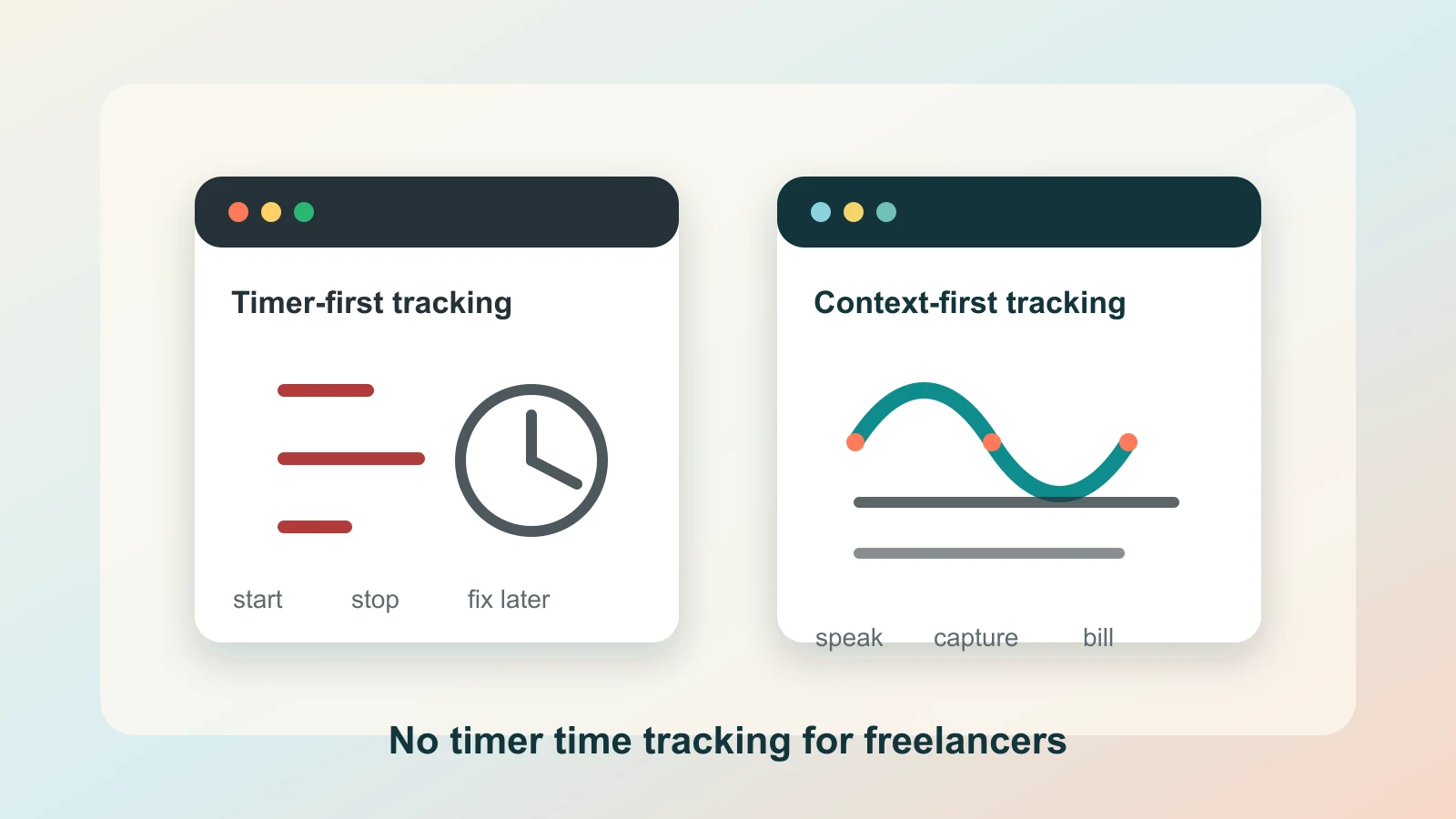
No timer time tracking is not about pretending time does not matter.
It is about admitting how freelance work actually happens.
You move from a client call to a bug fix, from a Slack clarification to a prompt in Cursor, from a quick invoice question to a project note. The work is real. The problem is that a timer asks you to pause at every boundary and name the work before the work has settled.
That is where freelancers lose the trail.
Not because they refuse to bill honestly. Not because they are careless. Because the tracking ritual depends on perfect transitions, and client work rarely gives you those.
If timers keep breaking your flow
Capture billable context while you speak
Use Superscribe to dictate client notes, task context, AI prompts, and follow-ups directly into the field where the work belongs.
Timers make sense on paper
A timer is a clean idea.
Start when client work starts. Stop when it ends. Pick the project. Add a note. Repeat.
That model works best when work has neat edges. Freelance work often does not. A client sends a message while you are already fixing something. A support call becomes implementation. A five-minute scope answer changes the next two hours. An AI coding session creates useful work before you have decided how to label it.
The timer wants a category before the context is fully visible.
So you make a quick choice, or you skip the choice, or you leave the timer running under whatever project was open last. Later, the cleanup starts.
That cleanup is the hidden tax.
The better signal is context
For freelancers, the most useful billing record is not just duration.
It is duration attached to meaning.
Useful context sounds like:
- fixed the checkout bug after the Stripe webhook failed
- turned the client call into three implementation tasks
- investigated the staging issue and found the config mismatch
- wrote the follow-up explaining why the scope changed
- prompted the AI assistant with project-specific constraints
That context usually appears while you are already working. You say it out loud after a call. You talk through a prompt before pasting it into an AI tool. You dictate a client update while the details are still fresh.
No timer time tracking should start from that moment.
The spoken work record comes first. The time trail follows it.
What no timer time tracking should not mean
It should not mean guessing on Friday.
It should not mean passive surveillance.
It should not mean a mysterious activity log that tells you which apps were open but cannot explain what you were doing for the client.
Freelancers need enough detail to bill with confidence and explain the work without rebuilding the week from memory. A raw app timeline can help, but it still misses the human reason behind the work.
If the record says you spent 42 minutes in a browser, that is not an invoice note. If it says you dictated the client follow-up, captured the bug context, and wrote the implementation plan for Project A, the entry has a story.
That is the difference.
A practical no-timer workflow
The simplest version looks like this:
- Work where you already work.
- When context appears, speak it into the active field.
- Let the dictated text become the task note, client update, prompt, or follow-up.
- Let the project and time record attach to that spoken work.
- Review the trail later instead of reconstructing it from scratch.
This is why live dictation matters.
If dictation lives in a separate recorder, you create another inbox to clean up. If it streams into the ticket, email, CRM field, AI chat, document, or project tool where your cursor already is, the capture step becomes part of the work.
That workflow connects directly to Live Dictation Into Any Input Field, Automatic Work Log From Dictation, Track Client Work Without Timers, and Manual Timer Fatigue for Freelancers.
Where Superscribe fits
Superscribe is live dictation that types into any input field as you speak.
For freelancers, that means the same action that creates useful work output can also leave a billable trail. You can dictate a client note, a support summary, a project update, an AI prompt, or an invoice explanation in the place where it belongs.
The goal is not to replace judgment.
You still decide what to bill, what to write, and what the client should see. Superscribe helps preserve the context before memory starts compressing it.
That matters because invoice day is not usually hard because the math is hard. It is hard because the story is missing.
The test for any timer-free system
Ask one question:
Can I explain the work later without searching five tools and guessing from memory?
If the answer is no, the system is only hiding the timer problem. It may be quieter, but it is not better.
Good no timer time tracking should make the record richer, not thinner. It should capture the words, decisions, prompts, calls, fixes, and follow-ups that prove the work happened.
The best version feels almost boring.
You talk while you work. The words land where they should. The billable trail survives.
That is enough.