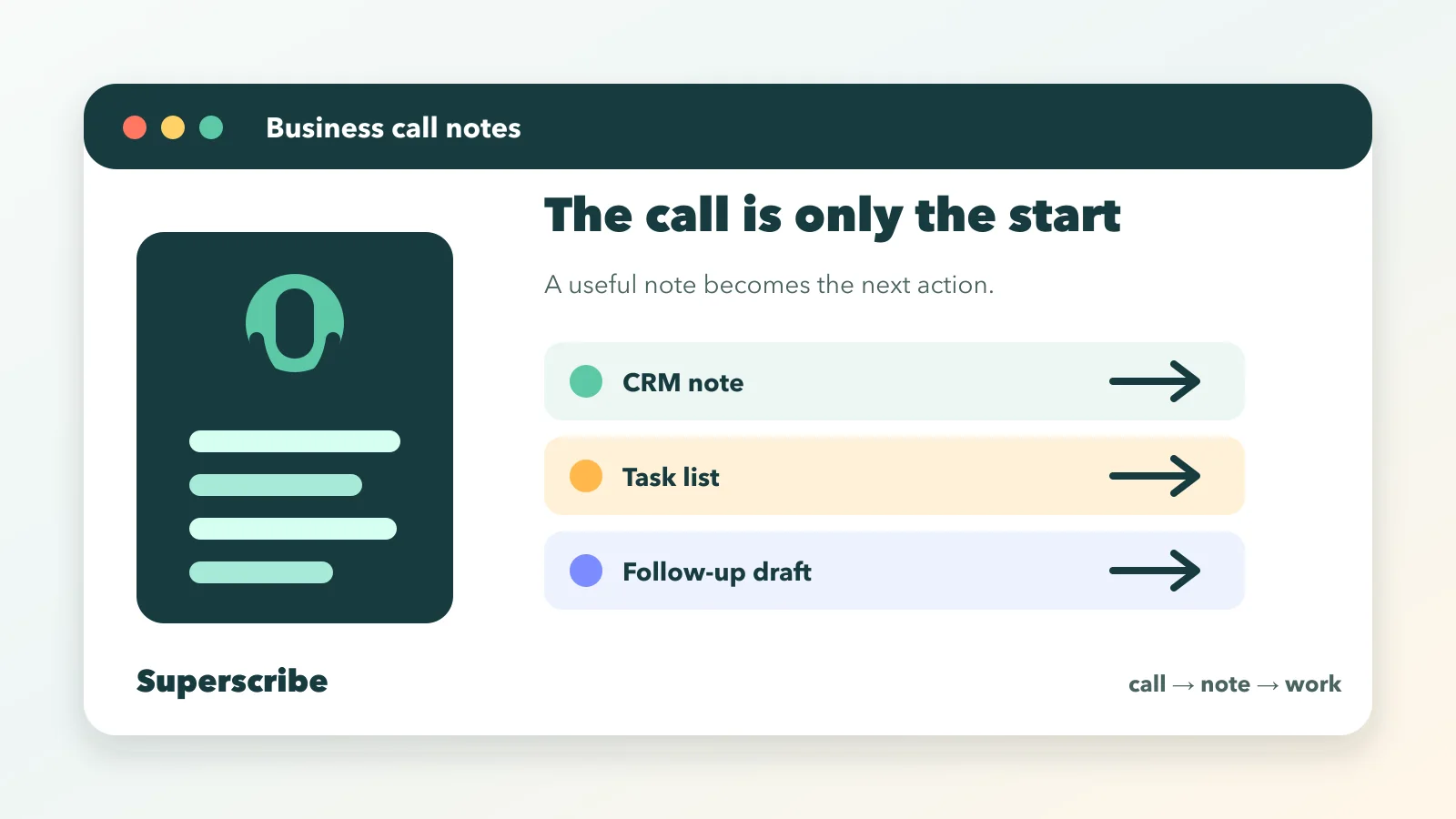
A business call notes app should make the call easier to act on after you hang up.
That is the whole job.
If the app only gives you a transcript, the real admin still lands on you. You still have to find the decision, write the CRM note, create the task, send the follow-up, update the ticket, and remember what should be billed.
The call is over. The work is not.
For call-heavy businesses, the right app does not stop at memory. It turns the call into structured work.
When every call creates follow-through
Turn business calls into notes, tasks, and updates
Superscribe Phone captures calls, structures the output, and helps route notes into CRM, tickets, follow-ups, project handoffs, and billable context.
The short version
Choose a business call notes app that can capture the conversation and turn it into the work artifacts your team needs next.
That usually means:
- a clean call summary
- customer or client context
- decisions
- promised follow-ups
- tasks with owners
- CRM notes
- ticket or project updates
- risks, blockers, and next steps
- billing context when the call is client work
The test is not “does it record the call?”
The test is “does the next person know what to do?”
Business call notes are not meeting notes
Business calls often happen outside the tidy world of scheduled meetings.
A customer calls with a problem. A client asks for a change. A prospect explains a constraint. A vendor confirms a date. A candidate gives salary expectations. A support user describes what broke.
Those calls are not just events to remember.
They create operational work.
That is why phone call notes and meeting notes need different workflows. A meeting note can be a shared memory record. A business call note usually needs to become something else:
- a CRM update
- a task
- a ticket
- a follow-up email
- a project note
- a handoff
- an invoice line
If the note stays trapped in a transcript inbox, it has not finished the job.
The transcript is only layer one
Transcripts are useful. They preserve what was said and give you a source of truth when details matter.
But a transcript is not a business outcome.
Nobody wants to read a full call transcript just to learn that the customer needs a password reset, the agency owes a revised proposal, or the consultant promised a pricing note by Friday.
A strong call notes workflow has three layers:
- Capture the conversation.
- Structure the useful information.
- Send the result where work happens.
Most apps are comfortable with the first two.
The third layer is where businesses save the most time.
That is also where generic note takers start to feel weak. They summarize the call, then hand you another object to process.
What a business call notes app should capture
A good business call note is not a pretty paragraph.
It is a work packet.
At minimum, it should capture:
- who was on the call
- why the call happened
- the customer, client, candidate, or account involved
- the issue, request, opportunity, or decision
- promises made by either side
- deadlines or dates mentioned
- blockers and risks
- next actions
- owner for each action
- systems that need an update
For agencies and consultants, it should also capture scope and billing context.
For support teams, it should capture symptoms, attempted fixes, environment details, and resolution steps.
For sales teams, it should capture buyer language, objections, decision criteria, and next steps. Read AI makes a similar point for sales notes: notes are more useful when they live with the right opportunity record instead of floating somewhere else (Read AI).
The app should not force every team into the same note shape. A recruiter call, support call, and client strategy call do not create the same output.
Where the notes should go
The best business call notes app is not always the one with the prettiest notes screen.
It is the one that reduces the number of places your team has to touch after the call.
Useful destinations include:
- CRM records
- helpdesk tickets
- project management tasks
- calendar events and reminders
- internal handoff notes
- follow-up tasks with a due date
- knowledge base entries
- billing notes
- automation tools and agents
That routing matters because call notes have a short half-life.
Right after the call, the context is fresh. Ten minutes later, the exact wording is already fading. By the end of the day, the note becomes guesswork with a timestamp.
This is why a call note should land close to the system of record. If the call was about an account, put the output in the CRM. If it was support, create or update the ticket. If it was billable client work, preserve the billing context while the work is still obvious.
Superscribe is built around that idea: calls should become structured output, then move into the tools or workflows where the next step happens.
What to avoid
Avoid choosing a business call notes app only because it records clean audio.
Clean capture matters, but it is not enough.
Watch for these traps:
- transcripts with no action structure
- summaries that do not separate decisions from tasks
- notes that cannot be routed into the tools you use
- unclear consent and recording behavior
- one-size-fits-all templates
- no way to review or correct the output
- no support for phone calls, only video meetings
- no path from call output to follow-up work
Some phone systems already include call note features. RingCentral, for example, documents automatic call notes and post-call summaries for supported setups (RingCentral Support). Google also has Call Notes in its Phone app for supported Android devices (Google Help).
Those can be useful if they fit your device and phone stack.
But business workflows usually need more than a saved note. They need a way to send the result into CRM, tickets, tasks, follow-ups, or internal systems.
A simple buying checklist
Before choosing a business call notes app, ask these questions.
Does it work for actual phone calls?
Many AI note tools are built for video meetings first. If your team lives on phone calls, test that workflow directly.
Can it handle inbound and outbound calls? Can it use your business number? Does it work when the call is not on a calendar?
Does it create action-ready output?
The app should separate:
- summary
- decisions
- tasks
- follow-ups
- risks
- open questions
- system updates
If every call becomes a vague summary, your team still has to do the thinking later.
Can it send notes where work happens?
This is the biggest practical difference.
A call note sitting inside a separate app is easy to forget. A call note attached to the account, ticket, task, or client thread is usable.
For teams that already have workflows, routing is not a bonus. It is the point.
Can humans review the output?
AI notes should reduce admin, not remove judgment.
You still need to review sensitive details, commitments, pricing, legal language, and customer promises. The app should make review easy instead of hiding the output behind automation you cannot inspect.
Does it fit your risk level?
Calls can contain private information. Before adopting any call notes app, review how recording, consent, retention, access, and deletion work.
This is especially important for advisors, lawyers, recruiters, healthcare-adjacent businesses, and support teams handling sensitive customer data.
Example workflows
Here is what “good” looks like in practice.
Agency client call
The client asks for two homepage changes, pushes the launch date by one week, and mentions that legal still needs to approve the pricing page.
Useful output:
- project note with the changed launch date
- two tasks for the homepage changes
- risk note for legal approval
- a follow-up task to confirm the new timeline with the client
- billable context for the account lead
IT support call
A client calls because a VPN stopped working after an OS update.
Useful output:
- support ticket with symptoms and device details
- resolution notes
- a summary and action items you write the client follow-up from
- internal note for recurring issue tracking
- billable time context
This is the same pattern behind automatic incident reports from support calls.
Sales discovery call
A buyer explains their current process, budget timing, blocker, and decision criteria.
Useful output:
- CRM note attached to the right opportunity
- next-step task
- a summary you write the follow-up email from
- key objections
- stakeholder and timeline notes
That output is useful because it changes what the team can do next.
Where Superscribe fits
Superscribe Phone is built for businesses where calls create work.
The goal is not to create a nicer transcript library. The goal is to make the call produce usable output:
- summaries
- CRM notes
- tickets
- tasks
- follow-ups
- calendar events and reminders
- billable context
- handoffs to APIs, agents, and internal workflows
Desktop dictation still matters for the work that happens after the call. A call may create the task, then desktop dictation helps write the update, prompt the AI tool, document the fix, or capture the rest of the project context.
That mixed workflow is the practical shape of modern business work.
Call first. Output second. Execution third.
FAQ
What is a business call notes app?
A business call notes app records or captures business calls and turns them into useful notes. The better versions also create summaries, tasks, CRM updates, tickets, follow-ups, and other structured outputs.
Is a transcript enough for business call notes?
Usually not. A transcript is useful as a source record, but businesses need decisions, tasks, owners, deadlines, and system updates. The transcript is the raw material, not the finished work.
Should call notes go into a CRM?
If the call is tied to a customer, prospect, account, or deal, yes. CRM notes are more useful when they are attached to the correct record instead of stored in a separate note app.
What should small businesses look for first?
Start with phone-call support, clear summaries, action items, routing into your existing tools, review controls, and privacy settings. Do not buy a meeting note tool if your real workflow is unscheduled phone calls.
The takeaway
The best business call notes app is the one that reduces post-call work.
Not the one with the longest transcript.
Not the one with the prettiest summary.
The useful app turns the call into the next action: the CRM note, ticket, task, follow-up, handoff, or billable record.
That is where the time savings live.