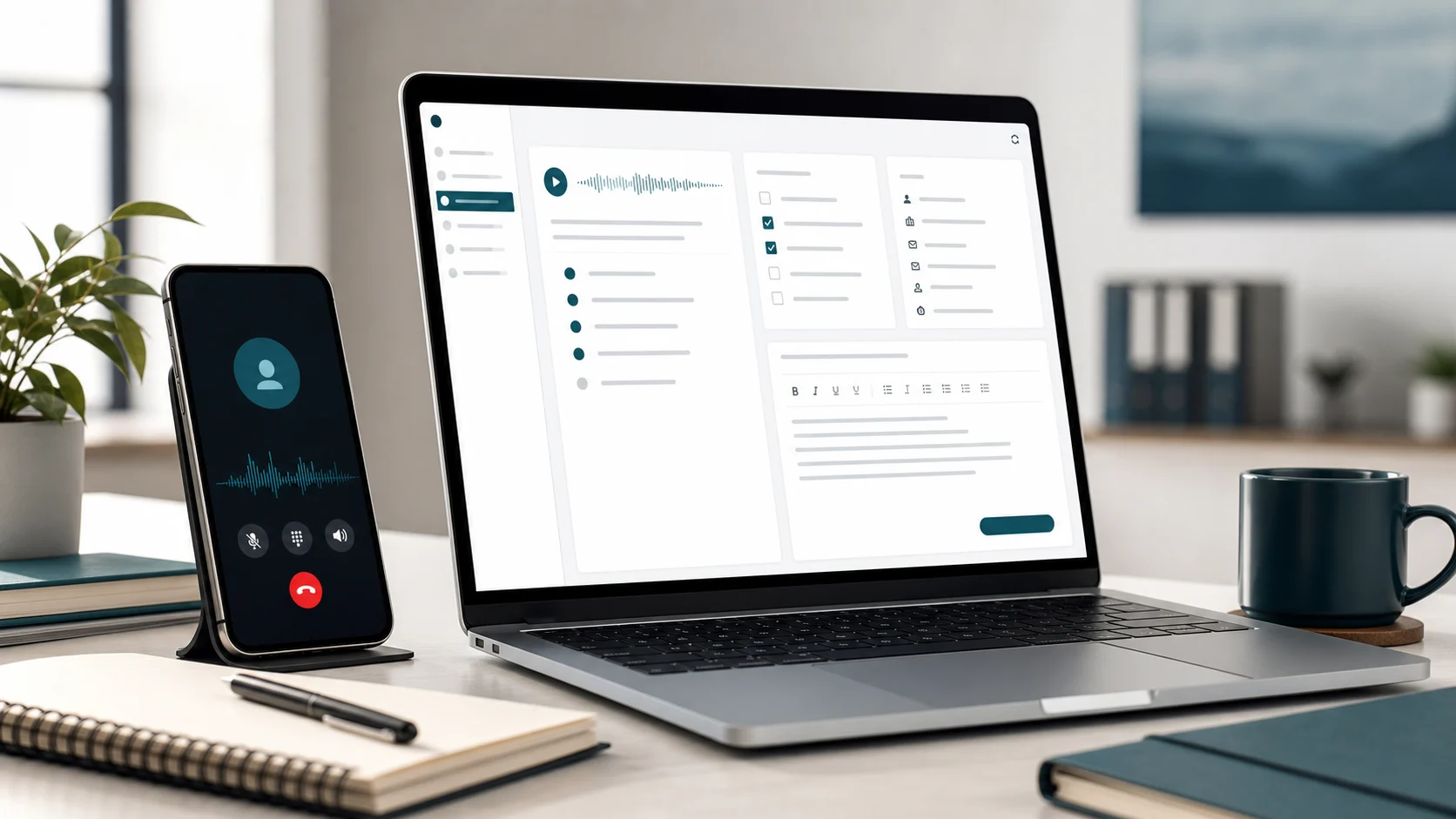
A phone call transcription app should not leave you with a wall of text and another job to do.
The transcript matters.
But the transcript is only the source material.
The useful outcome is the CRM note, ticket, follow-up email, task list, handoff, case note, or billing context that the call created. If the app stops after raw transcription, the admin still lands on you after the call.
That is where phone call transcription gets expensive.
Not in the recording.
In the cleanup.
When calls should become usable work
Turn phone calls into notes, tasks, and follow-ups
Superscribe Phone captures calls and helps turn them into reviewed notes, CRM updates, tickets, follow-ups, and billable context instead of another transcript to clean up later.
The short version
A useful phone call transcription app should help you answer:
- who called
- why the call happened
- what was said
- what changed
- what was promised
- who owns the next step
- where the output should go
- what needs to be reviewed before it is sent or logged
The raw transcript is the record.
The structured output is the workflow.
That difference matters because most businesses do not need more archives. They need calls to become action before memory fades.
Phone call transcription is not the finish line
Phone calls are messy work containers.
A client call can create a scope change, a follow-up email, a task, a CRM note, and a billing entry. A support call can create a ticket, reproduction steps, a customer update, and an internal handoff. A recruiting call can create candidate notes, scorecard context, and next-step reminders.
The call is one conversation.
The output is several pieces of work.
That is why business call notes should be judged by what happens after the call, not only by transcription accuracy.
If a phone call transcription app gives you a full transcript but makes you search for the promise, rewrite the summary, create the task, and paste the note into another system, it has only solved the first layer.
You still have the post-call admin.
The three layers of a better call workflow
The best call workflow has three layers.
1. Capture the call
Capture means the conversation is preserved clearly enough to review.
When the note belongs in the workflow
Dictate it into the app you already have open
Use Superscribe for client updates, task comments, CRM notes, prompts, and follow-ups without moving the work into a separate transcription inbox.
This is where transcription accuracy matters. Names, numbers, deadlines, customer wording, technical details, and objections can all matter later.
But capture alone does not tell the next person what to do.
It only gives them the raw material.
2. Structure the useful parts
After capture, the call needs shape.
A useful phone call output should separate:
- summary
- decisions
- action items
- owners
- dates
- risks
- open questions
- customer or client context
- billing or scope context
That structure is what makes the call usable without replaying the whole thing.
For example, a support transcript might include ten minutes of troubleshooting. The ticket needs the affected account, symptoms, steps tried, likely cause, current status, and promised update.
That is why support calls need ticket-ready output, not just a transcript.
3. Route the output
The final layer is routing.
The CRM note should live near the account. The ticket should live in the support queue. The follow-up should be quick to write from the summary. The task should land where work is assigned. The billing note should stay attached to the client context.
This is the part many transcription workflows skip.
They produce text, then hand you a cleanup queue.
For call-heavy teams, that queue is the real cost.
What to look for in a phone call transcription app
Use this checklist before choosing one.
It captures the call source cleanly
You need a reliable source record when details matter.
For phone work, that means the app should fit the way calls actually happen, not only scheduled video meetings. If the important work starts on phone calls, the capture flow should support phone calls directly.
It creates structured outputs
Look for more than “summary.”
Good outputs should identify decisions, promises, owners, dates, risks, tasks, and system updates. A pretty paragraph is not enough if someone still has to turn it into operational work.
It supports review before action
Automation should not mean blindly firing unreviewed notes into customer systems.
For billable context, not just text
Capture the explanation while you are doing the work
Superscribe helps turn spoken work into usable notes and time context, so later review starts from a record instead of memory.
The safer workflow is capture, structure, review, then route. That lets a human catch mistakes before a CRM note, ticket, or follow-up becomes part of the customer record.
It sends work where work happens
The best output is usually not another note in another app.
It is a CRM note on the account, a ticket update in the right queue, a task in the project system, or a summary and action items you can write the follow-up from.
If your team still has to copy and paste everything, the app has not removed the admin. It has moved it.
It preserves context for billing and handoff
For consultants, agencies, advisors, and support teams, a call often has billable value.
The app should help preserve why the call happened, what changed, and what work followed. That is the same logic behind a business call to follow-up workflow: the value is not the transcript alone, but the next action it enables.
It respects consent, access, and retention
Calls can include private customer, client, candidate, or patient information.
Before recording or transcribing calls, review consent requirements, retention settings, access controls, deletion workflows, and how sensitive data is handled. The right setup depends on your location, customers, industry, and internal policy.
A simple output format
If you are still processing calls manually, use this format.
Call context
- caller or customer
- account, project, ticket, or opportunity
- reason for the call
Summary
Write two to four bullets on what happened.
Decisions
List what was agreed, declined, changed, or deferred.
Action items
For each action, capture:
- owner
- next step
- due date or expected timing
- destination system
Follow-up draft
Write the customer-facing recap while the call is fresh.
Before admin day
Leave a clearer trail for the work you already did
Speak the recap, invoice note, ticket update, or follow-up while the details are still fresh, then keep working in the same place.
Internal note
Capture details that matter for your team but should not go to the customer.
Billing or scope context
For client work, note what should be billed, what changed scope, and what context should appear on the invoice.
This template is deliberately simple. The point is to move from “we have a transcript” to “we know what happens next.”
Where Superscribe fits
Superscribe Phone is built for the workflow after the call.
The call can be captured, transcribed, structured, reviewed, and routed into the systems or actions that matter: CRM notes, tickets, tasks, follow-ups, handoffs, billing context, APIs, OpenAI workflows, or agent pipelines.
That makes it different from a basic phone call transcription app.
Basic transcription answers:
What was said?
A better call workflow answers:
What should happen now?
For client-facing work, that second question is where the money is. It is also where the mistakes happen when every call depends on someone writing perfect notes after the fact.
FAQ
What is a phone call transcription app?
A phone call transcription app captures phone conversations and turns speech into text. The more useful versions also create summaries, tasks, follow-ups, CRM notes, tickets, and other structured outputs.
Is a transcript enough for business calls?
Usually not. A transcript preserves the conversation, but business calls often need follow-up work. The useful output is the task, CRM note, ticket, email, handoff, or billing context created from the call.
What should I check before recording calls?
Check consent requirements, access controls, retention rules, deletion options, and how sensitive data is handled. Requirements vary by location, industry, and call type.
What is the best phone call transcription app for client work?
The best fit depends on what happens after your calls. If calls need to become CRM notes, tickets, tasks, follow-ups, and billable context, choose a workflow tool rather than a transcript-only archive.
The takeaway
Phone call transcription is useful, but it is not the end of the work.
The real win is turning the call into the next usable artifact before the day moves on.
If your current process ends with a transcript you still have to clean up, search, rewrite, and paste somewhere else, the transcription app is doing only the easiest part of the job.