Automatic Billable Hour Tracking
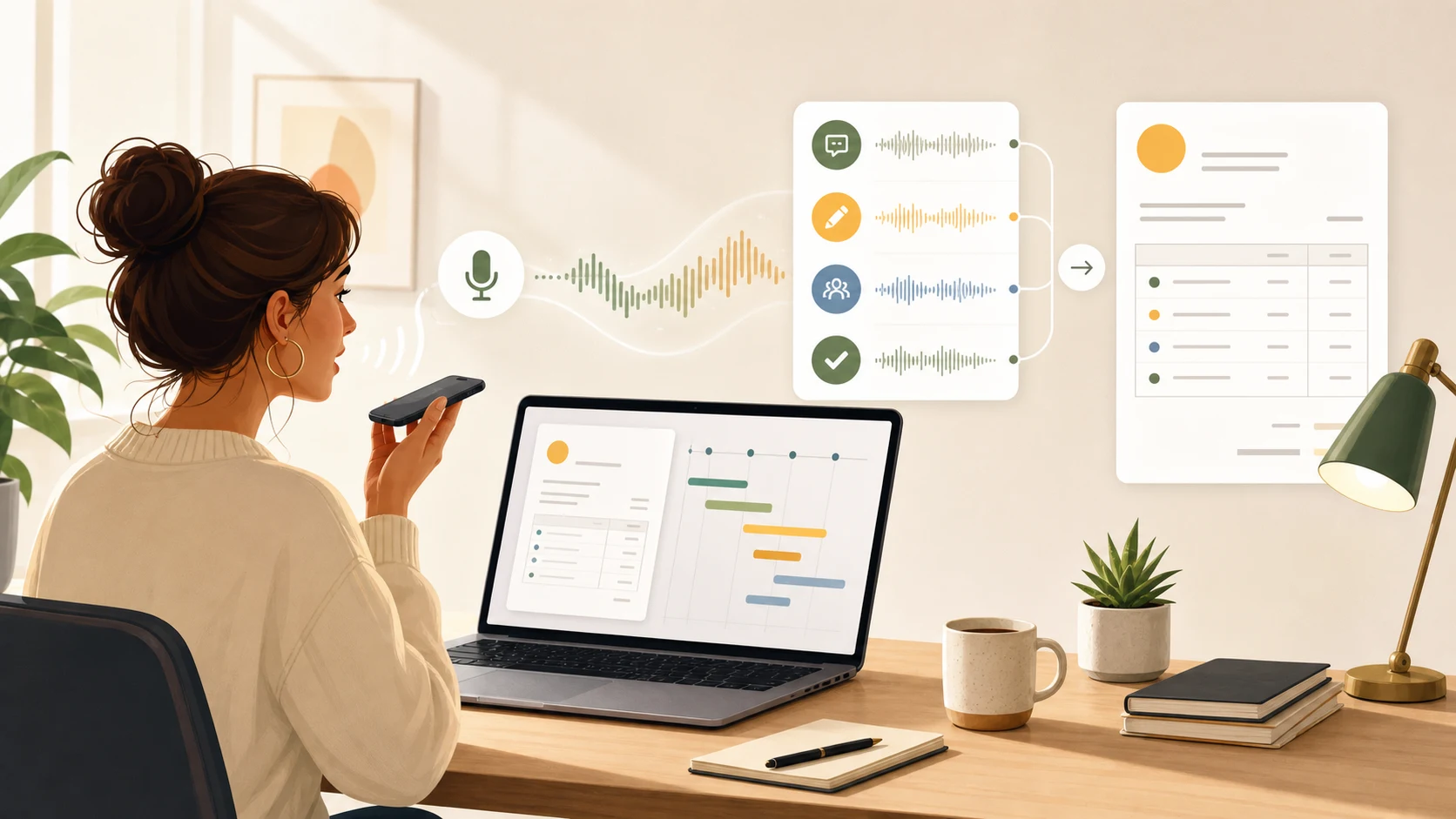
Automatic billable hour tracking sounds like it should be simple.
Watch what happened. Count the time. Put it on the invoice.
That is enough if your only problem is duration.
Most freelancers have a different problem. They know they worked. They can usually find the rough time window. What they cannot always recover is the client context that makes the time billable, explainable, and easy to trust.
You fixed a small issue. You reviewed an AI-generated patch. You answered a client question. You checked a strange bug report. You wrote a follow-up note. You looked at an invoice draft and remembered that something happened on Tuesday, but not enough to describe it cleanly.
The missing piece is not a better stopwatch.
The missing piece is a billable trail.
When the invoice needs more than a number
Capture the billing trail while you work
Superscribe lets freelancers dictate client notes, task context, and invoice details into the field they already have open while project and time context stay close to the work.
What automatic tracking usually gets wrong
Most automatic billable hour tracking tools start from observation.
They look at:
- which apps were open
- which websites you visited
- how long the computer was active
- whether a timer was running
- which project or task was selected
- what blocks appear on your calendar
That can be useful. It is better than a blank timesheet.
But observation has a limit. App activity can tell you that you spent time in a browser, editor, Slack thread, CRM, ticket, document, or AI coding tool. It cannot always explain why that work mattered to the client.
A freelancer does not invoice “45 minutes in Chrome.”
They invoice something more specific:
- investigated checkout failure after client report
- reviewed and corrected AI-generated migration script
- wrote follow-up options for the landing page copy
- clarified scope after support call
- tested fix against staging data
- prepared invoice note for extra QA pass
Those lines are not created by passive tracking alone. They come from context.
The real job: preserve client context
Automatic billable hour tracking should answer three questions.
- What client or project was this for?
- What useful work happened?
- What should future-you put on the invoice?
The first question is about classification. The second and third are about memory.
That is where many tracking workflows fall apart. They capture the block, but they do not capture the reason the block exists.
This is especially obvious for freelancers using AI tools. A single hour might include prompting, reviewing, testing, rewriting, checking docs, messaging a client, and updating a task. The output can be real client value, but the trail is scattered across tools.
If you wait until Friday to reconstruct it, you are asking memory to do the work that your workflow should have captured at the time.
Why timers still lose billable work
Timers are not bad. They fail because they ask for discipline at the worst moments.
You need to remember to start the timer before the interruption. You need to switch the timer when the client changes. You need to stop it when a small task becomes a call, then restart it when the call becomes a follow-up.
That is easy during neat project blocks.
It is much harder during real freelance work:
- a five-minute Slack answer becomes a paid implementation note
- a quick AI prompt turns into a bug investigation
- a client call creates three invoice-worthy follow-ups
- a support ticket leads to a small fix and a longer explanation
- a task review turns into a scope decision
These are exactly the moments that disappear from invoices because they feel too small to stop and log.
They are also the moments that explain why the final work was valuable.
That is why project time tracking without switching timers matters. The goal is not to pretend review is unnecessary. The goal is to reduce the amount of billing context you have to rebuild from scraps.
A better model: dictate the note while the work is fresh
Automatic billable hour tracking gets stronger when the capture step moves closer to the work.
Instead of finishing the task, opening a separate app, picking a project, editing a timer, and writing a note from memory, you speak the useful context while you are already in the work surface.
Examples:
- “Client asked for the checkout edge case to be tested against the discount flow.”
- “Reviewed the AI-generated refactor and fixed the validation bug.”
- “Adding invoice context for the extra QA pass on mobile Safari.”
- “Summarized the support call and created the follow-up task for Monday.”
- “Documented why the API change needs a staged rollout.”
Those notes do not need to be perfect. They need to exist while the detail is still warm.
That is the workflow behind dictation app with time tracking. Dictation is not just faster typing. For billable work, it is a way to leave context behind before the day fragments again.
What Superscribe changes
Superscribe starts with live dictation.
You put the cursor where the words belong, trigger dictation, and speak. The text streams into the active field as you talk, whether that is a client email, issue tracker, CRM note, AI prompt, task comment, support reply, document, or invoice description.
For freelancers, that matters because the useful note is often created inside the tool where the work is already happening.
The time tracking layer then stays close to that activity. Instead of treating billing as a separate ritual, Superscribe makes the spoken work note part of the trail.
The practical win is simple: when invoice day arrives, you are not staring at a row of vague blocks.
You have more of the context that explains:
- what changed
- what the client asked for
- what you investigated
- what you decided
- what follow-up was created
- what the invoice line should say
That is different from relying only on app history. App history can help prove that time passed. A dictated note can explain why the time was billable.
What to review before invoicing
Automatic tracking should reduce reconstruction. It should not remove judgment.
Before sending an invoice, still review:
- which entries are actually billable
- whether the project assignment is right
- whether vague notes need cleanup
- whether small fragments should be grouped
- whether client-sensitive details should be rewritten
- whether the final invoice line explains value clearly
The point is not to make billing mindless. The point is to stop losing the raw material.
If the system captured a note while the work was happening, review becomes editing. If it captured only a blank duration, review becomes archaeology.
The test for any automatic billable tracker
Ask one question:
Could I explain this line to the client two weeks from now?
If the answer is no, the tracker is not capturing enough.
A good automatic billable hour tracking workflow should leave you with a short, credible record of the work, not just a timestamp. For freelancers, that usually means pairing time capture with live notes, task context, client language, and invoice-ready detail.
You did the work. The system should help future-you prove it without rebuilding the week from memory.