Wispr Flow Alternative for Freelancers
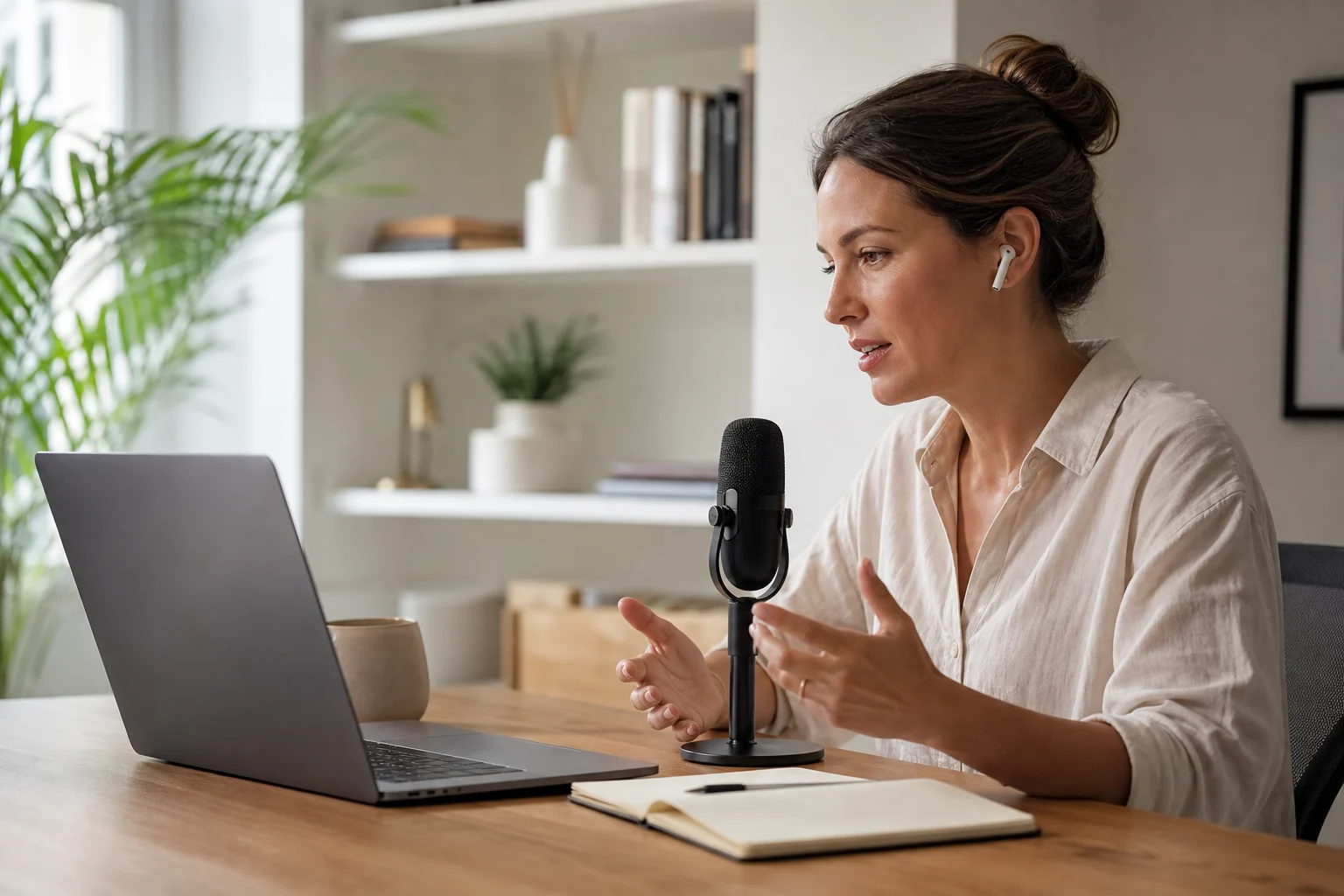
If you are looking for a Wispr Flow alternative, the real question is not which app has the nicest demo. It is which one fits the way freelance work actually happens.
Freelance work is messy. You jump from client updates to proposals to bug notes to invoice prep. A dictation app only helps if it can keep up with that mess, land text where you are already working, and leave behind something you can actually use later.
Wispr Flow and Superscribe both go after faster voice input. The difference is what happens after you stop talking.
The short answer
Wispr Flow is a strong pick if you want polished voice dictation and you care most about writing flow.
Superscribe is the better Wispr Flow alternative if you are a freelancer who wants live dictation into real work, plus automatic time tracking as a side effect of speaking.
What freelancers usually need from a dictation app
Most comparison posts treat dictation like a pure writing tool.
That is too narrow.
Freelancers need a tool that helps with:
- client emails
- proposal drafts
- project updates
- CRM notes
- support replies
- quick work logs
- billable context they can review later
That is why live dictation matters. The text needs to appear in the app you already have open, not in a separate transcript step that turns into cleanup work later.
If that workflow matters to you, read this alongside Live Dictation Into Any Input Field and Dictation App for Mac That Types Where You Work.
Wispr Flow vs Superscribe
| Category | Wispr Flow | Superscribe |
|---|---|---|
| Core use case | Voice dictation for faster writing | Live dictation for real work output |
| Where text goes | Voice-driven writing workflow | Streams into the field you already have focused |
| Best fit | People optimizing writing flow | Freelancers, consultants, and operators juggling client work |
| Time tracking | Not the main point | Built in as a byproduct of dictation |
| Workflow angle | Better writing experience | Capture work while doing it |
The practical difference is simple.
Wispr Flow helps you write faster.
Superscribe is built for people who want speech to become finished work inside the apps they already use.
Where Wispr Flow is strong
To be fair, Wispr Flow is not trying to be a billing tool.
Its appeal is that it makes voice input feel more natural for people who want to write by speaking. If your main job is drafting and editing text, and you do not care much about project logging or post-call workflow, that can be enough.
For some users, that will be the right tradeoff.
Where freelancers outgrow it
Freelancers usually do not just write.
They switch contexts all day:
- reply to a client
- update a task
- capture a note after a call
- write a summary in a project doc
- draft a email
- move on before they forget what just happened
This is where many voice tools start adding friction back into the day. If your speech becomes a transcript, draft, or separate workspace object that still needs manual handling, you have not really removed the admin. You moved it.
That same problem shows up in adjacent categories too, which is why posts like Otter Alternative for Freelancers Who Need Usable Output and Granola Alternative for Client Follow-Up exist in the first place.
Why Superscribe is the better Wispr Flow alternative for freelancers
Superscribe takes a more workflow-native approach.
The key idea is simple: speak into the tool you are already using, let the output land there immediately, and keep a time trail without opening a separate tracker.
That matters if your day includes any mix of:
- hourly billing
- client delivery work
- support or operations notes
- quick post-call live workflow
- task updates spread across different apps
Instead of treating dictation like a standalone writing event, Superscribe treats it like part of the work itself.
That is the same reason people looking for timer-free tracking often end up reading How to Track Billable Hours Automatically Without Timers and How to Track Client Work Without Timers.
A better test than feature checklists
If you are deciding between Wispr Flow and an alternative, run this test in your real workflow.
Open the places where your work actually happens:
- Gmail or Superhuman
- Notion or Google Docs
- Linear, ClickUp, or a ticketing tool
- your CRM
- Slack
Then ask:
- Can I dictate directly into the field I already have open?
- Does this feel fast enough to trust every day?
- After I finish speaking, do I have usable output or another thing to clean up?
- Can I recover what I worked on later without rebuilding my week from memory?
That fourth question is where many freelancer workflows break.
Choose Wispr Flow if…
Choose Wispr Flow if your top priority is voice-driven writing and you do not need your dictation tool to help with billing trails, project context, or live workflow across apps.
Choose Superscribe if…
Choose Superscribe if you want:
- live dictation into the field you are already using
- work output instead of transcript cleanup
- automatic time tracking while you speak
- a better fit for freelance client work, not just writing sessions
Final take
Wispr Flow is a credible tool.
But if you are a freelancer comparing alternatives, the better question is whether you want a dictation app or a dictation workflow.
That is where Superscribe pulls ahead.
It does not just help you say the words. It helps those words land where the work already is, and it leaves behind a useful trail for billing and review.
If that is the problem you are trying to solve, Superscribe is the stronger Wispr Flow alternative.
FAQ
Is Superscribe the same as Wispr Flow?
No. Both are in the dictation space, but the emphasis is different. Wispr Flow is centered on voice-driven writing. Superscribe focuses on live dictation into active fields, plus workflow benefits like automatic time tracking.
What makes a good Wispr Flow alternative for freelancers?
A good alternative should reduce friction, not just move it around. For freelancers, that usually means live dictation in the apps they already use, output they can act on immediately, and less end-of-week reconstruction.
Is live dictation better than record then paste?
For many freelancers, yes. Live dictation usually feels faster and more reliable because the text appears where they are already working. This post explains the workflow difference.
Where can I verify current product details?
Check the official product sites for the latest features and pricing:
If this starts with a call
Try Superscribe Phone on your next business call
Capture the conversation, then turn it into notes, follow-ups, CRM updates, and billable context without rebuilding it from memory.
Test Superscribe