Short Videos That Show How Superscribe Works
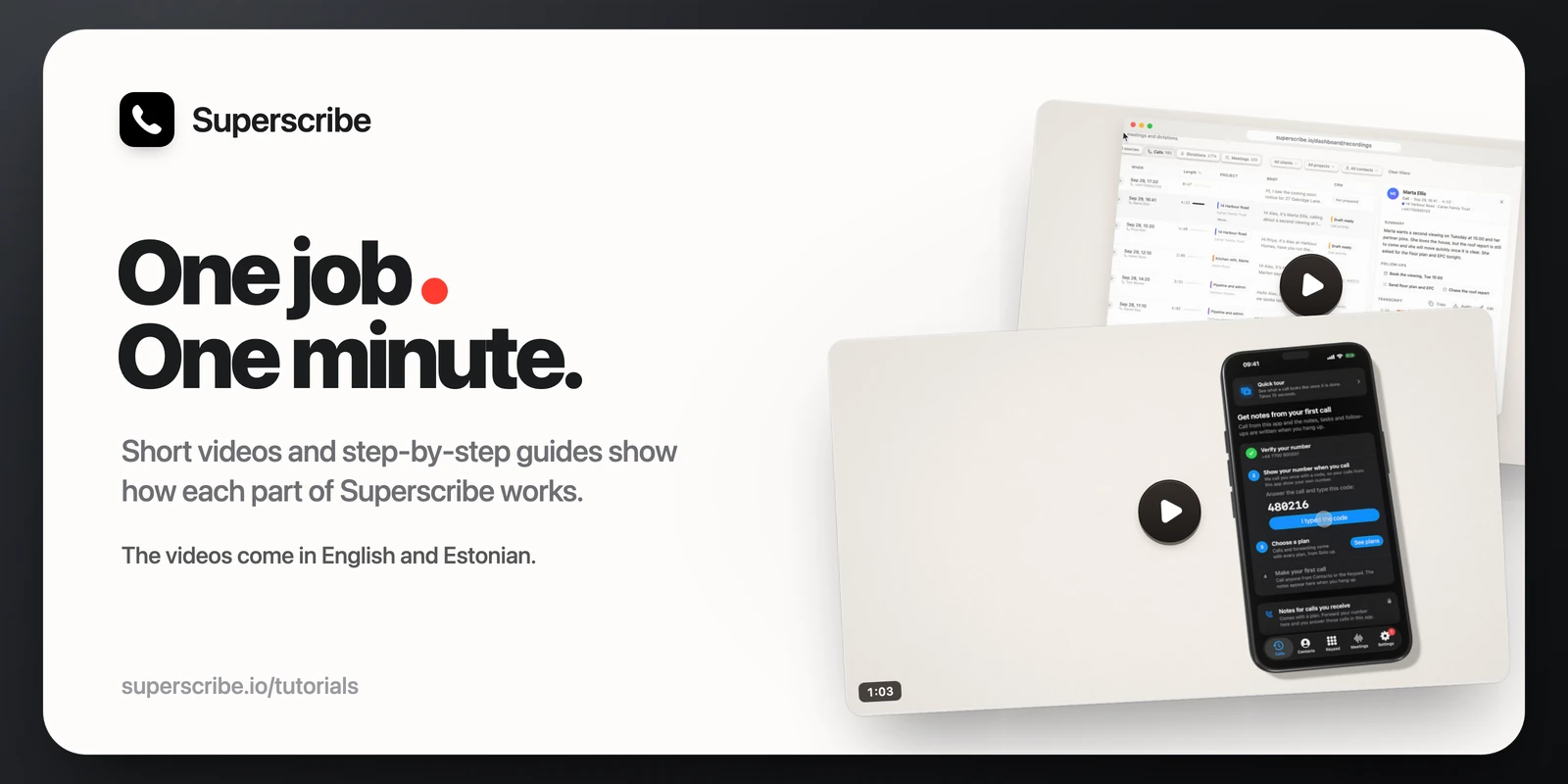
The first question people ask me is “but how does it work?” Before, the answer was a long page of text. Now it is superscribe.io/tutorials: short videos and step-by-step guides, one job in each.
The videos
Each video is about a minute long and does one thing from start to end. They have captions and come in English and Estonian. A video only loads when you press play.
- Set up Superscribe on your iPhone. Install the app, sign in, verify your number, pick a plan, forward your calls if you want to, add the dictation keyboard and make your first call.
- Find any call and its notes. Search for what was said, then open the call to see its summary, follow-ups and transcript.
- Connect Pipedrive to Superscribe and Put every call into Pipedrive. Connect your account and choose whether call notes go in by themselves or after you approve them. Tasks, meetings and calls from numbers not yet in Pipedrive wait for your approval. Everything is added to the Pipedrive person with that phone number.
- See where your time went. Your time by project, and a report you can save as a PDF.
- Ask Claude about your calls and Build on the API, for people who want their calls in their own tools.
The step-by-step guides
Some jobs are faster to follow than to watch. The guides are small drawings of the app, one step at a time. Each guide plays through its steps on its own. Pick a step or press Next to go at your own pace.
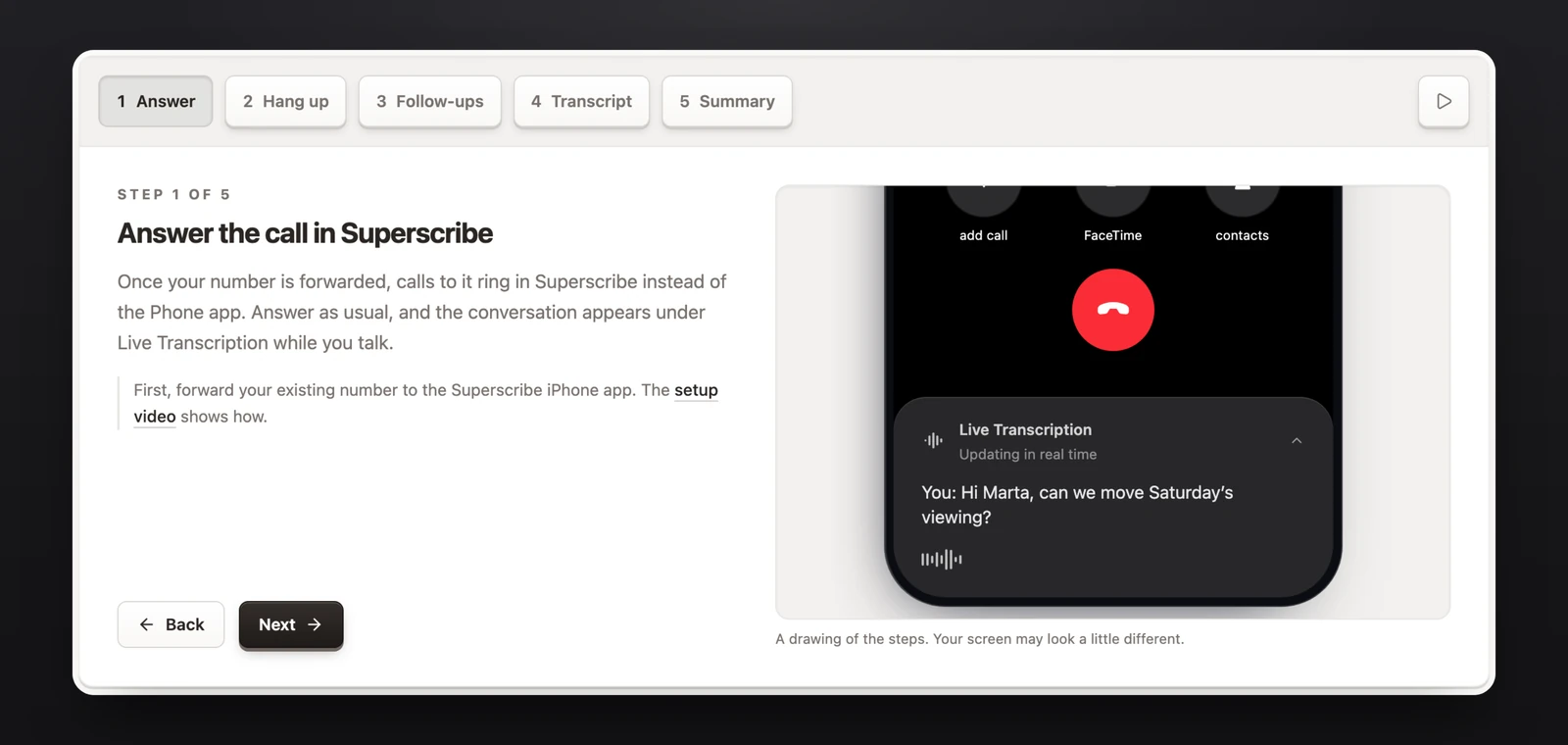
There are guides for:
- How a call becomes notes
- Recording a meeting on your iPhone
- Dictating with the Superscribe keyboard on iPhone
- Answering calls on your Mac or PC
- Recording a meeting on your Mac or PC
- Dictating into any app on your Mac or PC
- Connecting your AI tool to your calls, and creating an API key
The calls and names in the videos and guides are made up.
Where to start
- Still deciding? Start with the guide “How a call becomes notes”. It shows what you get after you hang up: the transcript and the follow-ups in the app, and a short summary in your dashboard.
- Ready to try it? Watch “Set up Superscribe on your iPhone” with the app open next to it.
- Do you work in Pipedrive? The two Pipedrive videos show what Superscribe writes there, and what waits for your approval.
- Do you work at a desk? The Mac and PC guides cover calls, meetings and dictation on the computer.
Open the tutorials page. If a step does not match what you see in the app, write to hello@superscribe.io and we will fix the guide.