sales teams meeting notes
Sales team meeting notes that are ready when the meeting ends
Pipeline reviews, demo debriefs and account meetings produce decisions faster than anyone records them. Put an iPhone on the table and leave with the spoken record already organised.
Superscribe
Stop rebuilding calls from memory
Record one sales meeting on your iPhone and compare the finished minutes with the notes your team would normally reconstruct later.
The awkward part of sales team meeting notes is not deciding what the template should contain. Most teams already know that. The awkward part is trying to listen, challenge an assumption and write a reliable record at the same time.
That trade-off shows up in pipeline reviews, account planning sessions, demo debriefs and in-person discovery meetings. The person taking notes speaks less. Everyone else assumes the important points were captured. Then the meeting ends and the document contains a few outcomes, but not the reason behind them or the person who agreed to act.
A meeting recorder should remove that split attention. It should hear the room, keep the speakers separate and hand back minutes while the conversation is still easy to verify.
What useful sales team meeting notes preserve
Weak minutes say that pricing was discussed and a follow-up was agreed. Useful minutes preserve the parts that affect the deal: whose concern changed the plan, what the team decided, who owns the next step and when it is due.
The source matters too. A sales manager reading a summary should be able to return to the transcript when one line changes the forecast. The summary is for speed. The transcript is for accuracy.
| Moment in the meeting | What the record should keep |
|---|---|
| A rep changes the close date | The new date and the reason it moved |
| A buyer raises an objection | Their wording, not a generic label |
| Someone promises an action | The owner and the agreed timing |
| The team makes a decision | The outcome and the discussion behind it |
This is why a blank meeting-notes template is not enough. The headings are easy. Capturing the conversation under them is the work.
How Superscribe records a room meeting
Superscribe Phone is an iPhone app. It is free to download from the App Store. Recording needs a paid plan, from €49 a month. In meeting mode, you tap Start meeting and put the phone on the table. The recording state remains visible, so the device is not pretending to be an invisible participant.
People in the room are separated in the transcript. When speakers introduce themselves, their names can be attached to their turns. If someone is remote, you can dial them in by phone and keep their part of the conversation in the same meeting transcript.
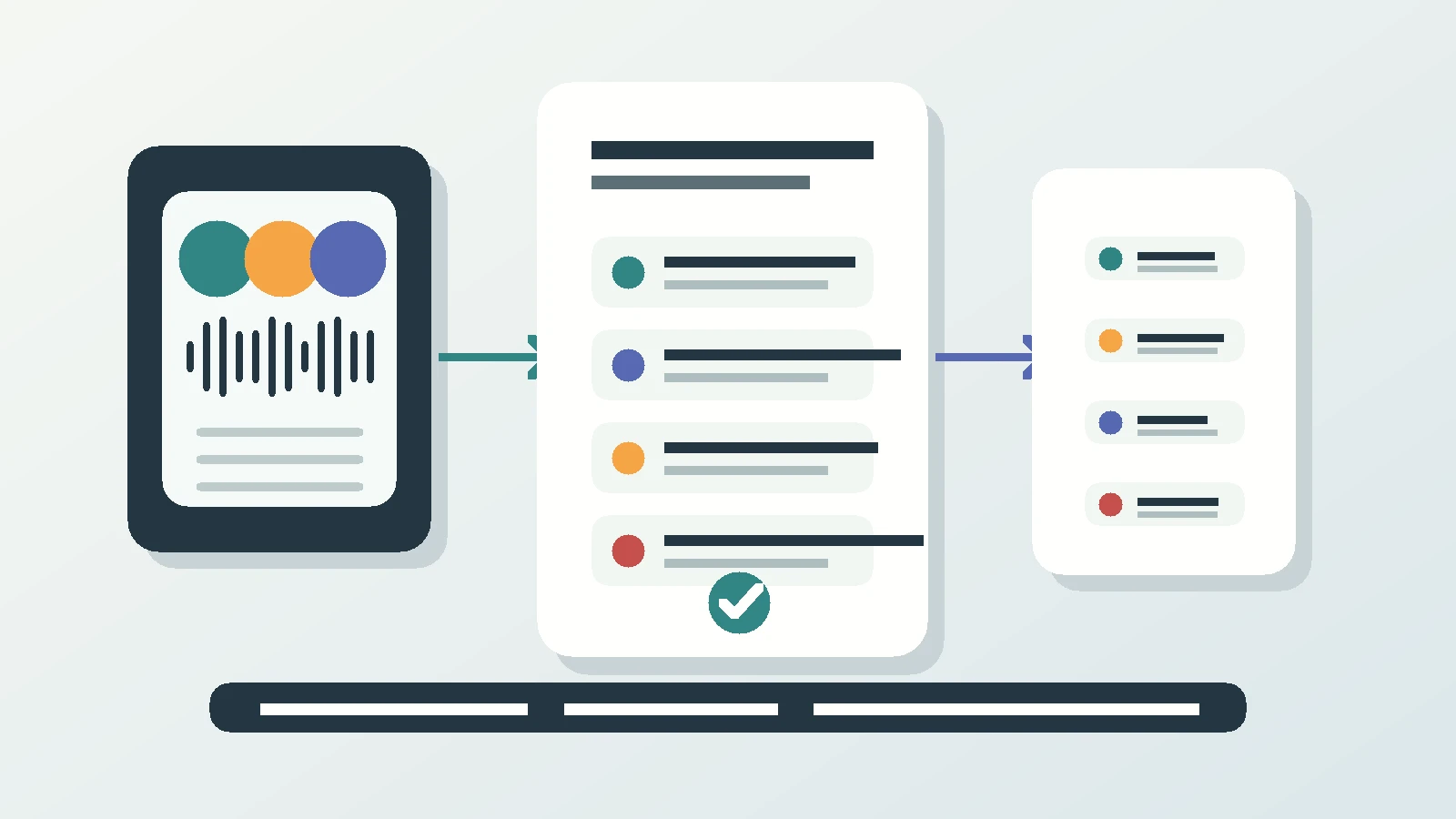
When the meeting ends, Superscribe prepares the transcript and minutes: a summary, decisions and follow-ups. It can suggest a callback, calendar event, reminder, saved contact or Reminders checklist. Those actions never run by themselves. Each waits for a tap, which is important when a date or name still needs a human check.
Calls and meetings can be filed to the right project and pushed to Pipedrive as an activity. Other systems can pull the record through the API or MCP. That is different from claiming a direct integration with every CRM on the market.
Why I wanted the record to start with speech
I built Superscribe after spending too much time reconstructing spoken work from scraps. The useful version of the thinking had already happened out loud. What I typed later was shorter, flatter and less trustworthy.
The phone app was the missing piece because the conversations that create work do not wait for a desktop. I had thought about it years earlier and put it aside because it was too difficult. The idea became real once the call and meeting capture could produce structured output instead of another audio file. A flight using Starlink was the proof that normal business calls could still become usable records while I was away from a desk.
For a sales team, the same principle is practical: the meeting is the source. Do not appoint a person’s memory as the integration layer.
Use the phone for meetings and calls, not for everything
The iPhone app handles the two spoken surfaces that matter here. It records meetings in a room, and it captures regular phone calls on the number a rep already uses. A client does not install an app or join a link for a phone call.
The desktop apps are separate. They are useful when someone wants to dictate into a CRM field or write a note at a computer, but desktop dictation should not be the main meeting workflow. Asking a rep to dictate a recap after the meeting still means doing the work twice.
Business Voice adds seats and pooled minutes when the workflow needs to cover a team. A solo rep can start with the free iPhone app.
Questions sales teams ask
Does a bot join the meeting?
No. For an in-room meeting, the iPhone records from the table. There is no video-meeting bot and no calendar link to configure.
Can a remote participant be included?
Yes. A remote participant can be dialled in by phone and included in the same transcript as the people in the room.
Does Superscribe send the follow-up automatically?
No. It does not draft or send emails or messages. Suggested callbacks, calendar events, reminders, contacts and checklists wait for someone to tap them.
One meeting is enough to test it
Compare the record with your usual notes
Use Superscribe for the next pipeline review or account meeting. Check whether the decisions, owners and exact objections survived without making one person type throughout.