Record a Meeting on iPhone and Get Minutes
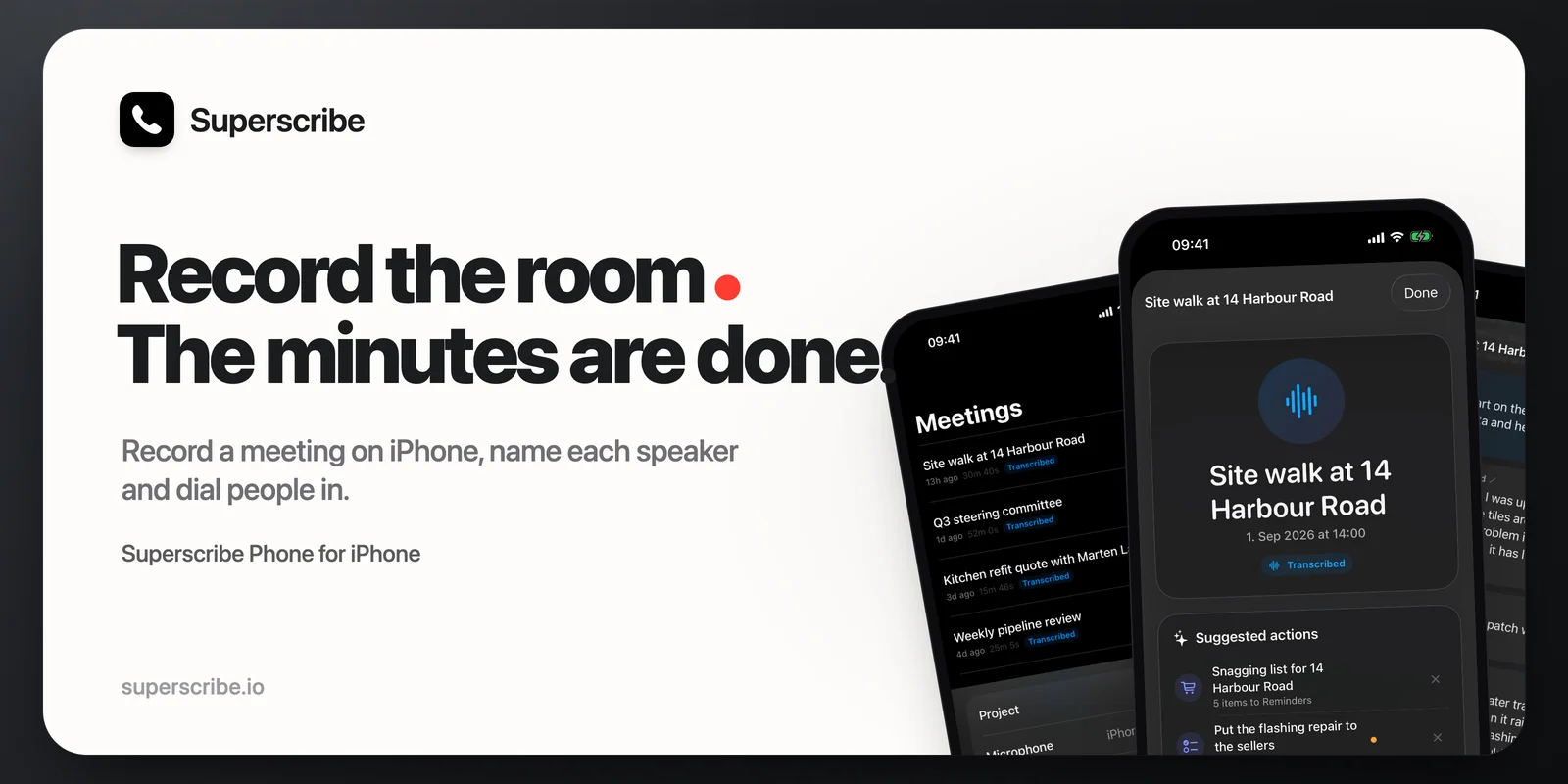
If you search “record meeting on iPhone” you get two kinds of answers. The first is Voice Memos, which gives you an audio file and nothing else. The second is a meeting notetaker that needs a Zoom link, which the meeting in front of you does not have.
Here is the third answer: put the phone on the table, tap one button, and walk out with the minutes written.
That was also the request behind the feature. Calls were already in Superscribe Phone. People who tried them kept asking for the same record when everyone was sitting in one room.
What Voice Memos gets you, and what it does not
Voice Memos records fine. The problem starts after the meeting. You have forty minutes of audio, no idea who said what, and the same job you had before: listen back, write it up, chase the action items. Most people never listen back. The recording becomes insurance nobody claims on.
A meeting recording is only useful if it becomes a document without you doing the writing.
Record the meeting with Superscribe Phone
Superscribe Phone is the iPhone app I built for business calls, and since version 1.1 it records meetings too. The flow is short on purpose.
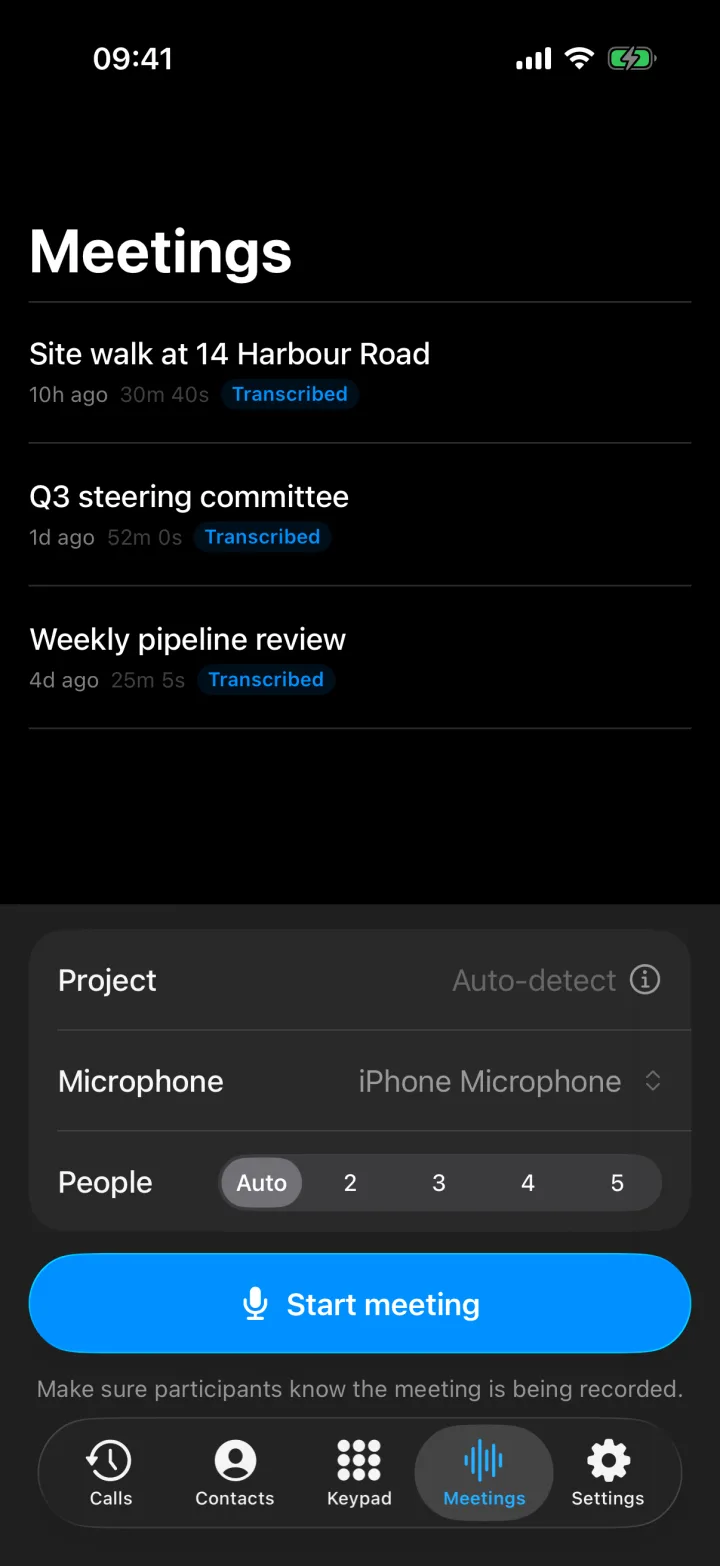
- Open Meetings and tap Start meeting. The phone records the room. A persistent recording state and an on-screen reminder make it obvious to everyone that the meeting is being captured, which is both polite and, in many places, required.
- Pick the microphone if the room is difficult. The built-in mic handles a normal table. For a large room or a noisy site, choose a headset or AirPods from the input picker.
- Add anyone who is not in the room. Tap to dial a contact into the meeting. They hear the room, the room hears them, and their side goes onto the same transcript. Remove them any time.
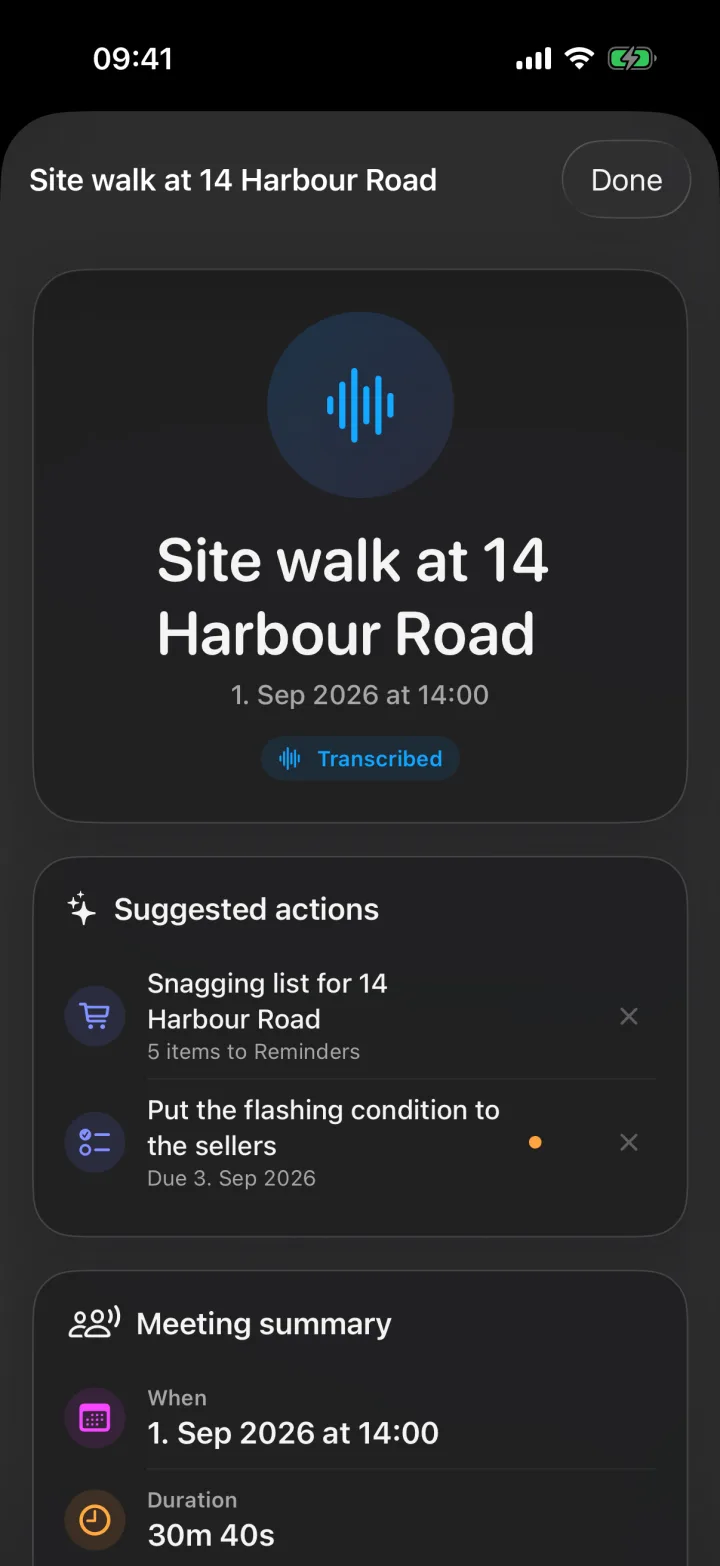
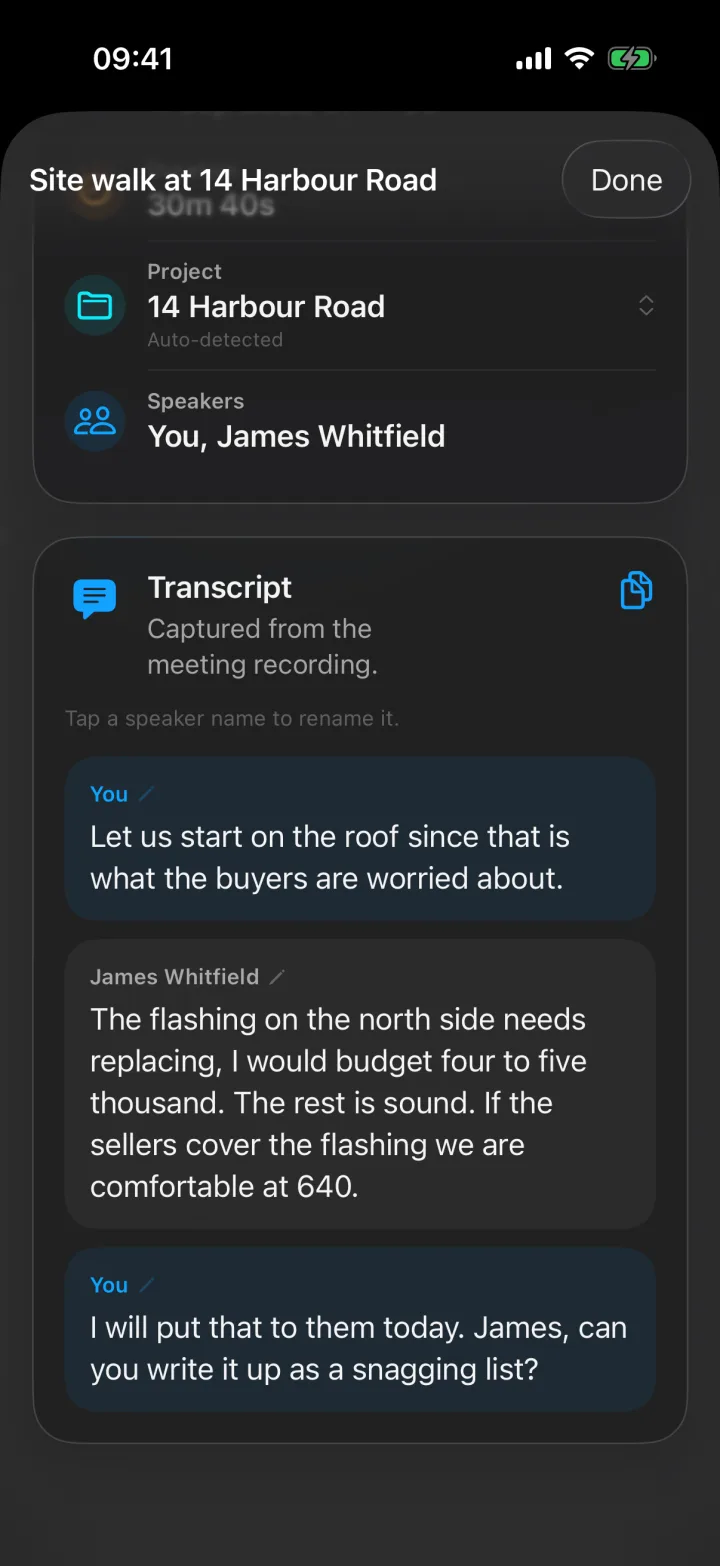
- Stop when the meeting ends. Upload and transcription run in the background. Within a few minutes the meeting has a title, a transcript with each speaker separated, and a summary of what was decided.
Speakers get names, not numbers
The part that makes the transcript readable is speaker naming. Voices are separated automatically. When someone introduces themselves, “Hi, I am Anna from procurement”, the name Anna is applied to her lines from then on. Anyone can be renamed with a tap, and people dialled in by phone carry their contact name. You end up with minutes that read like a conversation, not like “Speaker 3 said”.
The minutes, the decisions, and the follow-ups
This is where the recording stops being audio and becomes work:
- Summary. What the meeting was about and what was decided, short enough to read on the way to the next one.
- Suggested actions. Superscribe reads the transcript for things worth doing: a person to call back, a date that was agreed, a promise that should be a reminder, an unknown caller worth saving. Each one is a single tap to confirm, and nothing runs on its own.
- Checklists. If someone dictates a list during the meeting, one tap turns it into its own Reminders list with a checkable item per entry.
- Filing. The meeting is filed to the right project automatically and pushed to Pipedrive as a meeting activity, so the CRM does not have to hear about the meeting from you later.
Time-sensitive follow-ups also appear on the lock screen with real buttons, so “create the reminder” happens before you have even unlocked the phone.
When you need the exact words
Playback lives in the app next to the transcript. When two people remember a decision differently, you play the twenty seconds in question instead of arguing about it. That single feature has settled more disagreements for me than any summary.
The use case I did not expect first
My wife started taking Superscribe to her university lectures. She puts the phone on the desk, starts a meeting and leaves with a speaker-separated transcript and summary instead of trying to type while listening.
That is not the business use case I designed the screen around, but it exposed the same problem. A lecture is another room where the useful information is spoken and no meeting bot can join. The recording matters for the sentence you want to check later. The summary matters for everything else.
A few honest limits
- It records the room it is in. For a conference room the size of a small hall, the phone needs to be near the people talking or use an external mic.
- The phone app is iPhone only. The Mac and Windows apps can record a video meeting you are in. For a room around a table, the phone on the table is the better recorder.
- The formal minutes layout your organisation uses is still applied by a person. What you get is a complete, named, timestamped record and a decisions list to apply it to.
Try it on the next meeting
Install Superscribe Phone, open Meetings, and put the phone on the table at your next client meeting. When you stand up, read the summary before you reach the car. That is the whole test.
See meeting minutes that write themselves for how the pieces fit, or AI meeting minutes without a meeting bot if you have been burned by a notetaker that only works on Zoom.