How to Record a Phone Call on iPhone and Get the Notes
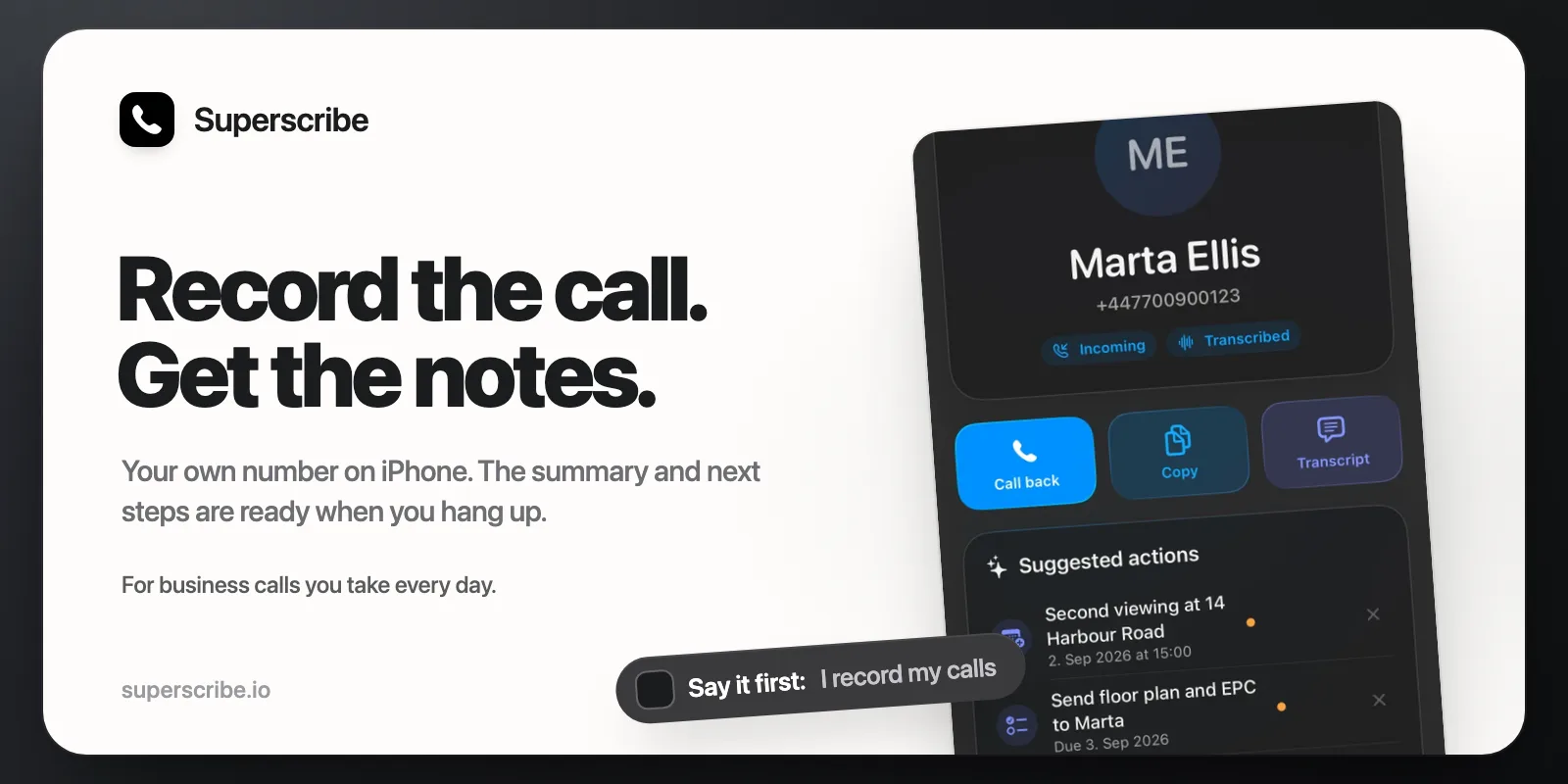
You are on a business call and you want it recorded. You look for a button in the Phone app.
There is one now. But it works only in some countries, it tells the other person, and what you get is audio, not notes. This post covers what it does, what it does not do, and what to use when it is not enough.
What the iPhone does on its own
During a call with one other person, you tap the call menu and choose Call Recording. Apple’s own page says what happens next: “Both call participants hear an audio notice that the call is being recorded.” The recording is saved in the Notes app, in a Call Recordings folder. In some regions and languages you also get a transcript, and with Apple Intelligence you can read a summary (Apple Support: Record and transcribe a call on iPhone).
Three limits matter for business use:
- It is not available everywhere. Apple’s page says call recording is currently not available in the European Union, and also not in Russia, Turkey and the United Arab Emirates, among other places. If you live in Ireland, Estonia or the Netherlands, you do not have it.
- You start it yourself, call by call. On a busy day it is easy to forget, and then the start of the call is not recorded.
- The result is a recording in Notes. Nothing goes to your CRM, and no task is made.
If it works where you live, the notice is fine with you, and you only need the audio of an occasional call, use it. It is free, and your iPhone may already have it.
What Superscribe Phone does instead
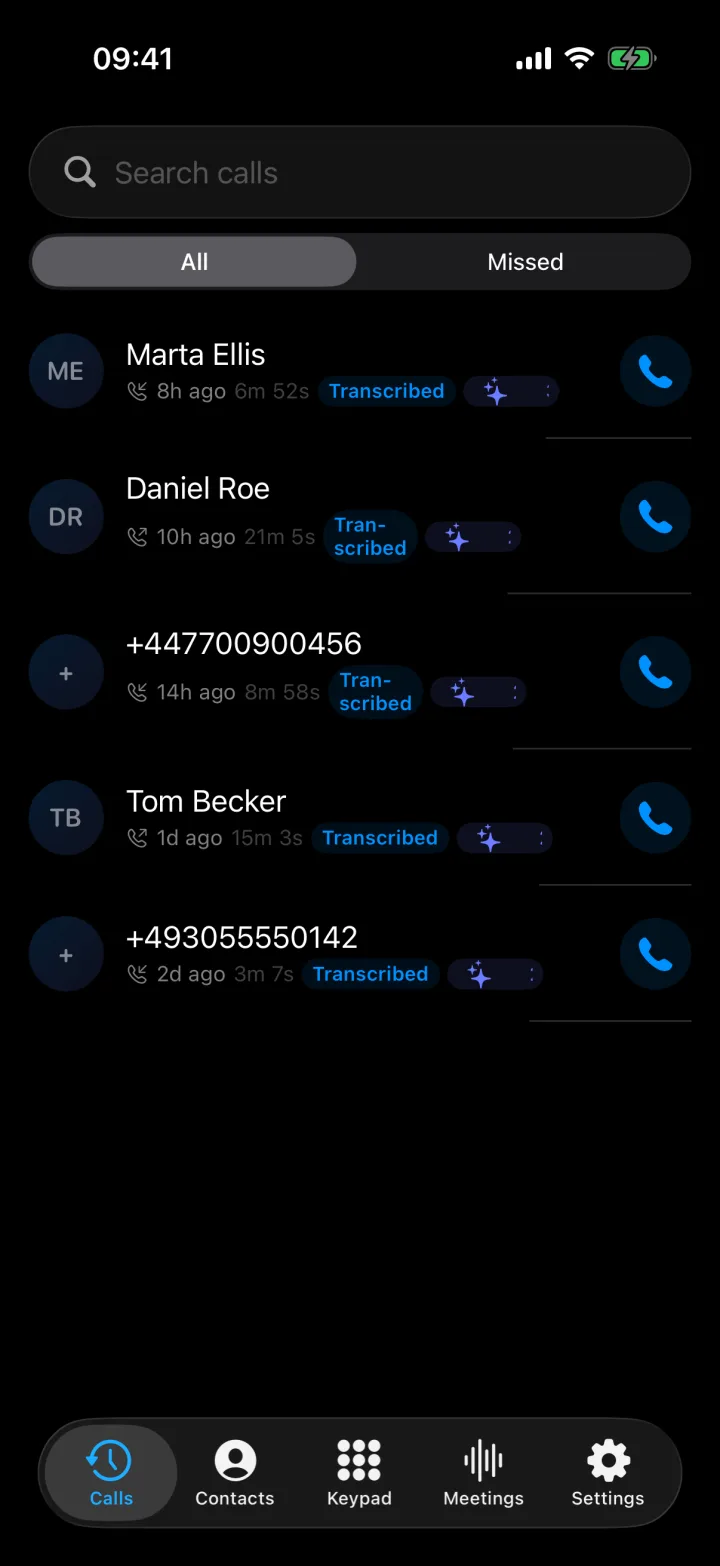
Superscribe Phone is the iPhone app I built for business calls on your own number. Your calls ring in the app, because you either call from it or forward your calls to it. Calls you answer and calls you make are both recorded and transcribed. You do not start the recording yourself.
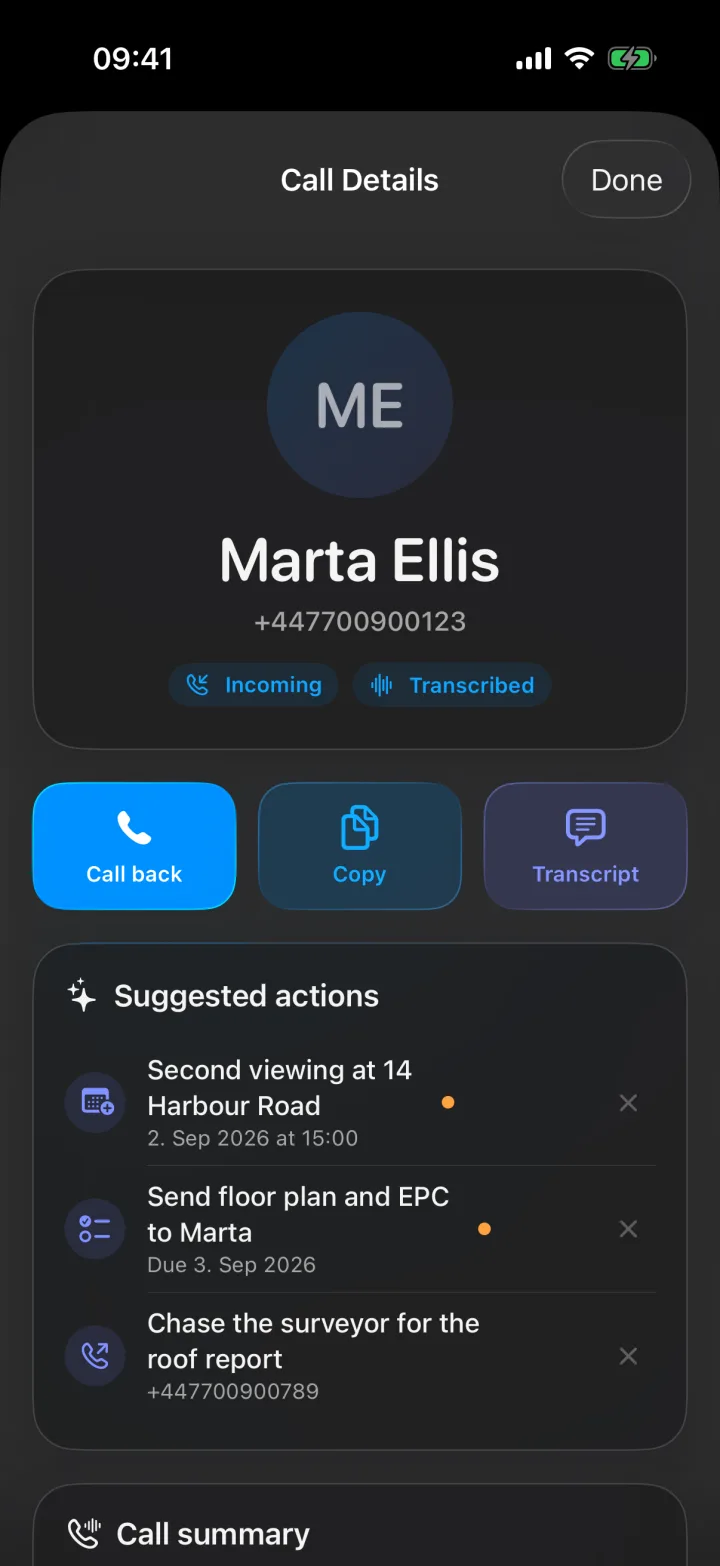
After you hang up, you get:
- A transcript with each speaker marked. Superscribe detects the language of the call.
- A short summary with the key details and the next steps.
- Suggested actions, such as a call back, a calendar event or a reminder. Each one waits for you. A call back or a reminder is one tap.
- A note in Pipedrive, if you connected it. For a person who is already in Pipedrive, the note is added without asking you. For a number that is not in Pipedrive, the note waits in a list until you approve it, and then the person is created.
Tell the other person
Superscribe plays no message on the line. The person you talk to hears nothing about a recording unless you say it. So you say it.
Whether you must depends on where you and the other person are. In many places the answer is yes, and in some places both people have to agree. This is not legal advice, and it is the step people skip. My free call recording laws tool shows the rule for 84 places, for example the UK, Ireland and Estonia, with a line to say at the start of the call.
There is no off switch during a call. Superscribe records every call it takes. If the other person says no, hang up and call back from the normal Phone app, which Superscribe does not record. Then delete the first recording in the web dashboard. The swipe in the iPhone app only hides a call. It does not delete the audio.
Set it up
- Install Superscribe Phone from the App Store. It is free to download and needs iOS 26.
- Verify your phone number. The app sends you a code.
- Confirm your caller ID, so the people you call see your own number. Superscribe calls your phone once. Answer it and type the code the app shows.
- Choose a plan. Calls need a paid plan. The pricing page has the details.
- Make a call from the app, or turn on forwarding. In Settings, the app gives you a short code to dial in the Phone app. After that, calls to your number ring in Superscribe. Another code switches it off again.
Good to know before you rely on it
- Calls need a paid plan. Meetings and dictation have a small free allowance. Calls do not.
- It is not sold in every country. For example, it is not yet available in Germany, France, Italy or Spain. The Rates page lists the countries and what calls cost.
- Forwarding is a setting at your phone company. Some companies may charge for forwarded minutes, and some may not allow it. While forwarding is on, every call to your number rings in Superscribe and not in the Phone app.
- Showing your own number on calls from the app depends on the country. In some countries, phone companies block or change a number that is shown from abroad. The Rates page covers that too.
- Calls run through Superscribe’s cloud, where they are transcribed and kept in your account.
- You set it up on the iPhone. After that, the Mac and Windows apps can make and answer calls on the same number.
Which one to use
If you record an occasional call and Apple’s recorder works where you live, use Apple’s. It costs nothing.
If you take many calls a day and the notes are the real job, Superscribe is built for that. You can see how it looks in the tutorials. If you have a question about your country or your phone company, write to hello@superscribe.io and I will answer it.