automatic meeting minutes
Automatic meeting minutes for client meetings that happen in a room
You bill for advice, not for rewriting the meeting three hours later from a page of half-notes. Put the iPhone on the table, run the meeting, and the minutes are waiting when everyone stands up.
Superscribe
Stop rebuilding calls from memory
Use Superscribe to capture the words, context, next steps, and time while the work is still happening.
Someone has to write the minutes. On most engagements that person is whoever spoke least in the room, and the writing happens two or three hours later from a page of half-legible notes. That is the honest reason people search for automatic meeting minutes. It is not curiosity about AI. It is a small, recurring, unbilled job that has to be done before the client sees anything, at the end of a day that was already full.
The trouble with most automatic meeting minutes tools is that they assume the meeting is a video call. A bot joins the link, sits in the participant list, and hands you a transcript afterwards. That is fine for an internal standup. It does nothing for the meeting where the money actually is: the one at the client’s table, in their office, with three of their people, a whiteboard, and no link to join.
What automatic meeting minutes should mean when the meeting is in a room
Minutes are not a writing problem. They are a recording problem wearing a writing problem’s clothes. If nobody captured what was said, the person writing them is doing archaeology.
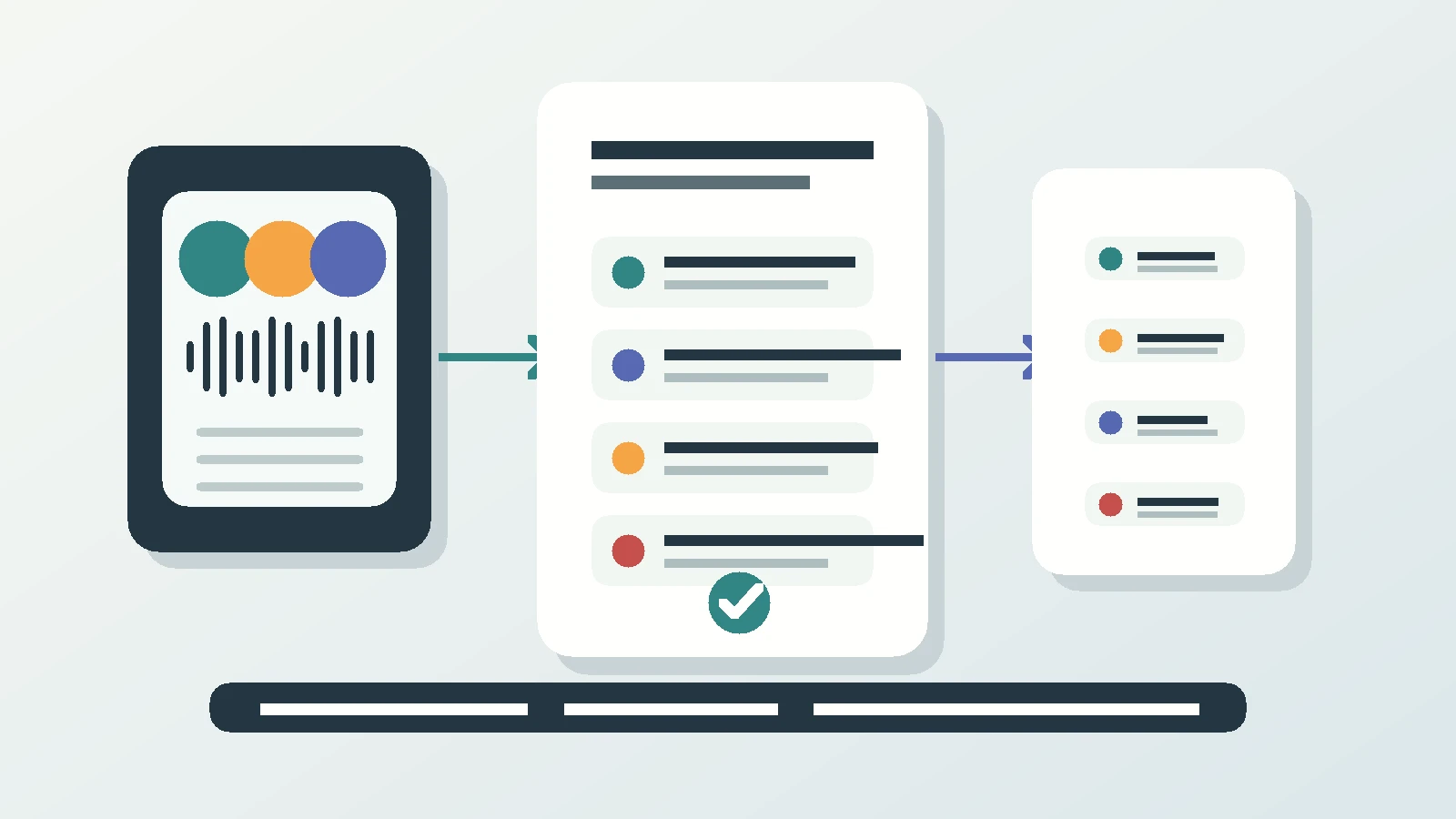
Superscribe Phone handles the room directly. It is an iPhone app. It is free to download from the App Store. Recording needs a paid plan, from €49 a month, with a 30-day money-back guarantee on your first month. You tap Start meeting, put the phone on the table, and the app shows a visible recording state so everyone can see it is on. Speakers are separated, and they get named when they introduce themselves, which is a good reason to make the room do a quick round of introductions. When you stop the meeting, the summary, the decisions and the follow-ups are already there. The transcript itself is the record, and it is filed to the right project automatically, so the evidence does not depend on anyone remembering to save it somewhere.
No bot. No new phone system. No link for the client to click. Just the phone already in your pocket. To be exact about the limit: Superscribe does not join video calls. There is no bot in your Zoom or Teams participant list. It records the room, and phone calls on your own number. If your meeting is on a link, this is not the tool for it, unless you put the phone next to the laptop.
The recap tax you never put on the invoice
Count the hours honestly for one month. A discovery call at nine. A steering meeting at eleven. Two afternoon calls where the client changes something small but expensive. Then the evening reconstruction: what was agreed, who owns it, and what date was said out loud.
The cost is not only the hour. It is the accuracy. You remember the decision and forget the condition attached to it. The client remembers the condition and forgets the decision. Six weeks later that gap becomes a scope conversation about a sentence neither side wrote down. Nuance leaks out of the work and turns into unpaid effort, which is the quiet way consulting margin disappears.
There is a second cost that is harder to invoice. When you are taking notes, you are not fully in the meeting. You are half stenographer, half advisor. The client is paying for the advisor.
What a normal client day looks like with the record already made
The phone calls come first. You answer on your own number, as usual, because nothing about how the client reaches you changes. Each call is transcribed, with many languages detected automatically, which matters if half your work happens in a second language. The call comes back with a title, a summary and suggested actions: call someone back, put the agreed time in the calendar, create a reminder, save an unknown caller to contacts, or turn a list you dictated into a Reminders checklist. Each one is a single tap. Nothing fires on its own. Time-sensitive ones show up on the lock screen with buttons, so the callback you promised at 09:40 does not quietly die.
Then the meeting at the client’s office. Start meeting, phone on the table, run the session. If a colleague or a client stakeholder cannot be there, they are dialled in by phone onto the same transcript, so the remote voice is in the same record as the room instead of in a separate tool.
Afterwards, calls and meetings are filed to the right project automatically, and pushed into Pipedrive as an activity. On Business Voice and Sales plans, someone technical on your team can pull the same records from Superscribe into other tools. A meeting in a room is recorded on the iPhone. The Mac and Windows apps record video meetings from your own computer. If a team needs it, Business Voice adds seats and pooled minutes.
One thing to be clear about, because plenty of tools promise it: Superscribe does not write the client email. It gives you the summary and the agreed actions the email gets written from, which is the part that was eating the evening.
A minutes structure you can copy
Automation gives you the record. The format is still yours, and clients trust a format they recognise. Here is the skeleton. Copy it straight into your notes app or your document template and fill the brackets.
# Header
Client: [client]
Project: [project]
Date: [date]
Location: [where]
Present: [names]

# Purpose
[one line on why this meeting happened]

# Decisions
- [decision] / [condition attached to it]

# Open questions
- [raised, deliberately not settled]

# Actions
- [owner] / [action] / [date]

# Next meeting
[date] / [what has to be true before it]
Notes on why each line is in there:
- Header. Client, project, date, location, and who was in the room. Speaker names come from the transcript, so this is a copy step, not a memory test.
- Purpose. One line on why the meeting happened. Written by you, not by a machine.
- Decisions. Each decision on its own line, with the condition attached. Conditions are what people forget and what the transcript keeps.
- Open questions. What was raised and deliberately not settled. This protects you later.
- Actions. Owner, action, date. These come straight out of the follow-ups.
- Next meeting. Date and what has to be true before it.
The transcript is the evidence. The minutes are the readable layer on top. Keeping both means a scope discussion becomes a lookup instead of a debate.
Why I built the capture side first
I built Superscribe because spoken work is where the real detail lives, and almost all of it gets rebuilt later from memory. Calls, meetings, notes, prompts, follow-ups: the words are precise while they are being said, and vague an hour after.
Consultants were the clearest version of it. The work is advice, delivered out loud, and then a second unpaid shift types that advice into client updates and billable summaries. So the goal was never a note-taking app. It was to turn spoken work into structured output and route it into the workflow, with less typing and much less reconstruction after the work is done.
FAQ
Do I need a meeting bot or a video link?
No, and you cannot use one either. There is no Superscribe bot that joins Zoom or Teams. The iPhone records the room with a visible recording state, and calls on your own number are captured the same way. Your client installs nothing.
What if one person cannot be in the room?
They can be dialled in by phone onto the same meeting, so their voice lands in the same transcript as everyone at the table. You end up with one record, not a room recording plus a separate call to reconcile.
Does it write the client update for me?
No, and it should not pretend to. It gives you the summary, the decisions and the follow-ups. You write the update from those, which takes minutes instead of an hour, because you are editing a record instead of remembering one.
Next step
Open your calendar and pick the next client meeting
Set Superscribe Phone up before it starts. When the meeting ends the minutes are already there, and the follow-ups are one tap each.