board meeting minutes template
A board meeting minutes template, and how to fill it from the room's own words
Board minutes have to hold up months after the meeting, and the source is usually one person's handwriting. Record the room on the iPhone already on the table, get named speakers and the decisions, then fill the template from that.
Superscribe
Stop rebuilding calls from memory
Use Superscribe to capture the words, context, next steps, and time while the work is still happening.
If you are searching for a board meeting minutes template, you have a meeting this week and a job nobody volunteered for. The template is below, ready to copy. After it comes the part that actually decides whether your minutes hold up, which is where the words in them come from.
A board meeting minutes template solves formatting. It does not solve sourcing. The structure of board minutes has been settled for about a century. Date, attendees, quorum, motions, seconds, votes, decisions, actions, adjournment. What goes wrong is almost never the layout. It is that six months later somebody asks what the board actually agreed about the vendor contract, and the only record is a page of shorthand written by a person who was also trying to take part in the discussion.
A board meeting minutes template you can copy
Paste this into your document template and fill it in. It is deliberately plain. Boards do not want prose.
# [Organisation] Board Meeting Minutes

**Date:**
**Time called to order:**
**Location / dial-in:**
**Chair:**
**Secretary / minute taker:**

## 1. Attendance
- Present:
- Absent, with apologies:
- Guests and observers:
- Quorum met: Yes / No

## 2. Approval of previous minutes
- Minutes of [date] approved, or approved with amendments
- Amendments:
- Moved by / Seconded by / Result:

## 3. Agenda items
### 3.1 [Item title]
- Discussion summary:
- Materials referenced:
- Motion, as worded:
- Moved by / Seconded by:
- Vote: For / Against / Abstain
- Decision:

Repeat 3.x for each agenda item.

## 4. Reports
- Financial report:
- Management report:
- Committee reports:

## 5. Decisions register
| Decision | Owner | Effective date |
|---|---|---|

## 6. Action items
| Action | Owner | Due date |
|---|---|---|

## 7. Matters carried forward

## 8. Next meeting
**Date, time, location:**
**Time adjourned:**

Minutes prepared by: ____________  Date: ______
Approved by: ____________  Date: ______
Two rules matter more than the format. Record motions and decisions close to word for word, and summarise the discussion instead of transcribing it. Minutes are a record of what the board resolved, not a diary of who said what about it.
The template is the easy half
You can download a hundred versions of the layout above. None of them tell you how to be a fair witness while you are also the person the board is paying to have an opinion. That is the real bind for consultants. You sit in the room as an advisor, often as the only one without a fiduciary duty to worry about, and so the minutes land on you.
Handwriting loses the qualifiers first. The board approves the spend subject to legal review. Your notes say approved. Nine months later that missing clause is somebody’s problem, and the minutes are the document that gets read out. Board minutes are the one deliverable where being roughly right is worse than being late.
The second cost is quieter. You rebuild the meeting on a Sunday evening from four pages of arrows and initials. That takes real hours and never appears on an invoice. The nuance you are paid for leaks straight into unpaid admin.
Why I built the recording half instead of another template
I am Siim. I built Superscribe because the expensive part of my own work was never the work. It was the rebuilding afterwards. A call would end, I would have the whole thing in my head for about ten minutes, and then I would spend an evening getting it back onto paper with the details attached.
Superscribe captures spoken work from business calls, meetings and desktop dictation and turns it into text, tasks, follow-ups and billable context, so nothing has to be rebuilt later. Board meetings are the sharpest version of that problem. The wording matters most there, and the person writing it down is the least able to concentrate on writing it down.
Recording a board meeting on the phone already on the table
Open Superscribe Phone, tap Start meeting, and put the iPhone face up in the middle of the table. There is a visible recording state on screen, so nobody has to wonder whether it is running. No bot joins, no video link, nothing for the directors to install.
Directors who cannot attend in person are dialled in by phone and land on the same transcript as the room. Speakers are separated and named when they introduce themselves. Do the round of introductions you were going to do regardless and the attribution mostly takes care of itself.
When you stop the meeting, the summary, the decisions and the follow-ups are ready. The transcript is the record, so a contested motion gets settled against the words that were said instead of against four pages of shorthand. Announce the recording at the top of the meeting and note it in the minutes. That is good board practice and it settles the question before anyone raises it.
From transcript to filed minutes and follow-ups
Superscribe supplies the record. You still apply your organisation’s template, because formal minutes are a legal document and the format belongs to your secretary, not to software.
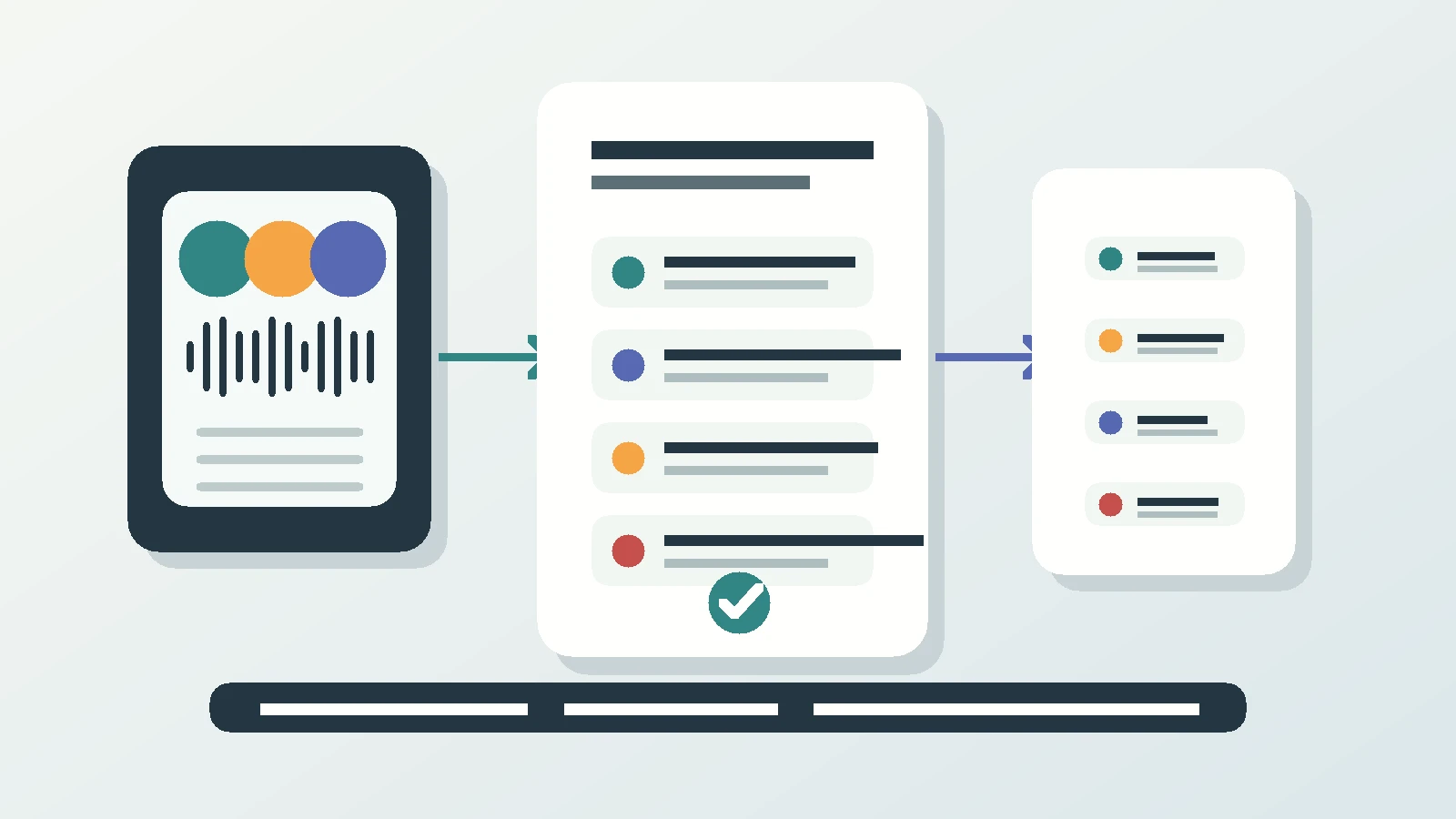
What you get alongside the transcript is the follow-up layer. Suggested actions are the ones a meeting actually produces: call someone back, put the agreed date in the calendar, create a reminder, save a caller you do not have in contacts, turn a dictated list into a Reminders checklist. Each is one tap and nothing runs on its own. The time-sensitive ones appear on the lock screen with buttons. It does not write your email for you. It hands you the summary and the action items you would write one from.
Meetings and calls file themselves to the right project automatically, and push into Pipedrive as an activity. Pipedrive is the CRM connected directly. On Business Voice and Sales plans, someone technical at your firm can pull the same records from Superscribe into other tools. If several people at your firm take minutes, Business Voice adds seats and pooled minutes. A room is recorded on the iPhone. The Mac and Windows apps record video meetings from your own computer, but not a room.
The habit that makes this pay is filling sections 3 and 6 before you leave the building, while the decisions and the wording are still in front of you.
Questions consultants ask about this
Is a recording allowed to replace written board minutes?
No, and Superscribe does not try to. Boards almost always treat the approved written minutes as the official record. Treat the transcript as your working source, the thing you fill the template from.
What about directors joining remotely?
They call in by phone and appear on the same transcript as the room, with their own speaker label. There is no separate video link to organise and nothing for them to install.
Does it work if the board speaks more than one language?
Yes. Transcription covers many languages and detects them automatically, which matters on boards with directors in more than one country.
Next meeting, not next quarter
Take the template into your next board meeting and test the record
Copy the structure above, start the meeting on your iPhone, and compare the transcript against what you would have written down by hand.