meeting minutes generator
The meeting minutes generator that records the room first
A meeting minutes generator is no help when the meeting happened in a client's boardroom and nobody typed a word. Tap Start meeting, put the phone on the table, and walk out with named speakers, decisions and follow-ups.
Superscribe
Stop rebuilding calls from memory
Use Superscribe to capture the words, context, next steps, and time while the work is still happening.
You are looking for a meeting minutes generator because somebody is waiting on minutes. Probably a client, probably today, and the meeting was ninety minutes of scope, pricing and one uncomfortable exchange about the timeline that you now have to describe accurately.
Here is the part most tools skip. A meeting minutes generator is a formatting engine. You give it a transcript, it gives you a tidy document with headings. It did not sit in the meeting. If yours happened in a client’s office or on an ordinary phone call, there is no transcript to paste. The generator has nothing to work from, and you are back to typing your own shorthand into something presentable, unpaid, at nine in the evening.
That gap is where consulting margin quietly disappears. Not in the delivery work, in the reconstruction of it. So here is the format first, then where the record that fills it comes from.
Why a meeting minutes generator needs a record you do not have
Two different jobs get sold as one. Capture is getting the words, the speakers and the sequence. Generation is arranging them into minutes. Almost every tool in this category does the second and assumes the first is solved.
For a lot of consultants it is not solved. Your highest-value hours happen in a room at the client’s site, or on the phone between two of those rooms. A bot needs a link to join, and there is no link. So you take partial notes while trying to stay present in a conversation where the nuance is the product, then spend forty minutes afterwards working out what was actually agreed.
The cost is not only time. Minutes written from memory get hedged. “We discussed timelines” instead of “Priya confirmed the API team is blocked until 14 March, so phase two moves.” One of those sentences protects you three weeks later. The other is filler.
A minutes template you can copy, and what fills it
If you came here for a format, take this one. Short enough to be read, specific enough to bill against.
- Client and engagement. Name, project, meeting date and duration.
- Present. Who was in the room, who dialled in, who was absent.
- Purpose. One sentence on why the meeting happened.
- Decisions. One line per decision, with the person who made it.
- Open questions. What is still unresolved and who owns resolving it.
- Follow-ups. Action, owner, date. Nothing vaguer than that.
- Scope note. Anything raised that sits outside the current statement of work.
The template is the easy part. You have probably written it yourself three times already, in three different documents. The hard part is the raw material: a record of who said what, in what order, and what got agreed. Formatting was never your bottleneck. Remembering who committed to what was.
What the phone on the table actually captures
Superscribe Phone is an iPhone app. It is free to download from the App Store. Calls need a paid plan, from €49 a month, with a 30-day money-back guarantee on your first month. You keep your own number and your phone company. You set up call forwarding once on your iPhone, and your calls then ring in the Superscribe Phone app. There is no new phone system to set up and nothing for your client to install.
For a meeting in a room, you tap Start meeting and put the phone down. The recording state stays visible, so everyone at the table can see it is on. Anyone who could not travel is dialled in by phone onto the same transcript, so the colleague on the road is in the record instead of a footnote you promise to update later.
Speakers are separated, and when someone introduces themselves that name attaches to their turns. If nobody introduces themselves, you get separated speakers without names, so a quick round of introductions is worth the ten seconds. Transcription handles many languages and detects them automatically, which matters if your client meetings switch languages in the same hour.
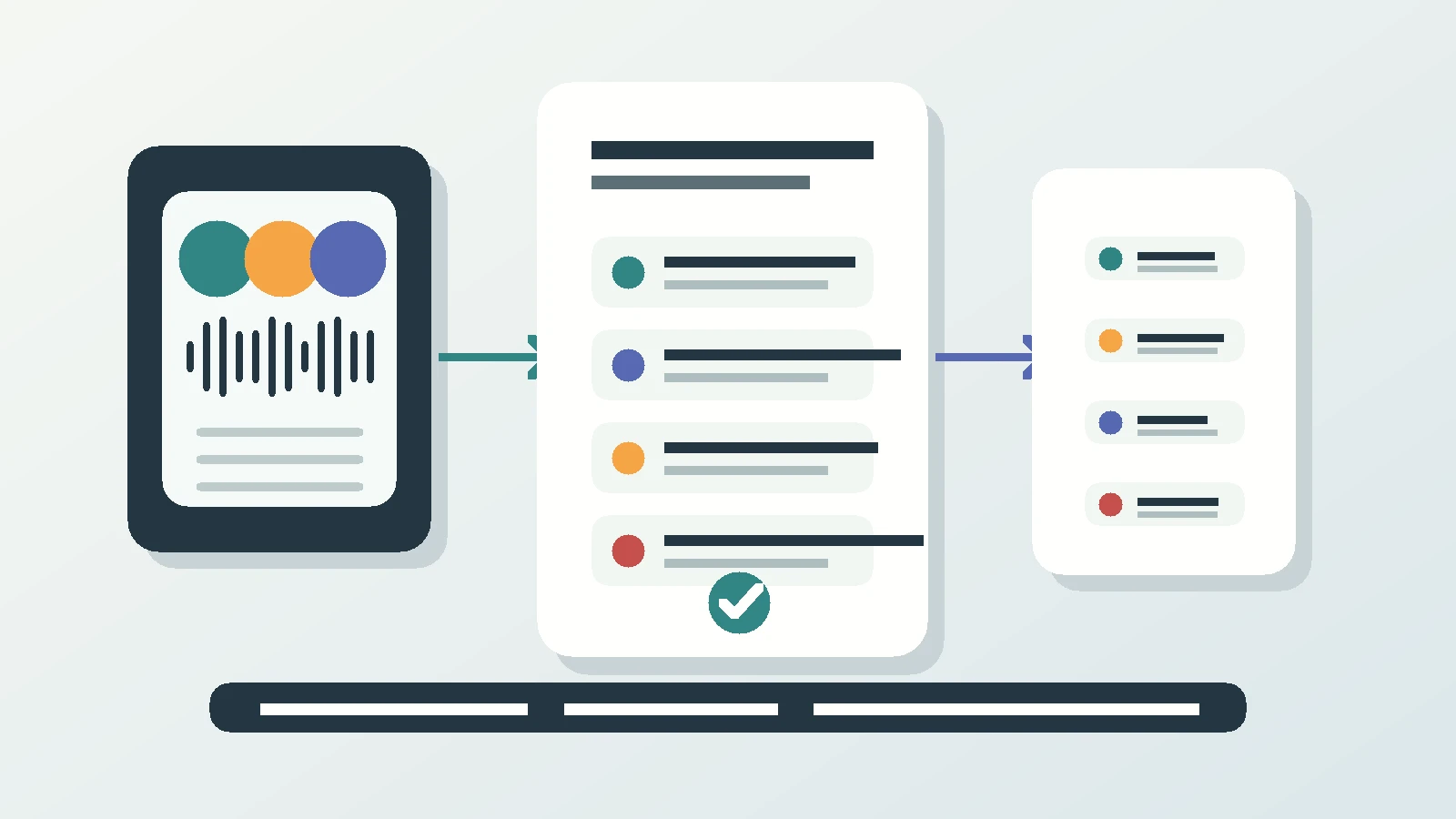
When you stop the meeting, the summary, the decisions and the follow-ups are already there. Each turn is attributed, so when someone challenges a line you can point at who said it rather than argue from memory.
Follow-ups arrive as suggested actions you take with one tap: call someone back, put the agreed time in your calendar, create a reminder, save an unknown number to contacts, or turn a dictated list into a Reminders checklist. Nothing fires on its own. Time-sensitive ones surface on the lock screen with buttons, so the 4pm callback does not become tomorrow’s apology.
One thing it deliberately does not do: it does not write or send your client email. It gives you the record and the action items you would have written it from. The words that go to the client stay yours.
Why I built the capture and not the formatter
I built Superscribe around one observation. Spoken work is where the value gets created, and then most people re-create it a second time, badly, hours later, from notes and memory. The client call, the site visit, the decision made in a corridor. Real work, and almost none of it survives intact.
My own consulting pattern was the same every week. Fully present in the meeting, writing almost nothing down because writing means not listening. Then two hours on a Thursday night rebuilding that conversation into a client update nobody pays for. The nuance leaks out in that gap, and so does the margin.
So Superscribe captures spoken work as it happens, in calls, in meetings and in desktop dictation, and turns it into text, tasks, billable context and workflow. Making minutes look nice was never the interesting problem. Having them exist at all was.
Where the minutes go once the room empties
Calls and meetings file themselves to the right project automatically, so you are not sorting untitled recordings on a Friday afternoon. When a meeting belongs to a deal, it is pushed to Pipedrive as an activity. Pipedrive is the one CRM we integrate with by name. Everything else pulls the same data through the API and MCP, so a custom stack or an agent workflow can take the minutes too.
If you work with other consultants, Business Voice adds seats and pooled minutes. The iPhone app is free to download, and calls need a paid plan, from €49 a month, with a 30-day money-back guarantee on your first month. One limit worth knowing: the phone app is iPhone-only. The Mac and Windows apps record video meetings from your own computer, but not a room.
Next step
Put the phone on the table at your next client meeting
One meeting is enough. Compare the minutes that come out of the recording with the ones you would have written on the train home.
FAQ
Do I need a meeting bot or a video link? No. Nothing joins as a participant. You tap Start meeting on your iPhone and the room is recorded with a visible recording state, which is what makes it work for meetings that never had a link.
What about the person who could not travel? Dial them in by phone. They land on the same transcript as everyone in the room, with their turns separated like any other speaker.
Will it write the client follow-up email? No, and that is on purpose. You get the summary, the decisions and the follow-ups as one-tap suggested actions such as a calendar entry, a reminder or a callback. The email itself is yours to write, from an accurate record.