meeting minutes template
A meeting minutes template you can copy, and a way to fill it during the meeting
You are running the client session and taking the minutes at the same time, so the nuance ends up in unpaid recap work that night. Put the iPhone on the table, tap Start meeting, and the decisions and follow-ups are ready when the room clears.
Superscribe
Stop rebuilding calls from memory
Use Superscribe to capture the words, context, next steps, and time while the work is still happening.
Most people looking for a meeting minutes template want two things. A structure they can paste into a document before the client session starts, and some hope that the structure will make the writing part easier. The structure is the easy half. It is below, ready to copy.
The second half is where a meeting minutes template stops helping. A template is a container. Someone still has to fill it while people are talking, and if you are the consultant chairing the session, that someone is you. You cannot push back on a bad assumption, redraw the scope, and type an accurate decision log at the same time. So you half fill it and rebuild the rest that evening.
That rebuild is the expensive part. It happens after the billable block has closed, and memory quietly smooths out the exact sentence the client used when they agreed to the extra phase. Three weeks later that sentence is the whole argument.
The meeting minutes template, ready to copy
Paste this into your notes app or your document template. It is deliberately boring. Minutes are a record, not a document with a personality.
# Minutes: [client / engagement]

- Date:
- Start time / end time:
- Location:
- Joining by phone:
- Attendees (name, role):
- Not present:
- Minutes taken by:

## Purpose

## Discussion

### [Agenda item 1]

### [Agenda item 2]

## Decisions

1.
2.

## Actions

| Action | Owner | Due | Raised in |
|---|---|---|---|
|  |  |  |  |

## Open questions

## Next meeting

- Date:
- Purpose:
- Has to exist before it:
How to fill each block:
- Header. Fill it before anyone sits down. It is the only part that costs you nothing during the meeting.
- Purpose. One sentence on why the meeting happened. If you cannot write it, the meeting had no purpose.
- Discussion. Two or three lines per agenda item: what was discussed, what was flagged as a risk, what was left unresolved. Keep opinions attributed. “Finance flagged the licence cost” is a record. “There were concerns” is not.
- Decisions. One per numbered line, written so that someone who was not there can act on it. Include who agreed and any condition attached.
- Actions. An owner and a date, or it is not an action. “Raised in” points back at the agenda item so the action keeps its context.
- Open questions. Things parked on purpose, each with the person who owns getting the answer.
- Next meeting. Date, purpose, and what has to exist before it.
That structure will serve you for years. Superscribe does not format it for you. It supplies the record the template gets filled from.
The part a template cannot do for you
The cheap fields are the ones you already filled in. Decisions, attributed discussion, and action owners are the expensive ones, because they need someone listening properly while also being the person doing the talking.
That is why most consultant minutes end up as a summary of the agenda rather than a record of the meeting. The container gets filled with what was already known, and the exact wording gets softened in the evening rewrite.
It shows up in two places. Client updates get vague, so the client learns nothing they did not already assume. Billable summaries get thin, because you are describing the work from a distance.
Why I built a recorder instead of a better template
I built Superscribe because the spoken part of professional work kept evaporating. Calls, hallway decisions, the five minutes where the real scope changes. It happens out loud, it lands nowhere, and people spend unbilled evenings rebuilding it as text.
Consultants were the clearest case. Sharp and useful for six hours, then admin at night rewriting what they already knew at 3pm. The recap was not the work. It was the tax on it.
So the goal was never a smarter template. Blank forms are not the bottleneck. It was to capture the words while the work happens and turn them into text, tasks, and billable context.
Filling the template from the room, not from memory
Here is what that looks like with Superscribe Phone, an iPhone app that is free to download, with recording on a paid plan from €49 a month. No bot joins anything, no video link, no new phone system.
You tap Start meeting and put the phone on the table. The recording state is visible, which matters, because you have to tell the room it is recording and pointing at the screen is the easiest way. If the client’s specialist cannot make it, they can be dialled in by phone onto the same transcript.
Speakers are separated. When someone introduces themselves the name gets attached. That is what turns a transcript into minutes, because “the finance lead said the licence cost is the blocker” is a usable line and “Speaker 3” is not. If nobody says their name you still get the speakers separated, just without labels, so ask people to say their name once at the top. Five seconds, and it decides how much editing you do later.
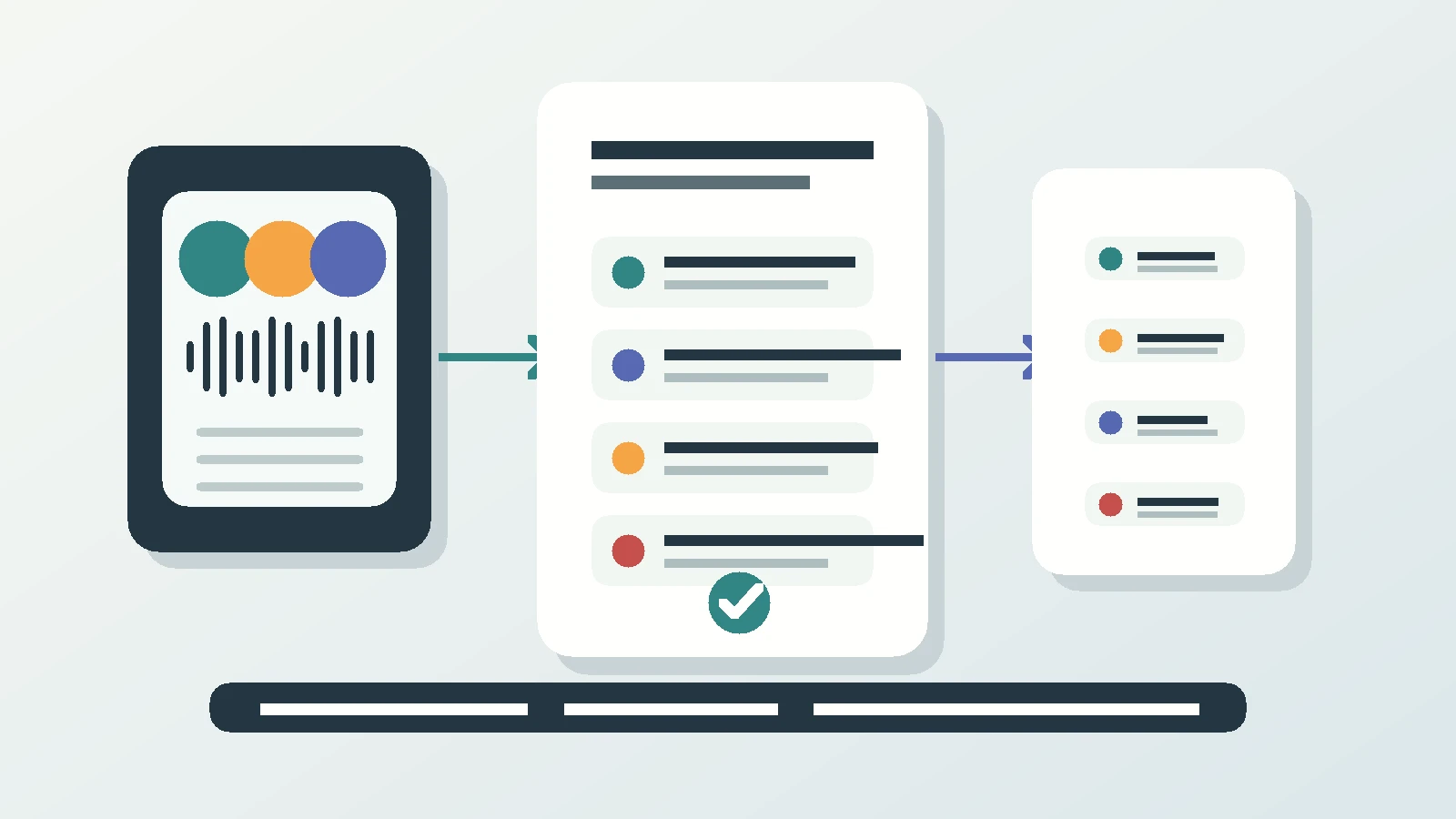
When you stop the meeting, the summary, the decisions, and the follow-ups are ready. The transcript keeps the words that were actually used, so when a decision gets questioned six weeks on, you are working from the sentence the client said rather than the sentence you remember.
Follow-ups come back as suggested actions, each one a single tap. Call someone back. Add the agreed time to the calendar. Create a reminder. Turn a spoken list into a Reminders checklist. Nothing fires on its own. Time-sensitive ones show on the lock screen with buttons, so “confirm the sandbox access by Friday” does not quietly die in a notes app.
Calls and meetings file themselves to the right project automatically and get pushed to Pipedrive as an activity. If you run something else, the same structured output comes out through the API and MCP.
Two honest limits. Superscribe does not write your client email. It gives you the summary and the action items you would write one from, and the judgement about tone and what to leave out stays yours, which is the part clients pay for anyway. Capture is also iPhone only today, so whoever records the room needs an iPhone. Everyone joining remotely just needs a phone line.
FAQ
Is there a meeting minutes template that fills itself in?
Not literally. A template is formatting, and formatting is the part you should own. What can be automated is the input: a transcript with the speakers separated, a summary, the decisions, and the follow-ups. Paste those into the structure your client expects and it takes minutes, not an evening.
Do I have to tell people I am recording the meeting?
Yes, and you should want to. Rules differ by country and by client contract, so say it at the start and show the recording state on screen. People usually relax once they see it, because nobody has to take notes.
What if some attendees are not in the room?
They can be dialled in by phone and they land on the same transcript as everyone at the table. No video link to send, nothing for them to install, one record of one meeting.
Next session, not next quarter
Record the next client meeting and compare the two versions
Write your minutes the way you always do. Then read what came out of the transcript and see which one your client would rather receive.