meeting protocol software
Meeting protocol software handles the paperwork. Something has to hear the room.
You run the session, take part in it, and then rebuild the protocol from memory an hour later. Put the iPhone on the table instead. The room is recorded, the speakers are named, and the decisions are written up by the time you pack your bag.
Superscribe
Stop rebuilding calls from memory
Use Superscribe to capture the words, context, next steps, and time while the work is still happening.
If you searched for meeting protocol software, you probably owe someone a protocol this week. You chaired a client workshop, decisions were made, and now a document has to exist that states what was agreed, who owns what, and by when. The tools in that search manage the frame around the document: agenda items, attendees, numbering, versions, sign-off, distribution.
The frame is useful. It is also not the hard part. The hard part is the twenty minutes in the middle where the client changed their mind about scope, said why, and moved on. Meeting protocol software has no idea that happened. It waits for someone to type it in. That someone is you, two hours later, working from four bullet points and a page of arrows.
Two different jobs are hiding in one search
When people shop for protocol tools, they are usually trying to solve one of two problems and have not separated them yet.
The first is the document layer. Structure, numbering, versions, distribution. Protocol tools are good at this, and if your problem is that protocols live in six different inboxes, buy one.
The second is the record layer. What was actually said, by whom, and which of it turned into a commitment. No document tool solves this, because it never had the audio. It inherits whatever the note taker managed to type while also trying to facilitate.
Consultants almost always have the second problem. You are not short of templates. You are short of an accurate account of a conversation you were too busy running to transcribe. Buying a better template system does not fix that, and neither does typing faster. The input is missing, so every improvement downstream is decoration.
For consultants, the nuance is the billable part
A protocol that lists five agenda items and five outcomes is not wrong. It is just thin. The value you sold sits in the reasoning: the objection the finance lead raised, the condition the client attached to the yes, what they promised to check before the next session.
That detail decays fast. By the evening you have a general shape. By the next morning you have a shape and a doubt. So you hedge the update, or you send a short one and carry the rest in your head until it becomes a scope argument three weeks later.
Either way the recap becomes unpaid work. You either spend an hour reconstructing a conversation you already sat through, or you spend it later defending a version of events nobody wrote down. Both come out of your margin, and neither shows up on an invoice.
There is a second cost that is easier to miss. When you know you have to reconstruct the session afterwards, you take notes during it. That means you facilitate at half attention, and the client can tell. The best question you could have asked goes unasked because you were busy writing down the previous answer.
Meeting protocol software works better on top of a recorded room
This is where Superscribe Phone fits. It is not a protocol tool and it does not want to be your document system. It captures the layer underneath, so whatever template you use gets filled from a real record instead of memory.
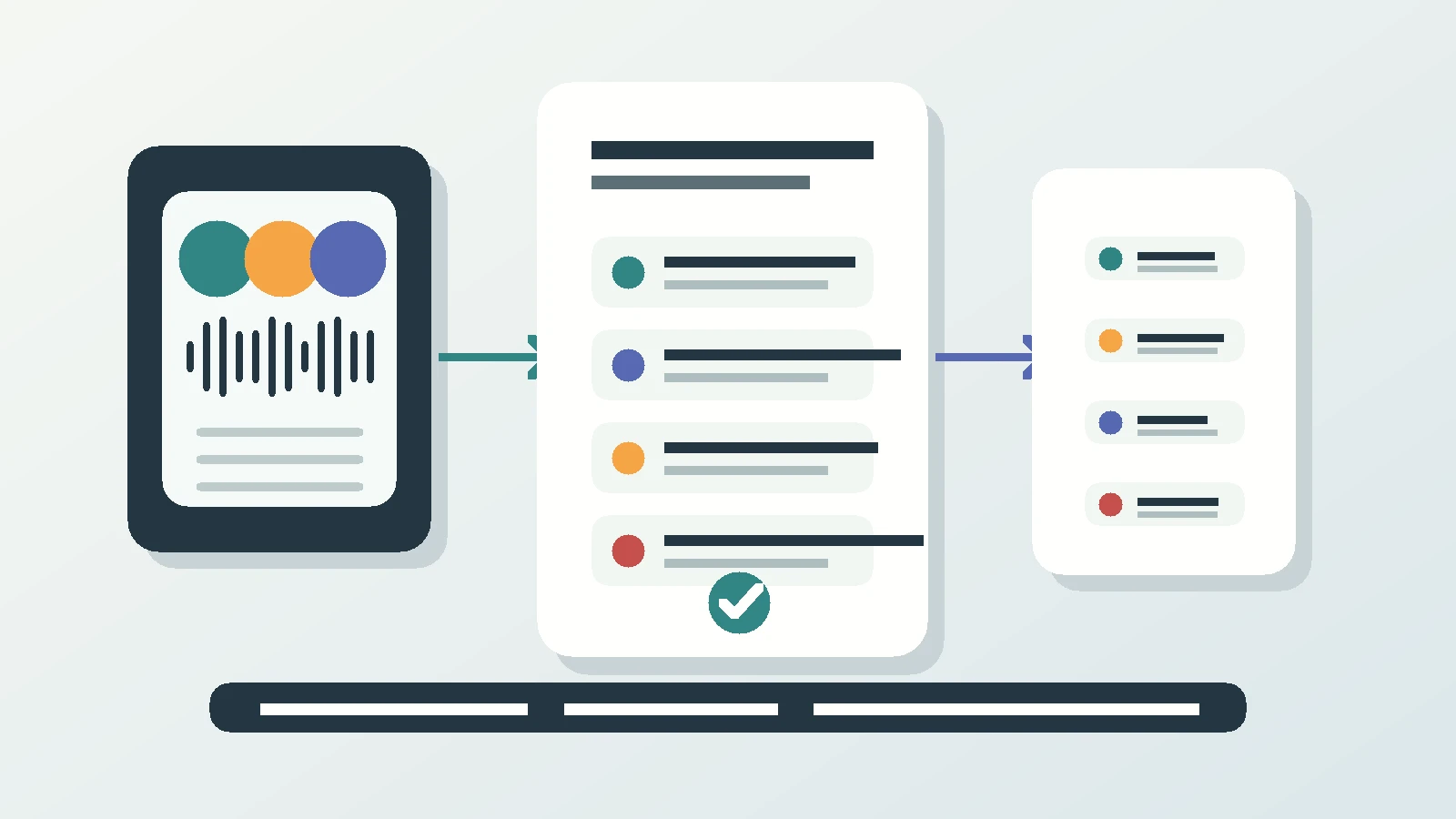
Here is what happens in practice. You tap Start meeting and put the iPhone on the table. The phone shows a visible recording state, so everyone can see it is on. Anyone who cannot make it in person is dialled in by phone and lands on the same transcript as the people around the table. No video link, no bot, no app for the client to install.
Speakers are separated, and they get named when they introduce themselves. When you stop the meeting, the summary, the decisions and the follow-ups are ready. The transcript is the record, so the wording is there rather than your recollection of it. If the room switches language, which happens often enough in cross-border work, the transcription follows. Language detection is automatic and covers many languages.
Follow-ups arrive as suggested actions you approve one at a time. Call someone back, put the agreed date in the calendar, create a reminder, save a new contact, or turn a spoken list into a Reminders checklist. Nothing fires on its own. The time-sensitive ones show up on the lock screen with buttons, so the callback you promised in the room does not quietly die in your notes app.
Worth being precise about one thing: it does not write the client email for you. It gives you the summary and the action items you would write one from. You still decide what the client reads.
The meeting is filed to the right project automatically and pushed to Pipedrive as an activity. If you run something other than Pipedrive, the same structured output comes out through the API and MCP into whatever you already use.
A protocol template the record can fill
If you came here for a format, copy this one. It is deliberately boring, because a protocol a client can scan in ninety seconds beats a beautiful one they never open. Superscribe gives you the material for every line below. It does not do the formatting, and it does not write the client email. You write that, from a summary you can trust.
# Protocol: [Client] / [Workshop or meeting name]
Date: [date]  Location: [room or dial-in]
Present: [names and roles]
Apologies: [names]

## 1. Purpose
One sentence on why this meeting happened.

## 2. Decisions
- [Decision] - decided by [name], on [date]
- [Decision] - conditional on [what the client still has to check]

## 3. Discussion worth recording
- [Point raised] - by [name]. Position: [what they actually argued]
- [Disagreement and how it was left]

## 4. Actions
| Action | Owner | Due |
|---|---|---|
| [action] | [name] | [date] |

## 5. Open questions
- [Question] - waiting on [name or party]

## 6. Next session
Date, attendees, what has to be ready beforehand.
Section 3 separates a consultant’s protocol from an admin one, and it is the section people skip because it is hardest to write from memory. With a named-speaker transcript behind it, it takes minutes. Section 5 is the other one worth defending. Open questions are where next month’s scope disagreement is already sitting, in plain sight, if anyone wrote them down.
Why I built this into a phone instead of a bot
I built Superscribe because the most valuable part of my own work kept evaporating between the conversation and the write-up. Not the big decisions. The reasons behind them.
The obvious move would have been a bot that joins video calls. I did not build that, because the meetings that decide consulting engagements are often not on video. They happen in a client’s room, with the laptop shut and someone dialling in by phone. The one device already there is the phone in your pocket.
So Superscribe captures spoken work where it happens, on calls and in the room, and turns it into text, tasks, project context and billable detail. The point is that you stay present in the meeting and stop rebuilding it afterwards.
Next step
Test it on your next client session
Record one meeting and see how much of the protocol is already written when you stand up.
FAQ
Does this replace my meeting protocol software? No. Keep the tool that stores and distributes your protocols. Superscribe supplies the record they are written from: transcript, summary, decisions and follow-ups.
Do remote participants need to install anything? No. They are dialled in by phone and appear on the same transcript as the people in the room. There is no bot, no video link and no app for the client.
What happens to the record after the meeting? It is filed to the right project automatically and pushed to Pipedrive as an activity. Anything else can pull the same structured output through the API and MCP.