meeting transcription app for iPhone
The meeting transcription app for iPhone that ends with minutes, not audio
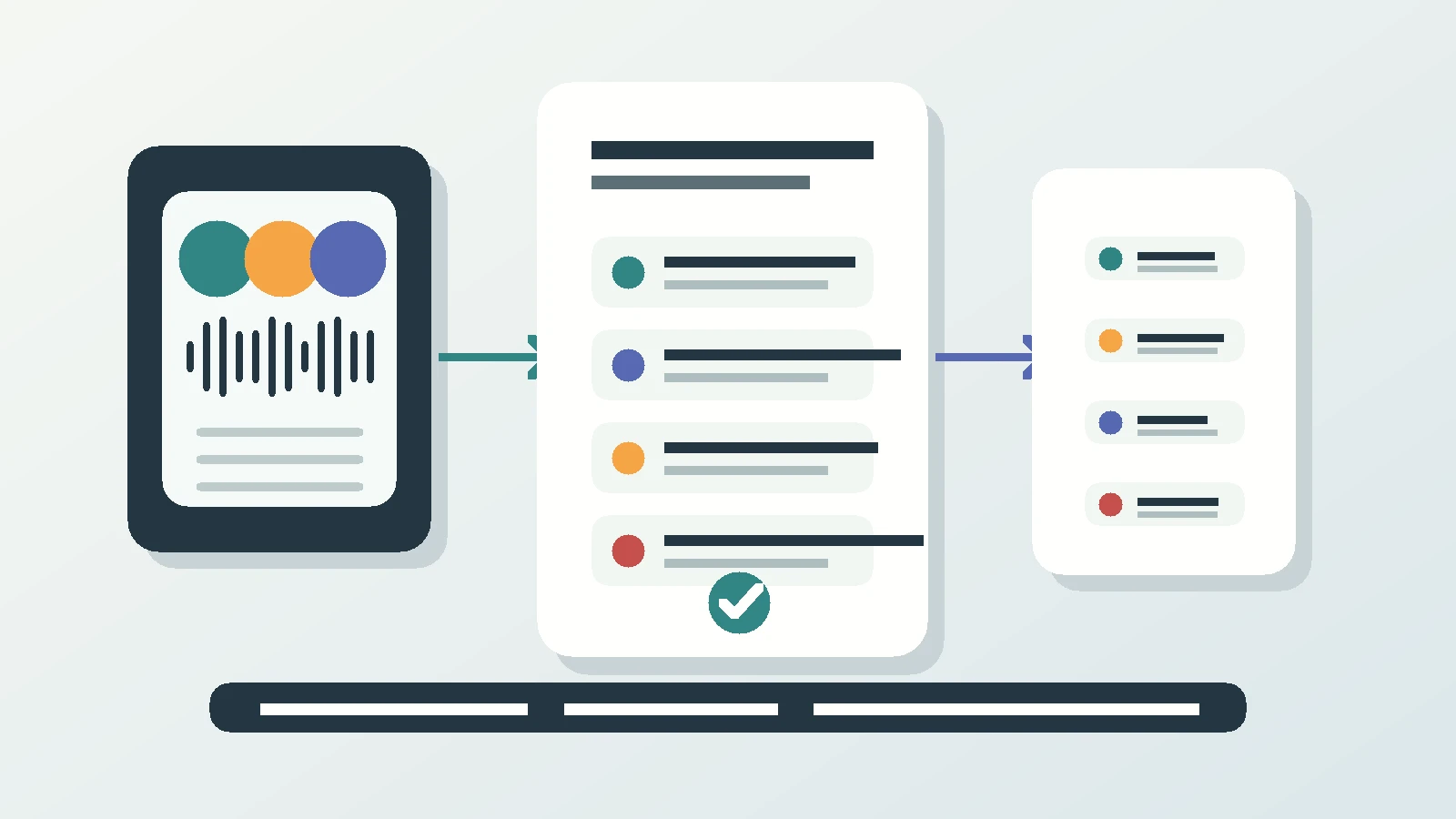
Most transcription apps hand you an audio file and a wall of unattributed text, or they need a video link to join. Superscribe Phone records the room from the iPhone on the table, separates the speakers, and has the decisions and follow-ups ready when the meeting breaks up.
Superscribe
Stop rebuilding calls from memory
Use Superscribe to capture the words, context, next steps, and time while the work is still happening.
If you are hunting for a meeting transcription app for iPhone, you are probably not hunting for an audio file. You want the thing you have to produce afterwards: a record of who said what, what got decided, and who owes what by when. The recording is raw material. The minutes are the deliverable the client reads.
That is where most tools stop. Search for a meeting transcription app for iPhone and you find two shapes of product. The first records audio and hands back a long block of text with no speakers and no structure, so you still read it all and rewrite it by hand. The second is a bot that has to be invited to a video link, which is no help when the meeting is four people around a table in your client’s office and your phone is the only device in the room.
For consultants, that second case is most of the valuable work. Kickoffs, steering calls, workshops, the twenty minutes at the end of a site visit where the scope quietly changes. None of it has a join link.
What a meeting transcription app for iPhone actually has to do
Three jobs, and only three.
Capture the room rather than a stream. The source is people talking near a phone, not a browser tab.
Separate the speakers. A transcript where the client’s finance lead and operations lead blur into one voice cannot become minutes, because minutes are mostly attribution. “They pushed back on the timeline” is worthless. “Their finance lead pushed back and asked for a fixed cap” is the sentence you build the next proposal on.
End with output, not homework. An app that hands you a wall of text has moved the work, not removed it.
Superscribe Phone does this from the iPhone in your pocket. Tap Start meeting, put the phone on the table, and the recording state stays visible so nobody is recorded quietly. Speakers are separated, and named when they introduce themselves. When you stop the meeting, the summary, the decisions and the follow-ups are ready.
The unpaid hour that follows every good meeting
Consulting margin rarely leaks through discounting. It leaks through recap. The meeting ends at four, you write down the three things you must not forget, and at nine that night you rebuild the rest from memory because the client expects a summary in the morning. That hour is real work at a real rate and nobody pays for it.
The worse cost is the nuance. In the room you heard the hesitation before they agreed to the March date. By nine at night you have the date and not the hesitation, so your follow-up sounds confident about something the client was not. That is what turns into a scope argument in month three.
I built Superscribe because I kept seeing that pattern. The spoken part of the work is where the value gets created, and it was the only part with no system behind it. Capture speech as it happens, turn it into text, tasks and billable context, and nobody rebuilds it later from a decayed memory.
Recording the room with no bot and no video link
The setup is deliberately boring, because boring is what survives a client meeting. You keep your own number and your phone company. For calls, you set up call forwarding once, and your calls then ring in the app. No new phone system, no extensions, nothing your client installs. A phone call gets transcribed and summarised the same way a room does.
For meetings, you tap Start meeting and set the phone down. If someone could not travel, they join by phone onto the same transcript as the room, so the remote attendee is not a second set of notes to reconcile. Transcription handles many languages and detects them automatically, which matters when a client switches into their own language for two minutes.
From the stopped meeting to the minutes you send
Every meeting and call comes back as a title, a summary and suggested actions, a short fixed set: call someone back, add an agreed time to the calendar, create a reminder, save an unknown caller to contacts, or turn a dictated list into a Reminders checklist. Each is one tap and nothing fires on its own. Time-sensitive ones appear on the lock screen with buttons, so the callback you promised for tomorrow is a tap, not a note you meant to make.
Be clear about what this is not. Superscribe does not write or send your client email. It gives you the record you would have written that email from: the transcript with the speakers separated, the decisions and the follow-ups. Judgement about tone and scope stays yours, which is what the client pays for.
Here is the skeleton to keep in a snippet and paste after each meeting. Copy it as is.
# Minutes: [Client] [Project]
Date:
Attendees: [in the room]
Dialled in: [by phone]

### Context
Why this meeting happened and where the work stands.

### Decisions
- [Decision]. Agreed by [name]. Any condition attached.

### Actions
| Action | Owner | Due date |
| --- | --- | --- |
| [What happens] | [Name] | [Date] |
Superscribe supplies the record those sections get filled from, not the formatting. Attendees come from the separated speakers, context from the summary, the decisions section from the decisions, and the actions, owners and dates from the follow-ups.
Where the minutes go before you forget them
Calls and meetings are filed to the right project automatically, so a Tuesday of six client conversations does not end as one pile. Each one is pushed into Pipedrive as an activity. Pipedrive is the integration we name. For anything else, the API and MCP pull the transcript, summary and actions into whatever you run.
A room is recorded on the iPhone. The Mac and Windows apps record video meetings from your own computer, but not a room, so the phone goes in the room. The iPhone app is free to download from the App Store. Recording needs a paid plan, from €49 a month, with a 30-day money-back guarantee on your first month. Business Voice adds seats and pooled minutes for a whole practice, so a team works off one record instead of six notebooks.
Next step
Open your calendar and pick the meeting to test this on
Choose the next client meeting where follow-up matters, record the room, and compare the minutes to what you would have typed at nine that night.
Questions consultants ask first
Does anything join the meeting or appear on the client’s screen? No. There is no bot and no video link. The iPhone on the table records, with the recording state visible in the app, and remote attendees dial in by phone onto the same transcript.
How does it know who is speaking? Speakers are separated automatically, so each voice is its own thread in the transcript rather than one block. A speaker gets a name when they introduce themselves out loud. On a steering call where nobody does introductions, that voice stays separated but unnamed, and you put the name on it when you write the minutes. Separation is the hard part and it is done for you.
Will it write the client follow-up email for me? No. It gives you the summary, the decisions and the follow-ups as one-tap suggested actions. You write the email from that, with the transcript there to check against.