brokers meeting notes
Broker meeting notes that keep the figures and their conditions together
A client remembers the rate; the file note remembers only that pricing was discussed. Record the room on an iPhone and keep the numbers, speakers, conditions, and next actions attached.
Superscribe
Stop rebuilding calls from memory
Record one client meeting and check whether a colleague can see what was quoted, what qualified it, and what happens next.
Broker meeting notes have a specific failure mode. The meeting is detailed. The file note is not. A rate, excess, fee or condition gets discussed, but the record says only “reviewed options with client.”
That line may be technically true, yet it cannot answer the question that arrives later: which option, under which condition, and what did the broker promise to check?
Insurance, mortgage and finance conversations contain numbers that sound decisive even when they are provisional. A good record keeps the figure and its qualification together. It also keeps the speaker, the decision and the next action separate instead of flattening all four into a summary paragraph.
What broker meeting notes need to preserve
A figure without context is often worse than no figure because it looks authoritative. Useful notes keep the number beside the condition that made it true.
| Spoken detail | What the record needs |
|---|---|
| “That rate is available if the valuation holds” | Rate plus valuation condition |
| “The excess could be 1,000 or 2,500” | Both options and what changes between them |
| “I will check with the underwriter on Friday” | Owner, action and date |
| “We prefer the lower premium” | Client preference, not a confirmed selection |
The transcript is the source for exact wording. The summary is the daily working view. Decisions and follow-ups give the file a shape another person can understand without replaying the entire meeting.
How Superscribe captures a room meeting
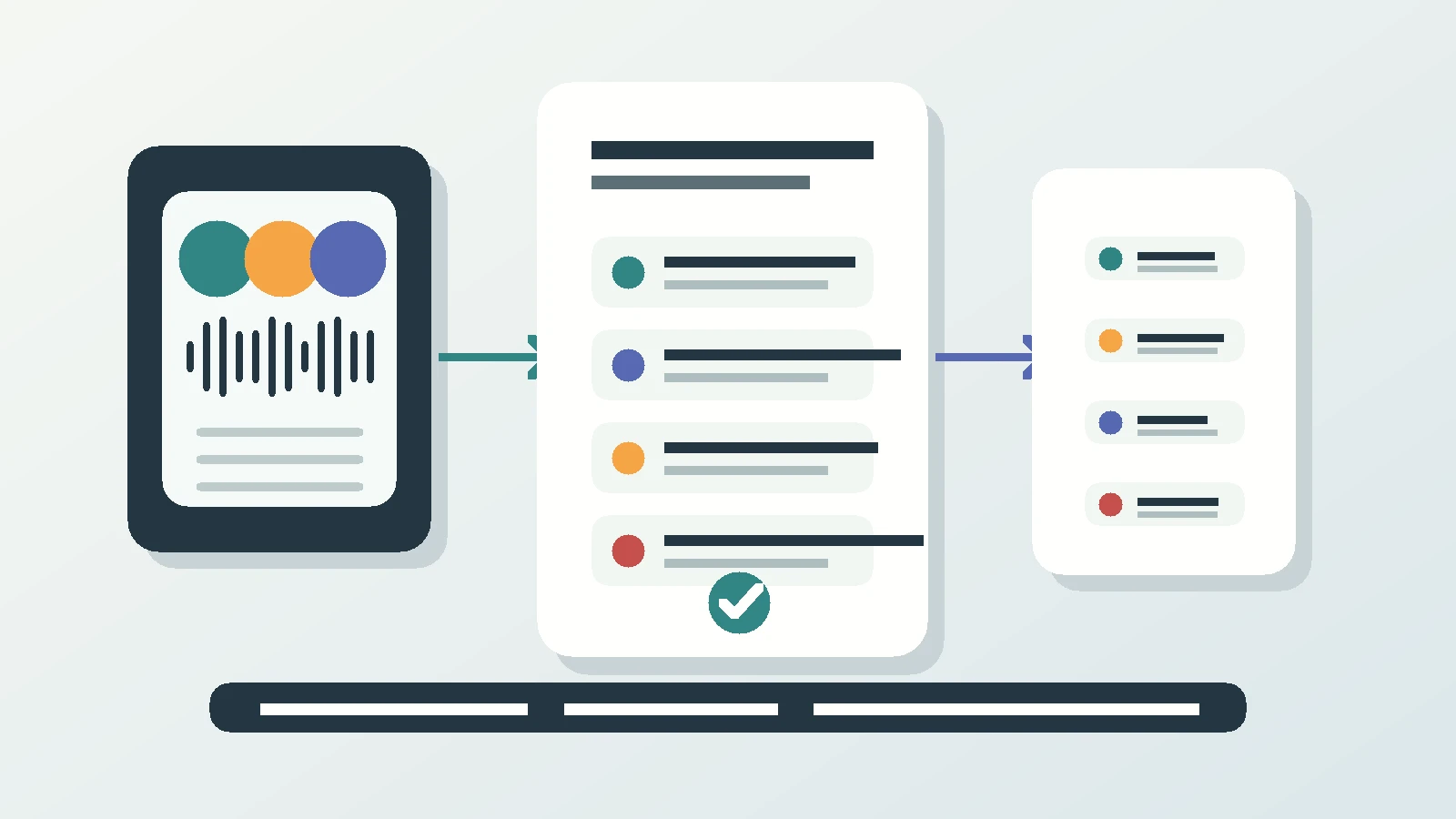
Superscribe Phone is an iPhone app. It is free to download from the App Store. Recording needs a paid plan, from €49 a month. Meeting mode records from the phone in the room. The recording state is visible, and the people speaking are separated in the transcript. If they introduce themselves, their names can be attached to their turns.
A client, lender or colleague who is not in the room can be dialled in by phone and included in the same transcript. When the meeting stops, Superscribe prepares minutes with the summary, decisions and follow-ups.
It may suggest a callback, calendar event, reminder, saved contact or Reminders checklist. Nothing fires automatically. Each action waits for the broker to check and tap it. Superscribe does not draft or send an email or message.
The visible recording state helps make capture apparent. It does not replace the broker’s responsibility to handle disclosure, consent, retention and industry rules that apply to the meeting.
Phone calls belong in the same client trail
Much of a broker’s work happens after the meeting, on ordinary calls. Superscribe captures those calls on the number the broker already uses. The client does not install an app, dial an extension or join a bot.
After a call ends, it receives a transcript, title, summary and suggested actions. Many languages are supported with automatic detection. The retained audio and transcript remain available when an exact figure or phrase needs checking.
Calls and meetings can be filed to the correct project automatically and pushed into Pipedrive as activities. Another system can retrieve the record through the API or MCP. That is different from claiming a direct connection to every broker platform.
Why I built around the spoken source
I built Superscribe after too many evenings spent reconstructing work that had already been explained clearly out loud. My first version of the record was the conversation. The later typed version was a shorter copy made from memory.
I had considered the phone app years earlier and set it aside because making normal calls produce structured work looked too difficult. Other voice projects eventually made the shape clearer. A Starlink call from a flight later proved that the call could become a useful record while I was far from a desk and still using the number people knew.
That matters for brokers because the detail should not depend on where the conversation happened. A quote discussed at a client’s table and a clarification made from an airport should end up in the same kind of record.
A record is not a compliance promise
The transcript and audio create a stronger source trail than a sentence written from memory. They do not make a file compliant by themselves. Different brokerages, products and jurisdictions require different disclosures, approvals and retention practices.
Superscribe gives the broker something concrete to review. The organisation still decides what belongs in its formal record, who may access it and how long it should be retained. A recording alone cannot decide whether a file meets those rules.
Questions brokers ask
Can a remote client join the same meeting record?
Yes. They can be dialled in by phone and included with the room audio in one transcript.
Does Superscribe create the promised callback automatically?
No. A callback or reminder can be suggested, but the broker must tap it.
Can I search the exact number later?
The transcript and audio remain with the record, so the source can be checked rather than reconstructed from the summary.
Use a meeting where the numbers matter
Test whether the conditions survive
Record one informed client meeting, then review it the next day. The test is whether the figure, qualification and promised next step still sit together.