real estate agents meeting notes
Real estate meeting notes that survive the drive to the next viewing
A buyer explains what changed while standing in the property. Put your iPhone on the table, keep the conversation natural, and leave with a named-speaker record instead of three words in the car.
Superscribe
Stop rebuilding calls from memory
Record one buyer, seller, or vendor meeting and check whether the detail is still there after the next appointment.
Real estate agent meeting notes usually happen in the wrong place. The useful conversation happens in a kitchen, office or empty living room. The note happens later in a parked car, or at night after several properties have started to merge together.
That delay removes exactly the details an agent needs. “Liked the house” survives. The concern about the upstairs layout, the seller’s timing and the promise to check the heating records do not. A generic recap is easy to write and hard to use.
The phone already travels to every viewing. The practical answer is to let it record the meeting in the room, with a visible recording state, then turn that source into minutes while the people and property are still easy to identify.
The detail that viewing notes tend to lose
Property meetings contain several kinds of information at once. A buyer reacts emotionally to the space, asks factual questions and makes conditional decisions. A seller gives dates that affect the chain. A contractor or photographer promises something by a specific day.
A useful record keeps those categories separate:
| What was said | What you need later |
|---|---|
| “The garden works, but the road noise may not” | Preference plus unresolved objection |
| “We can move after the school term” | Timing condition, not a fixed date |
| “Please send the heating costs” | Promised follow-up and owner |
| “We would offer if the survey is clean” | Conditional intent, not an offer |
That distinction matters. Software should not turn a conditional sentence into a definite event because it wants to look helpful.
How the iPhone meeting workflow works
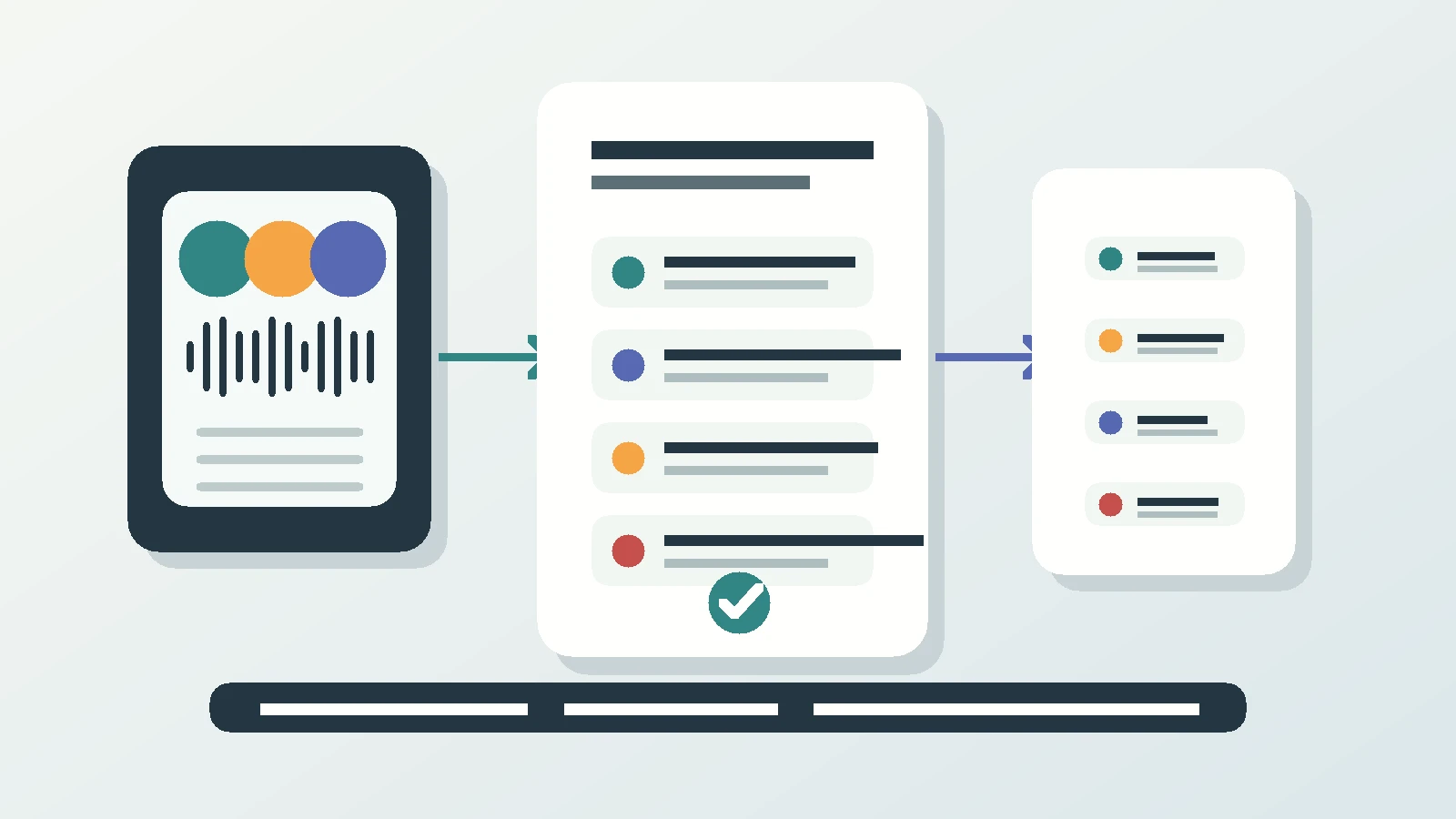
Superscribe Phone is an iPhone app. It is free to download from the App Store. Recording needs a paid plan, from €49 a month. For an in-person meeting, tap Start meeting and place the phone on the table or another clear spot. It records the room without adding a bot or requiring a video link.
The transcript separates the people speaking. When they introduce themselves, their names can be attached to their turns. A solicitor, owner or colleague who cannot attend can be dialled in by phone and included in the same transcript.
At the end, Superscribe prepares meeting minutes with a summary, decisions and follow-ups. Suggested actions are deliberately limited: call someone back, create a calendar event, set a reminder, save a contact or turn a spoken list into a Reminders checklist. Every action waits for your tap. It does not draft or send an email or message.
Recording rules differ by place and situation. The visible state makes the capture apparent, but the agent remains responsible for disclosure and consent where required.
The same client record can include phone calls
The conversation rarely ends when everyone leaves the property. Buyers call from the road. Sellers ring after speaking to family. A vendor changes a date. Superscribe captures regular phone calls on the number you already use, with no new number for clients and no meeting bot on the line.
After a call ends, it receives a transcript, title, summary and suggested actions. Calls and meetings can be filed to the correct project and pushed into Pipedrive as activities. Other systems can retrieve the data through the API or MCP. The page does not pretend that every real estate CRM has a direct integration.
The result is one source trail across the viewing and the calls around it, rather than separate scraps named “Smiths” and “Tuesday house”.
Why I built the phone side
I built Superscribe because spoken work kept becoming admin later. I could explain something clearly in a conversation, then produce a worse written version from memory several hours afterwards.
An early idea for a phone app was put aside because it was too hard. I returned to it after building other voice tools and seeing the same missing link: work that starts in a call or a room should not need a person to recreate it at a desk. Making normal calls over Starlink during a flight later showed that the record could follow the conversation even when the desk was nowhere nearby.
Real estate is an obvious test. If a tool only works when an agent gets back to a laptop, it has missed the working day.
Questions agents ask
Does the client need an app?
No. In a room, the iPhone records locally through Superscribe’s meeting mode. On a call, the client dials the same number they already use.
Will it recognise property terms and names?
Superscribe transcribes many languages with automatic detection. Names can still need a human check, which is why the transcript remains available and suggested actions require approval.
Can it send the viewing follow-up for me?
No. It provides the summary and action items you write from. It does not draft or send emails or messages.
Test the next viewing, not a demo script
See what you still remember at the next property
Record one real meeting with everyone informed, then read the summary after your next appointment. The useful test is whether the small conditions and promises survived.