Saving a Follow-Up From the Car Without Touching the Phone
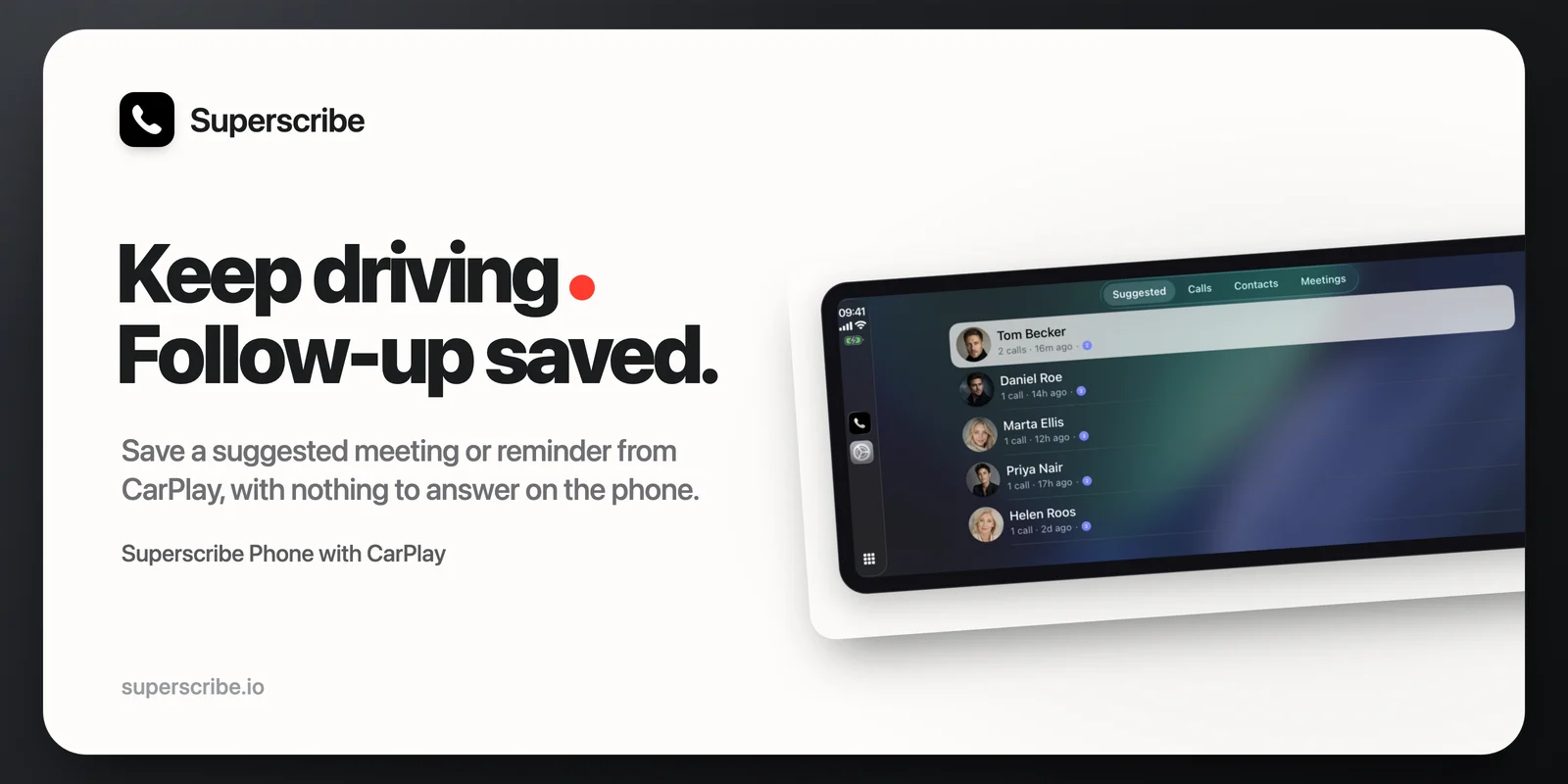
Version 1.2.1 put call notes in the car. Then I drove with it for a few days, and the car found the parts I had only tested while parked.
Superscribe Phone 1.2.2 is out. It is a small release, and most of it came from an actual drive.
Saving a follow-up no longer needs the phone
A call ends, the app suggests putting the agreed date in your calendar, and you tap that on the car display.
Before, the phone would then ask for calendar access. On the phone. Which is in your pocket, or in the cradle, and either way you are driving and cannot deal with it. So the suggestion sat there unsaved.
Now it just saves. If you have not given the app calendar or reminders access yet, the car tells you so in plain words and the suggestion waits for you until you are parked. Nothing pops up on the phone.
Tapping a name no longer calls them
Under Suggested, tapping a person used to dial them straight away.
Sometimes that is what you want. Often you tap a name because you want to remember what the last call was about, not because you want to ring them right now.
Now a tap opens their latest call: the summary, when it was, and a Call back button. You dial when you mean to.
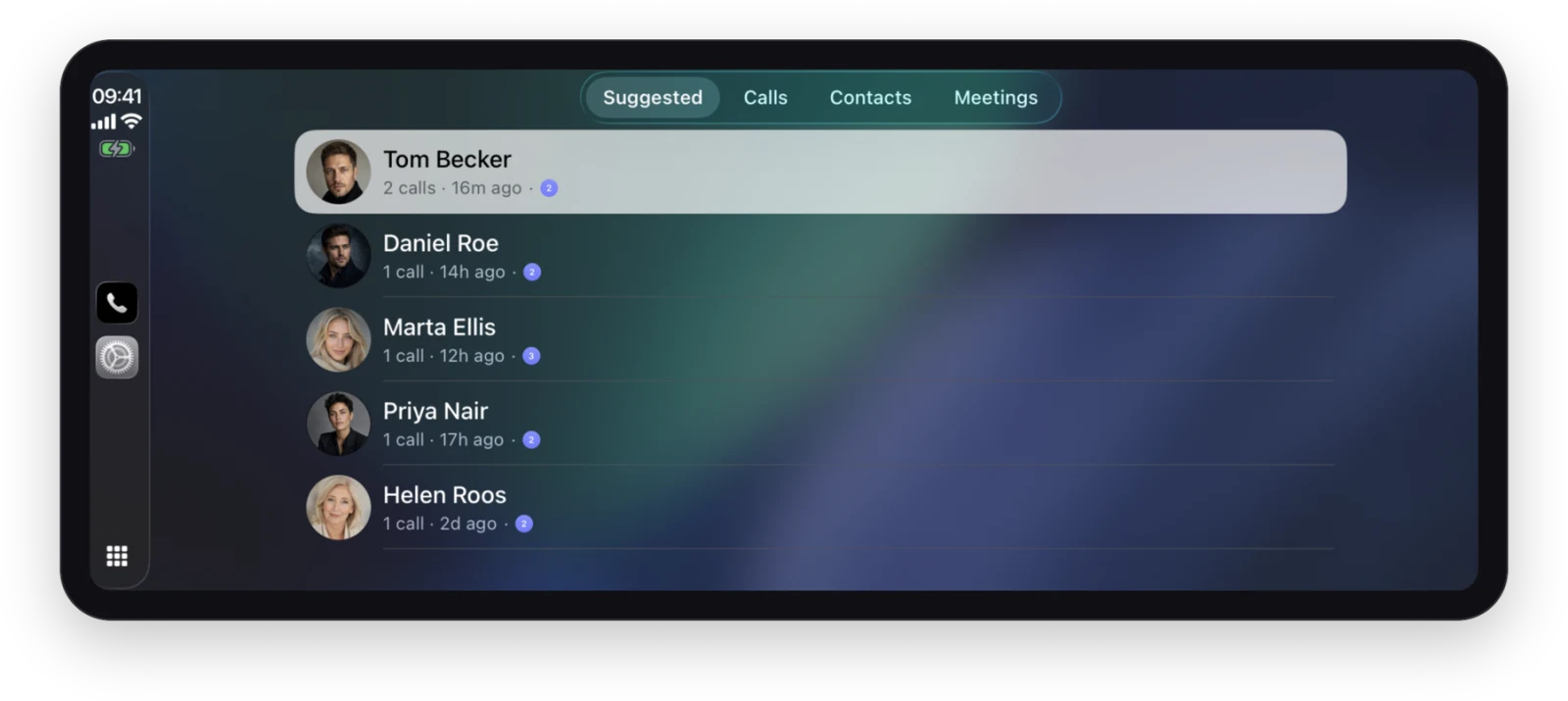
The badge on each row is how many follow-ups are still waiting on that person. It is a little bolder in 1.2.2 than in this shot. The screenshot is from a demo account; the faces and call history are not real people.
Calls from the car work from a cold start
If the app woke up in the car without you opening it on the phone first, calling from the car could fail with a message about your caller ID not being verified, when it was verified perfectly well. Fixed. The car and the phone now agree about whether you can make a call.
Smaller things
- Tapping a follow-up notification opens that call’s actions in the car, not a general screen.
- Contact cards now have Message next to Call, like the built-in contact cards, when there is room for it.
- The Meetings tab stopped flickering when it refreshed.
- Settings on the phone opens instantly instead of filling in row by row.
The card on the lock screen
When a call produces something worth doing, it also shows up as a card on the lock screen. In the car that card is now smaller, and tapping it opens the right screen instead of showing buttons that do not work there.
The sparkle icon on those cards is gone too. It is the Superscribe mark now. A sparkle means “a language model did something here”, and what the card is actually telling you is that you promised someone a date.
Why so much of this is about not asking
Reading the list back, most of 1.2.2 removes a question rather than adding a feature. No permission dialog, no accidental call, no false failure, no flicker.
That is the shape the car forces on you. A phone app can afford to ask. In the car, every question is either ignored or dangerous, so the app has to do what it can on its own and be honest about the rest until you are parked.
Get it
Superscribe Phone 1.2.2 is on the App Store now. The car parts need CarPlay in the vehicle and the app on the phone, nothing else.
If you have not used the car side yet, the 1.2.1 post covers what the four tabs do. And if your calls happen at a desk rather than a wheel, the desktop app now records those too.