Three Free Tools for Calls, Notes and Dictation
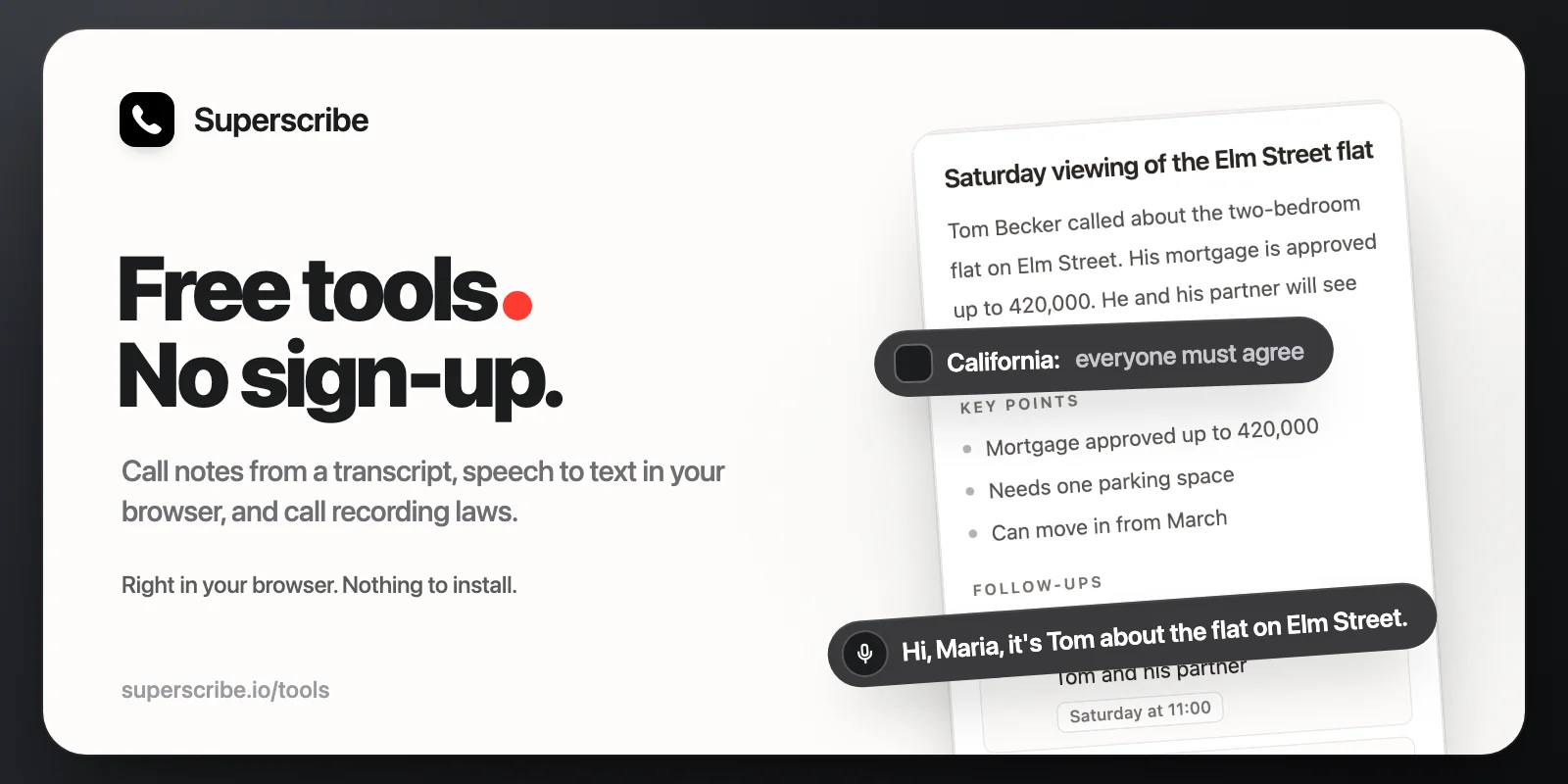
Superscribe now has three free tools on its website: a call notes generator, speech to text, and a call recording law checker. You use them right in your browser. There is nothing to install, no account and no card. You find all three at superscribe.io/tools.
Call notes from a transcript
Paste the transcript of a call or a meeting, and the call notes generator writes the note: a short summary, the key points, the follow-ups, with the day when one was said, and a note ready to paste into your CRM. A transcript from Zoom, Teams or Google Meet works, and so does the one your phone made. Timestamps and names can stay in.
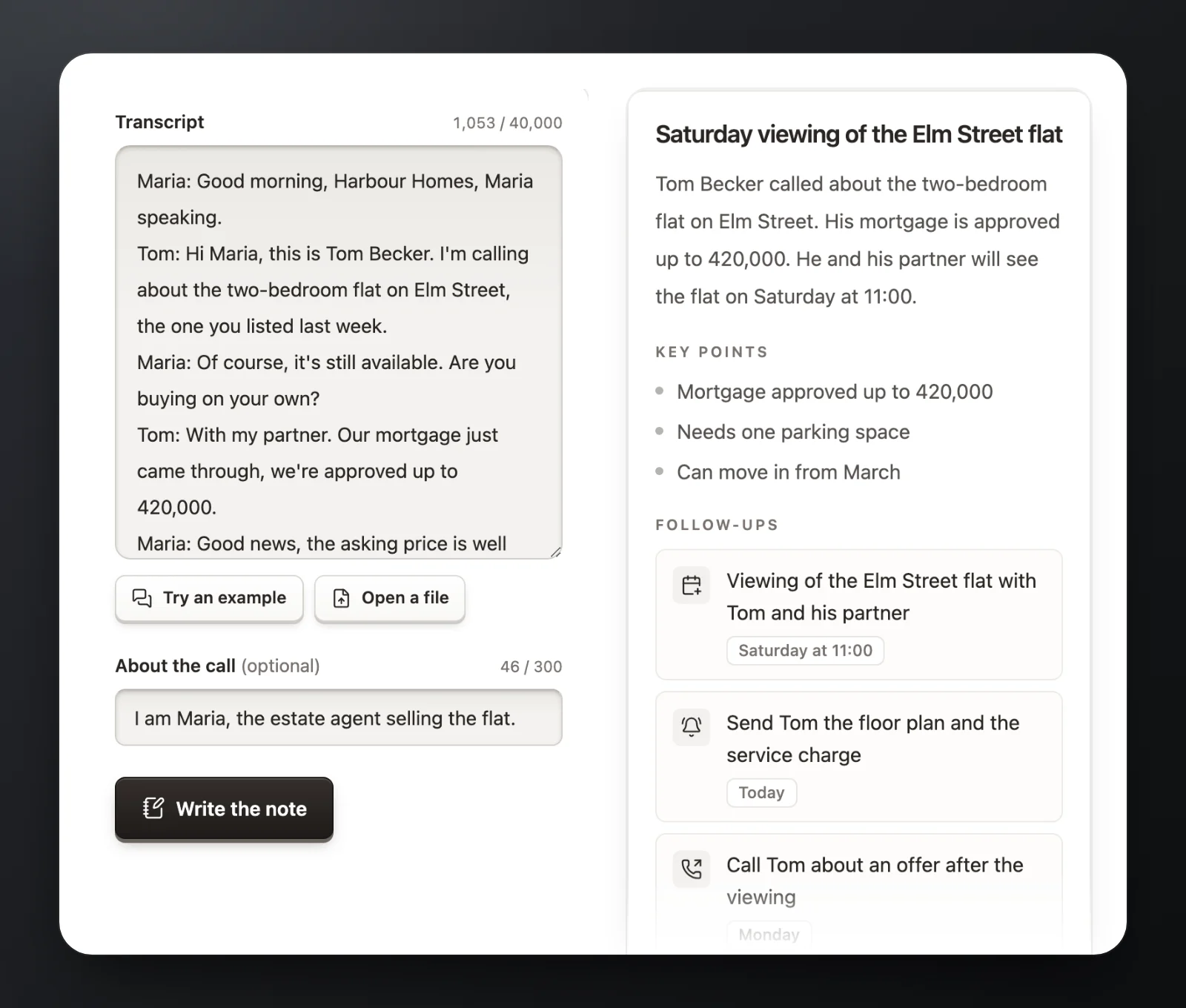
- The note comes back in the language of the call.
- A transcript can be up to 40,000 characters, about 45 minutes of talk.
- If you like, add a line about the call, such as who you are or what the note is for.
- Each visitor can write up to 10 notes a day, and up to 5 in any 10 minutes.
- To write the note, your transcript goes to Superscribe and to Claude, the AI from Anthropic. Superscribe does not keep a copy.
Speech to text that stays on your device
Dictate into your microphone, or open a recording, and get the text back. A voice memo, a voicemail or a call recording works, as an MP3, M4A, WAV, OGG or WebM file.
Most online transcription sends your audio to a server. This tool does the speech recognition inside your browser, so your audio is never uploaded, to Superscribe or to anyone else. The first time you use a language, your browser downloads its speech model, between 29 and 233 MB. Your first recording also downloads a 46 MB model for the speaker labels. After that, it starts in a few seconds.
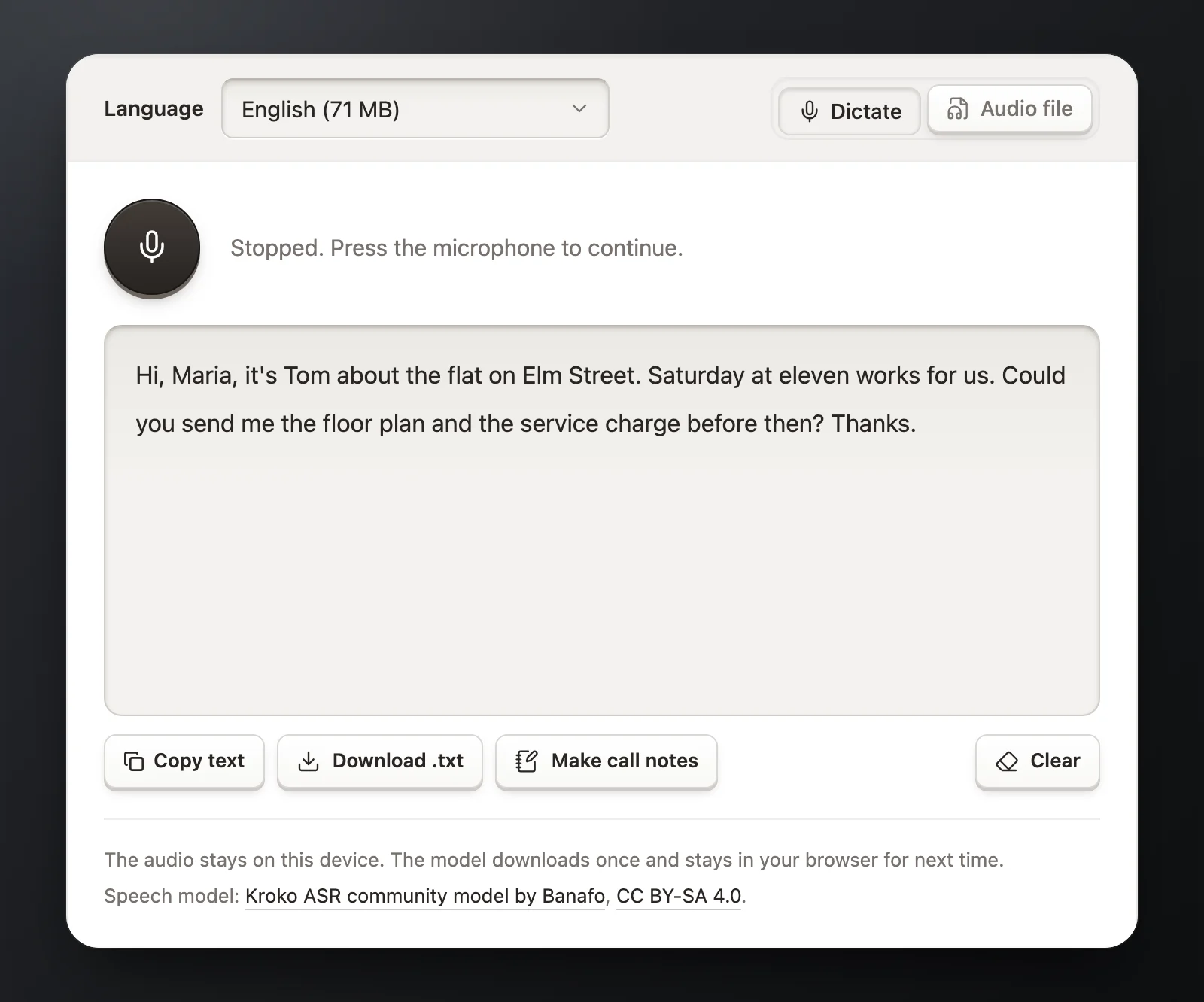
- Ten languages: English, Estonian, German, French, Spanish, Italian, Dutch, Portuguese, Swedish and Russian.
- Capital letters and punctuation as you speak, in every language but Russian.
- Recordings of up to 30 minutes and 200 MB each.
- In a recording with more than one voice, the text comes back by speaker. Type in their names, or press Find names to fill in the names people say in the recording. For that, only the text goes to Claude, the AI from Anthropic, never the audio. Speaker labels work best when people take turns.
- When you are done, copy the text, save it as a file, or click Make call notes to take it to the call notes generator.
Do you want to dictate into any app, not just this page? Superscribe Lite does that on your Mac or PC, for free and with no account.
Can I record this call?
The rules for recording a phone call differ from country to country, and in the US from state to state. Choose where you are and where the other person is. The checker tells you whether your own consent is enough or everyone on the call must agree, and shows the law behind the answer.
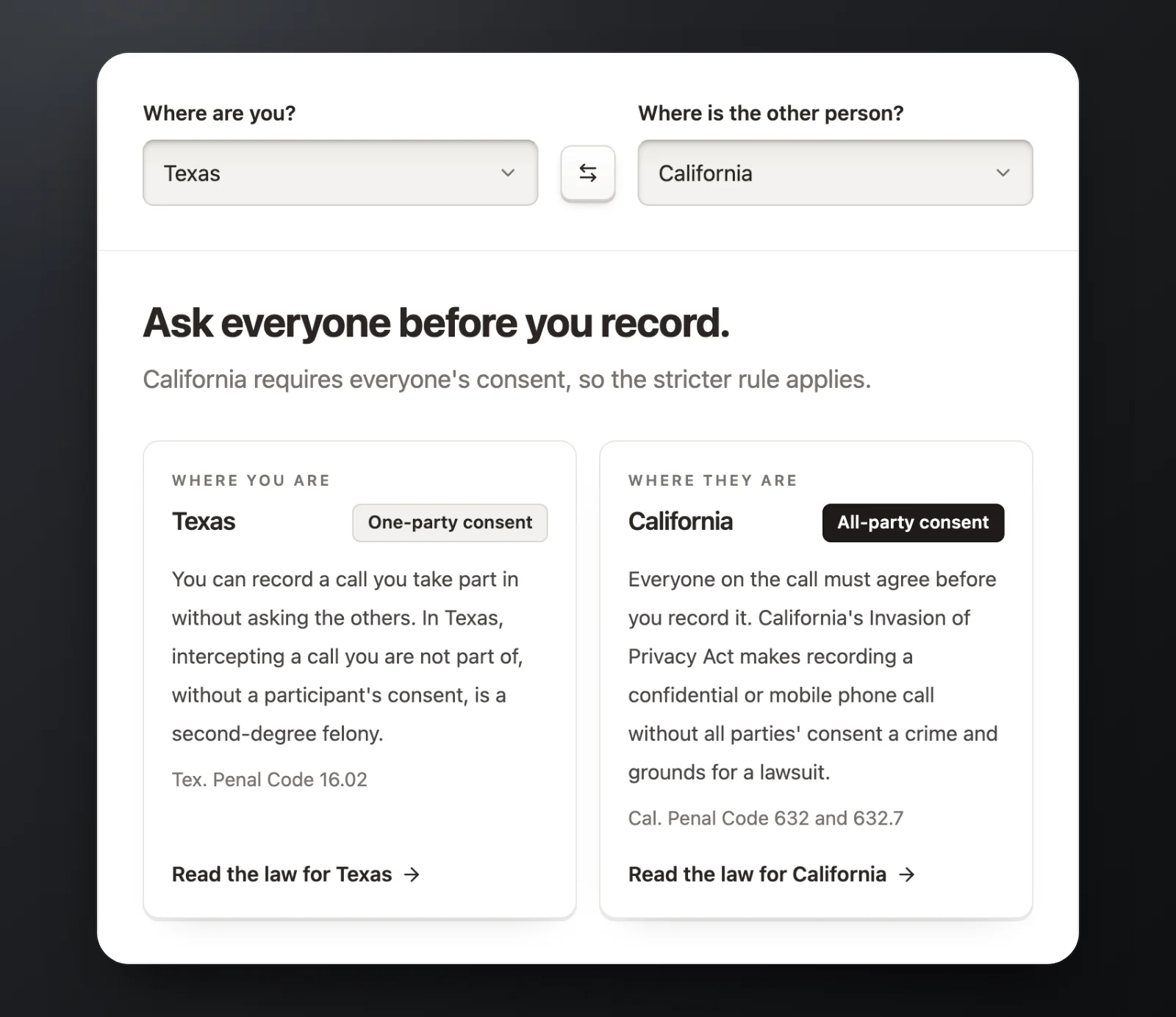
It covers all 50 US states, Washington, DC and 33 countries: the 27 EU countries, Iceland, Norway, Switzerland, the United Kingdom, Canada and Australia. Each place has its own page with the rule, what counts as consent, the penalties and the sources. Each page also has a line you can say at the start of the call. Every page has it in English, and every country except the UK, Ireland and Australia also has it in its own language, or languages: Switzerland has German, French and Italian, and Canada has French.
Two things are good to know wherever you are:
- When the two of you are in different places, follow the stricter rule. A call from Texas to California needs everyone’s agreement, and so does a call from Estonia to Germany.
- A business in the EU, the UK or Switzerland has more to do: tell people that you record and why, keep recordings only as long as you need them, and let people ask for theirs. The simplest habit works everywhere: say it at the start of the call, and ask if that is OK.
The answers were checked in October 2026, and every page links its sources. They are a plain summary, not legal advice. If a call matters, read the law itself or ask a lawyer where you are.
Why they are free
Each tool is one piece of what Superscribe does after every business call. The Superscribe app records your calls on the number you already have. When you hang up, the notes are done: the summary, the follow-ups and the entry for your CRM, with no transcript to paste. If a free tool saves you ten minutes after one call, see how Superscribe does it after every call.