What's New in Superscribe: November 2026
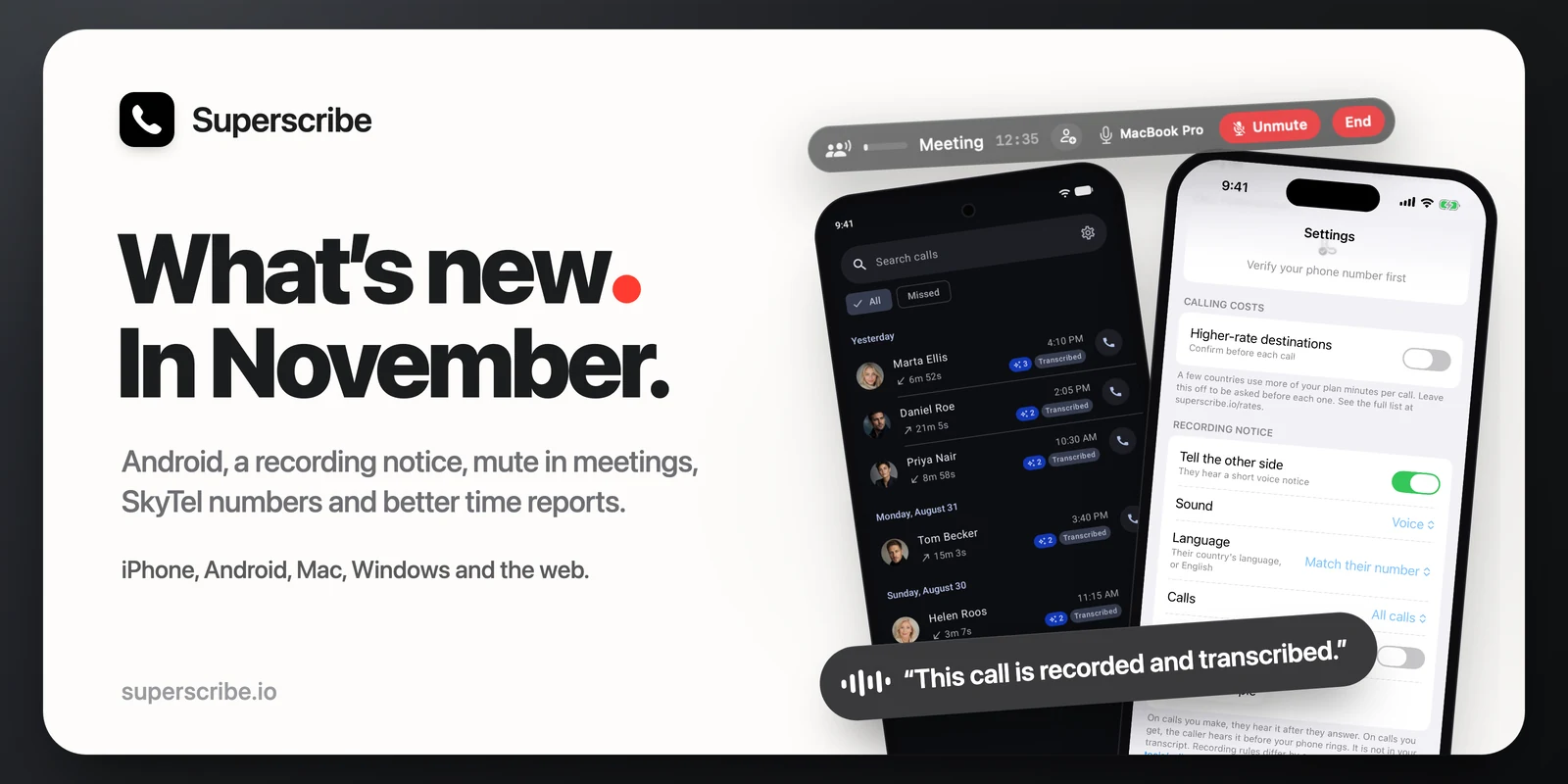
A lot has changed since the last roundup. Here is everything new in Superscribe in one place, with links to the longer posts.
Calls and meetings, on every app
- 25 Oct: Superscribe on Android. The phone app is on Google Play. Read more.
- 3 Nov: a recording notice. When you turn it on, the other side of a call hears a short voice notice that the call is recorded and transcribed, a beep, or both. The voice notice speaks the language of their phone number’s country, and English when there is no match. It is off until you turn it on. Find it in Settings on the web, the iPhone and Android. Read more.
- 4 Nov: Mute in meetings. Leave your microphone out of the recording, and out of the phone line when callers join, without pausing the meeting. On the iPhone, Android, Mac and PC. Read more.
- 8 Nov: connect your SkyTel number. If your number is with SkyTel, scan the QR code on your SkyTel SIP account page in Settings, under Partners. Calls to that number can then ring in Superscribe, and your calls out show it. On the iPhone and Android since 8 Nov. Read more.
iPhone
- 29 Oct: sound after a restart. Calls made or answered after your iPhone restarts no longer connect without sound (1.3.7).
- 29 Oct: hanging up ends the call. When you hang up, the call now ends for the other person too, instead of staying open until they hang up (1.3.8).
- 30 Oct: meetings record to the end. Dictating with the Superscribe keyboard could stop a meeting’s recording early while the timer kept running. Now the meeting keeps the microphone (1.3.9).
- Since 1.3.10: readable keyboard buttons. Correct, Translate, Improve and Shorter no longer look blurred after a dictation on iOS 27.
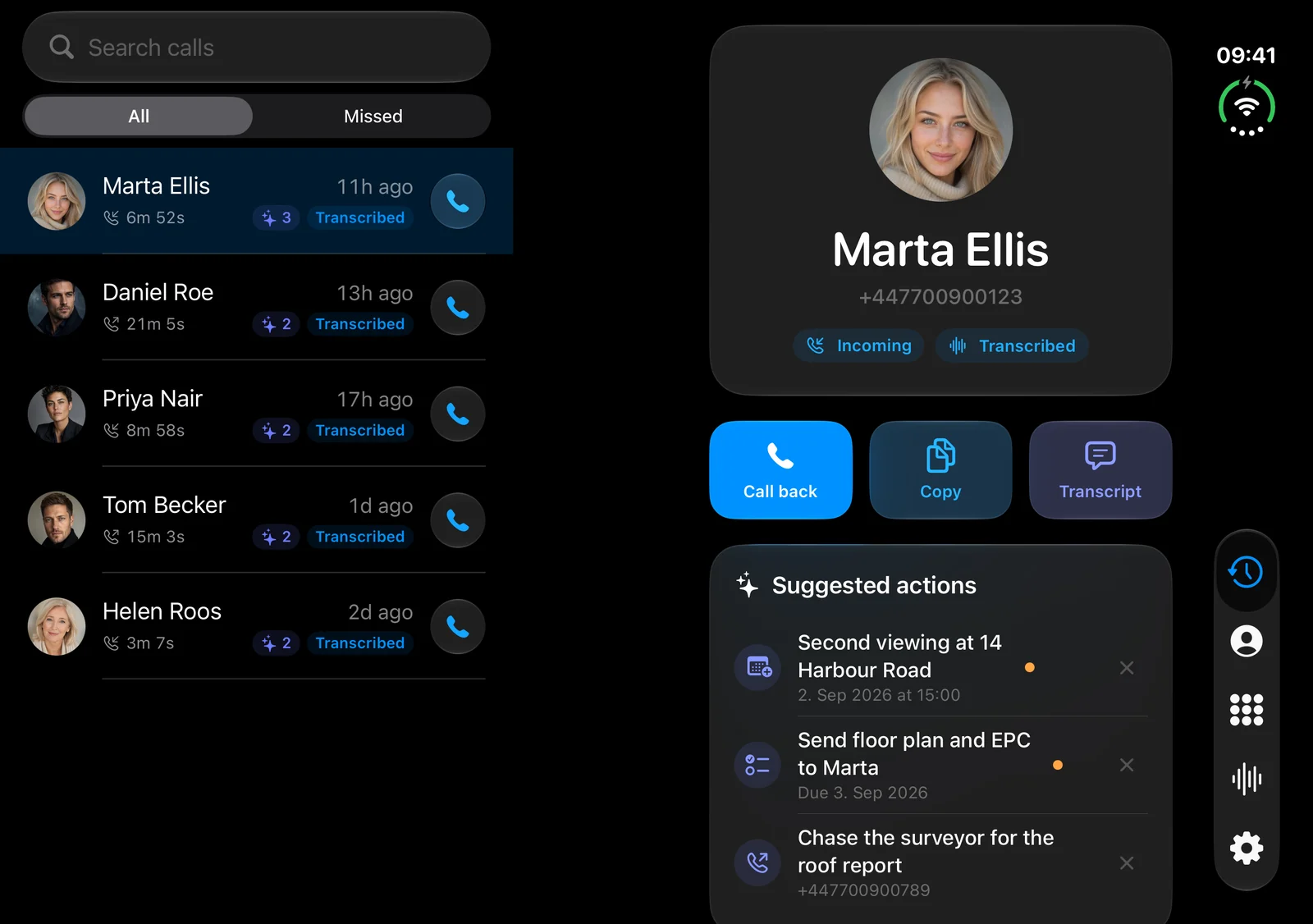
- Since 1.3.12: iPhone Duo. On the inner display, Calls, Contacts and Meetings show the list and the details side by side, and a call shows its live transcript next to the controls.
- Since 1.3.12: meetings pick up again. If a call, Siri or another app takes the microphone during a meeting, the meeting picks up again by itself, and the lock screen says Paused meanwhile.
- 8 Nov: pick the keyboard’s microphone. When more than one microphone is connected, the keyboard shows which one it dictates with, and you can pick another (1.3.13).
Mac and Windows
- 22 Oct: Arabic dictation. With the language set to Automatic, Arabic letters no longer stay on screen next to your English text (Mac 0.4.26, Windows 0.4.15).
- 4 Nov: updates show sooner. The apps look for a new version every 5 minutes, and a small dot on the menu bar or tray icon tells you one is waiting, except while you record (Mac 0.4.27, Windows 0.4.16).
Web dashboard
- 31 Oct: name the speakers in a meeting. Click a speaker’s name in the transcript to rename them. Every line by that speaker changes.
- 31 Oct: Avg Per Day is billed time per client-day. It now counts only the days you billed a client.
- 31 Oct: assistants can edit your time reports. When you make an API key for an assistant like Claude, tick Can edit time reports to let it confirm projects, leave out time and add entries. Without the tick, the key can only read.
- 1 Nov: time reports you can trust. A project can bill confirmed time only, so suggested time bills nothing until you confirm it. Confirm all shows how the bill changes before it applies. Projects with the same name are pointed out, never merged. The report PDFs leave out time with no project.
- 1 Nov: time per day in the detailed PDF. Each day shows its total time, with that day’s entries listed under it.
Get the updates
- iPhone: version 1.3.13 on the App Store.
- Android: on Google Play.
- Mac: version 0.4.27, download it here.
- Windows: version 0.4.16, download it here.
If you already have Superscribe on your Mac or PC, open its menu to update. From Mac 0.4.27 and Windows 0.4.16 on, a small dot on its icon tells you when the next update is waiting.