What's New in Superscribe: October 2026
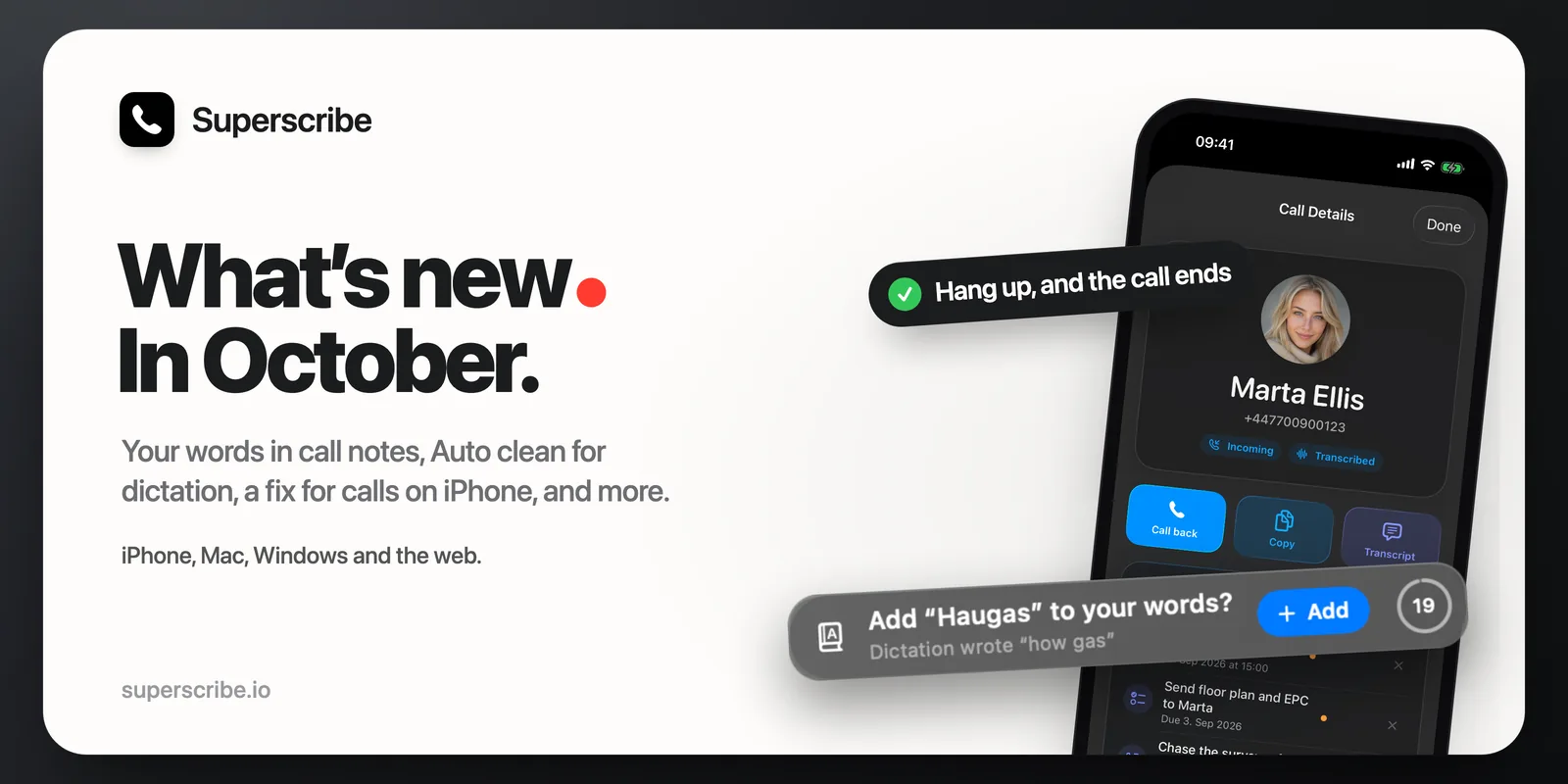
October has been a busy month so far. Here is everything new in Superscribe in one place, with links to the longer posts.
Calls
- Hanging up ends the call right away. When you answered a call in the iPhone app and hung up first, the line could stay open until the other person hung up. Now it ends the moment you hang up. This is in version 1.3.5 of the iPhone app, out since 9 October. If your iPhone has not updated the app by itself, update it in the App Store.
- Your words in your call notes. Superscribe now uses the names and terms you add to Words in your call transcripts too, and so in the summaries and follow-ups. How it works.
- Calls between Superscribe users ring in the app. When you call another Superscribe user from the Superscribe app, on the number they verified, the call now rings in their Superscribe app instead of going out through a phone network. They see your number, and both of you get your notes. If they do not answer, they see a missed call. If they have no plan, are already on a call or in a meeting in Superscribe, or have not answered a call in the app in the last 30 days, the call goes to their phone as before.
Meetings
- Superscribe asks to record your meeting. When a Meet, Zoom or Teams meeting or a WhatsApp call starts on your Mac or PC, a card asks if you want to record it. One click, and no bot joins. Read more.
- Your lines carry your name. A meeting you record on your Mac or PC keeps your microphone apart from the sound of the other people. Since 9 October, Superscribe uses that to tell which voice is yours: when yours is the only voice on your microphone and the others come through your computer’s sound, your lines in the transcript carry your first name.
- Try meetings for free. Without a plan, every account can record 10 minutes of meetings to see how it works, on the iPhone, Mac or PC. The app shows when your free minutes end. In the current apps, the recording then stops and is saved, and you get the notes of what was recorded.
- Your words in your meeting notes, the same as in calls.
Dictation
- Teach Superscribe your words. Add the names dictation gets wrong, with what it writes instead, and Superscribe writes them your way. The first post shows how. Since then, Windows has its own Words tab, and Superscribe offers to add a name you fix by hand. What changed.
- Auto clean. A new switch in the Superscribe menu on your Mac or PC cleans every dictation as it lands: the ums, the false starts and the “wait, no” go. Read more.
- A small countdown at the end of your text. After you dictate on a Mac or PC, a small ring waits at the end of the text, instead of a bar under your cursor. Hover over it for the corrections. Read more.
- The iPhone keyboard, free to try. Without a plan, you get 30 minutes of cloud dictation a month, shared by the Superscribe keyboard and the Mac and PC apps. A short guide in the iPhone app shows how to turn the keyboard on.
Getting started
- A setup checklist and a quick tour on iPhone. New accounts see the steps on the Calls tab: verify your number, show it when you call, choose a plan, make your first call. A quick tour shows what a finished call looks like.
- Plans in the iPhone app. You can choose Solo, Business Voice or Sales right in the app. You can also buy a plan on the web, where it costs less: see the plans.
- Short videos and step-by-step guides at superscribe.io/tutorials, one job in each. Read more.
- A 15-minute setup call. On the home page and the pricing page you can book a 15-minute call with me. I set Superscribe up with you on your own number and answer your questions.
Time and reports
- Calls go where your earlier calls went. Superscribe files each call, meeting and dictation in one of your projects, so your time adds up per client. Now, when three or more of your earlier calls with a number are in your projects and at least four in five of them are in the same one, the next call with that number goes there too. For the rest, Superscribe also looks at what you worked on in the hour before, and when it is not sure, it leaves the recording unfiled for you instead of guessing.
- PDF by week. In Reports in your dashboard, turn on PDF by week and click Detailed PDF. The entries are listed week by week, each week with its own total.
Partners
- A partner program. If you recommend Superscribe to your clients or your audience, you can apply to become a partner. I approve every partner by hand. Partners earn 20% of the Business Voice and Sales subscriptions of the customers they bring, in each customer’s first 12 months, and 10% after that. See the partner page.
Get the updates
- iPhone: version 1.3.5 on the App Store.
- Mac: version 0.4.18, download it here.
- Windows: version 0.4.13, download it here.
If you already have Superscribe on your Mac or PC, quit it and open it again, then open its menu. It shows when an update is available. The desktop apps now also look for a new version every hour.